The dashboard
What the dashboard is for
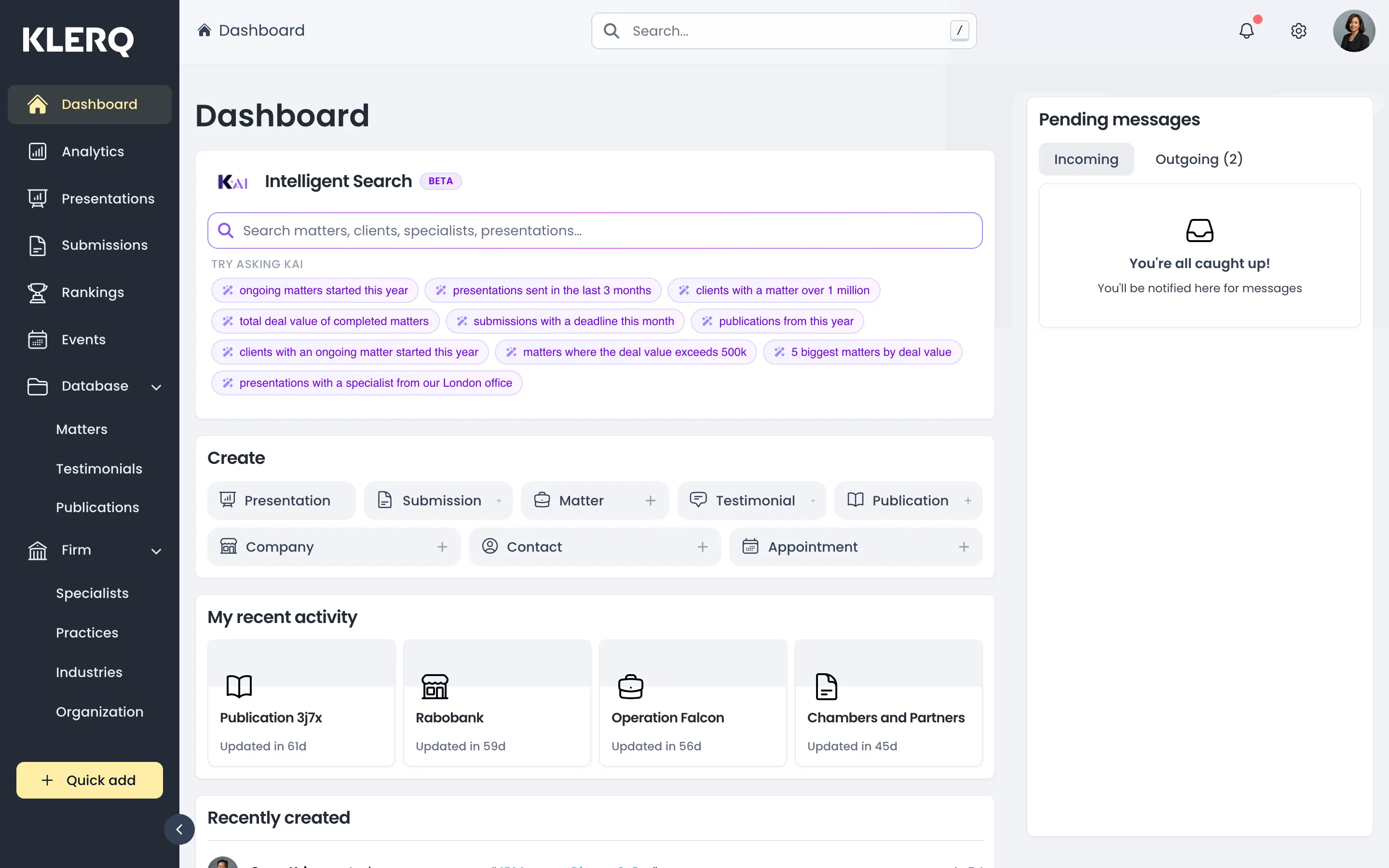
Section titled “What the dashboard is for”The dashboard is the page you land on when you sign in. It is built around what needs your attention today rather than around reporting — five widgets, each answering a different question.
Pending messages
Section titled “Pending messages”Requests for review that involve you, split into Incoming and Outgoing.
- Incoming is what colleagues have asked you to look at — approve a work highlight, confirm a deal value, write something up.
- Outgoing is what you have asked others for and are still waiting on. The count beside it is the number outstanding.
When there is nothing pending it says “You’re all caught up!”. During submission season this widget is the honest picture of what is blocking you, which is why it sits at the top. See Send a message for how requests are raised.
Intelligent Search
Section titled “Intelligent Search”KLERQ’s natural-language search, powered by KAI and currently marked BETA. Ask in plain language instead of assembling filters.
The suggestions under Try asking KAI show the shape of question it handles:
- ongoing matters started this year
- presentations sent in the last 3 months
- clients with a matter over 1 million
- total deal value of completed matters
- submissions with a deadline this month
- 5 biggest matters by deal value
- presentations with a specialist from our London office
Note what those have in common: a record type, a filter and often a time range. Questions in that shape work well. Only your question is sent for interpretation — no client or matter data leaves KLERQ.
Create
Section titled “Create”Shortcuts to start a new record without navigating first: Presentation, Submission, Matter, Testimonial, Publication, Company, Contact and Appointment.
Useful when you already know what you are making. If you need to find something first, go via its section in the left menu instead.
My recent activity
Section titled “My recent activity”The records you have touched most recently, with how long ago. This is the fastest route back into work you were part-way through — a half-written submission or a matter you were updating when something interrupted.
Followed entities
Section titled “Followed entities”Records you have chosen to follow, so changes by other people surface without you going looking. Worth using for the handful of clients and matters you are accountable for; following everything makes the widget useless.
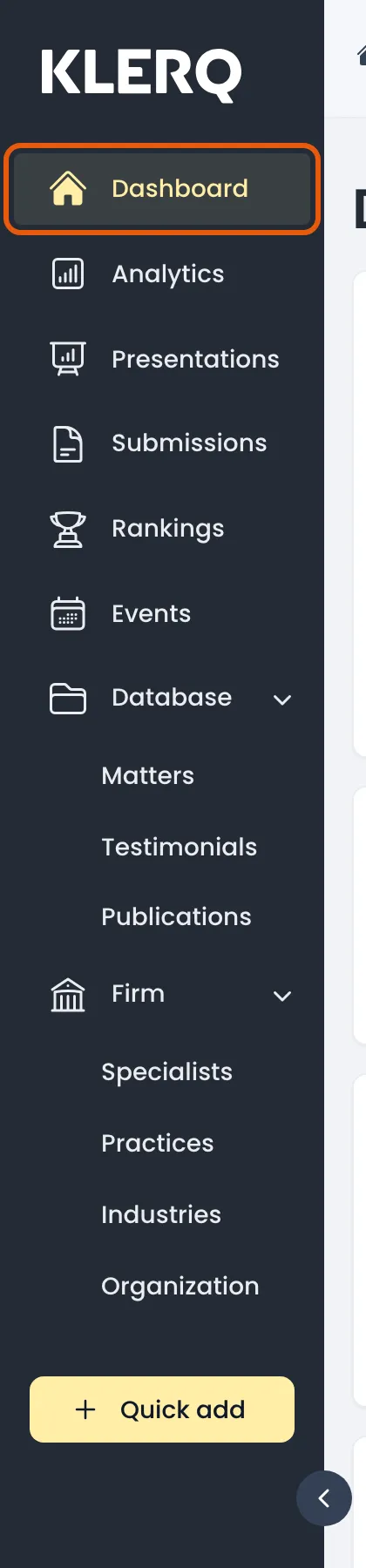
- In the left menu bar, click dashboard.
- The dashboard summarises ongoing matters, recent presentations, upcoming submission deadlines and headline deal values.