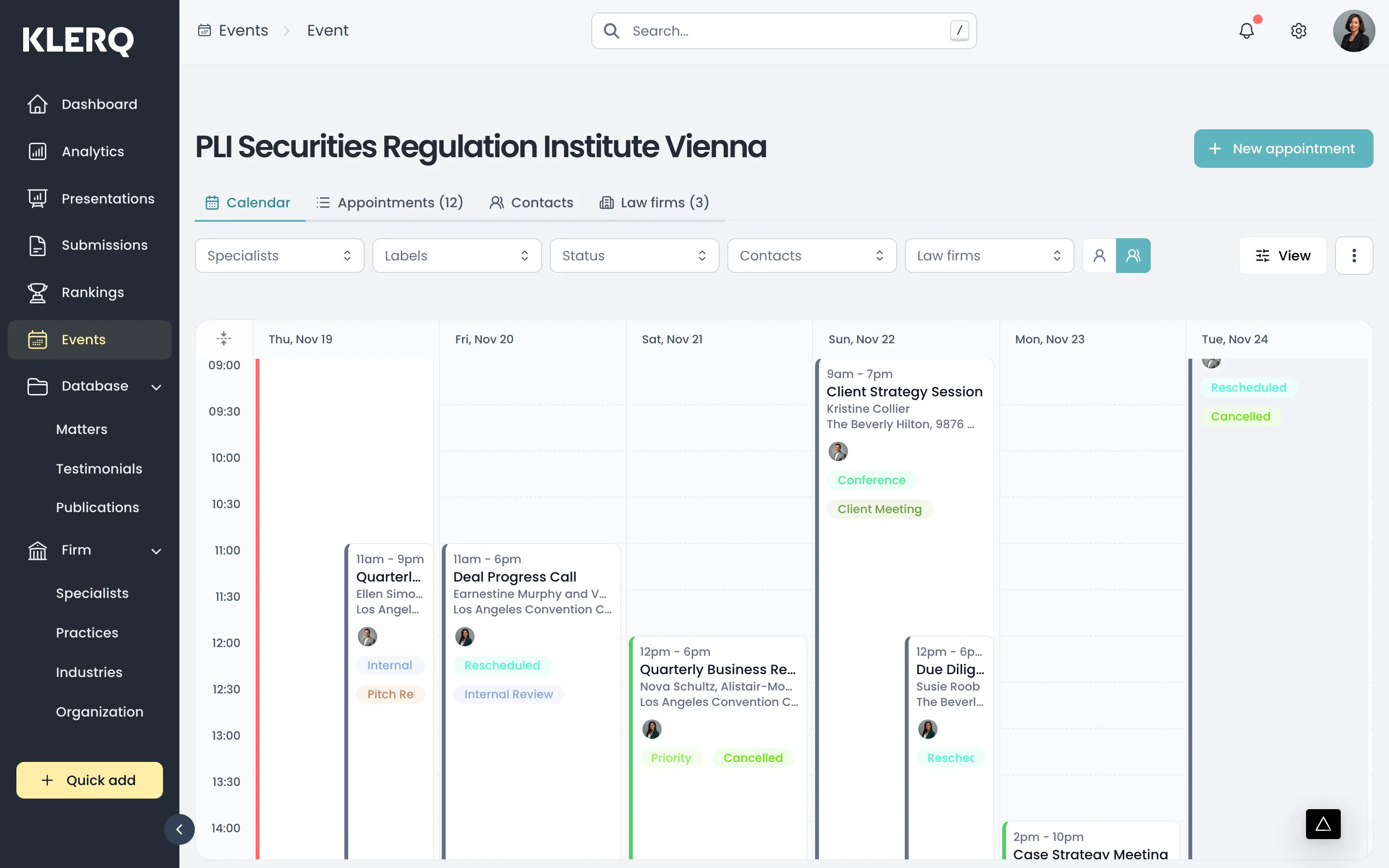
Edit an event
Overview
Section titled “Overview”Delegations change right up to the day. Update event is where you adjust who is attending, which contacts have been invited, and the event’s dates.
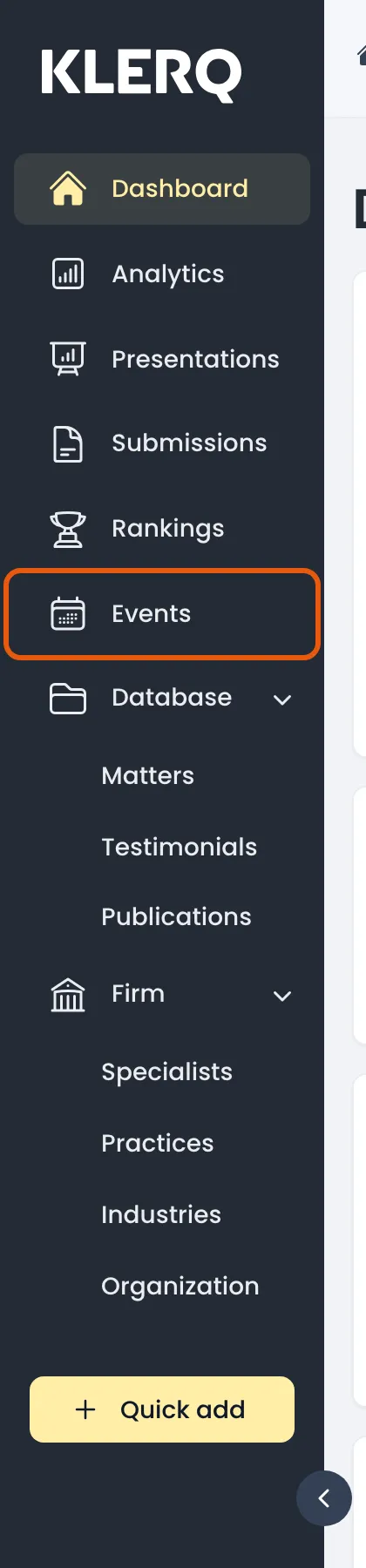
- In the left menu bar, click events.
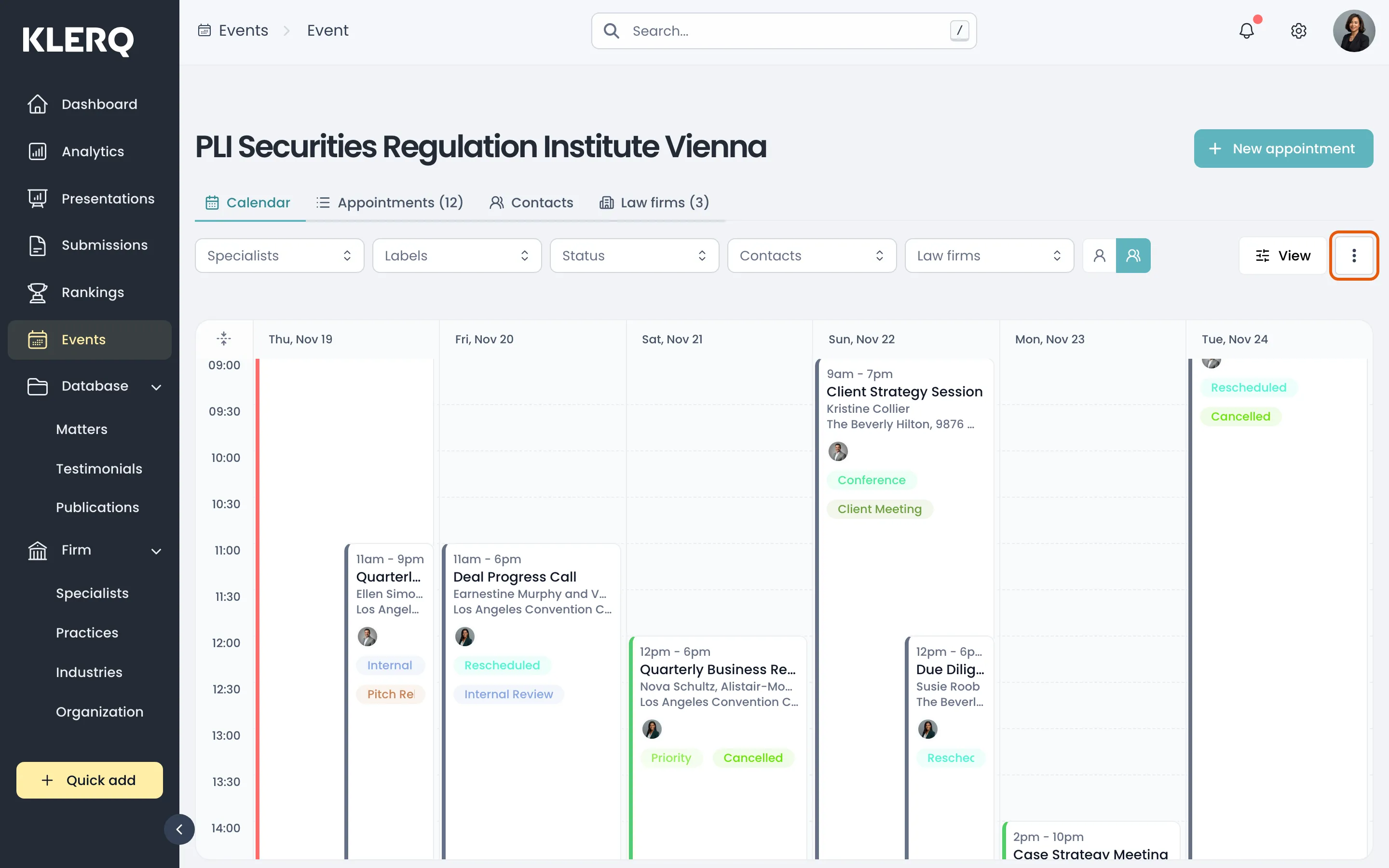
- Click the record you want to work with to open its panel.

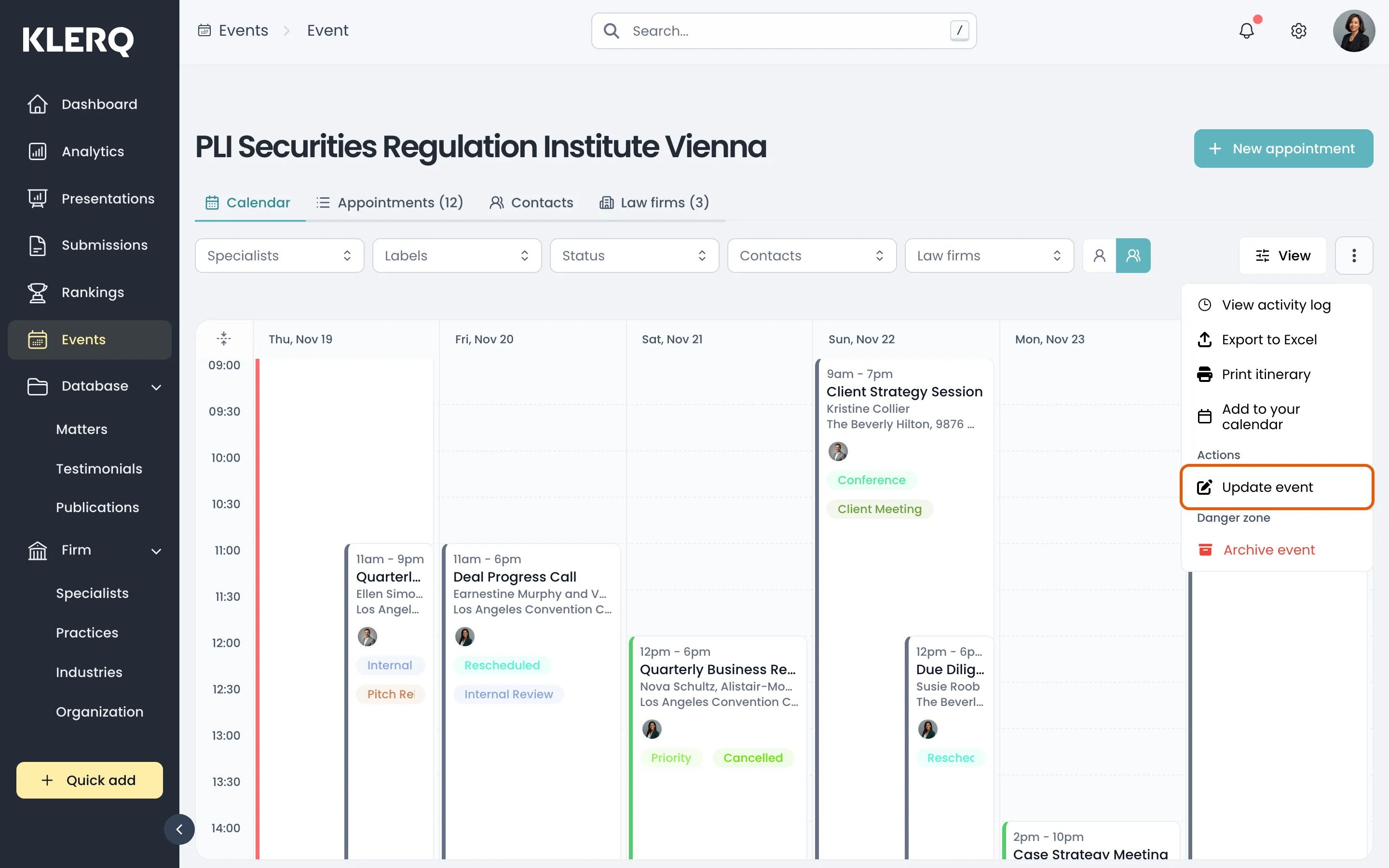
- Click the ⋮ menu in the top-right corner of the panel, then choose Update event.
- Change whatever you need and save. Updates apply everywhere the event appears.