Archive an event
Overview
Section titled “Overview”Archive an event once it has happened and any follow-up is recorded. The attendee list and linked contacts stay intact, which is what makes the event useful evidence of a client relationship later.
Archived events are on the Archived tab of the Events page.
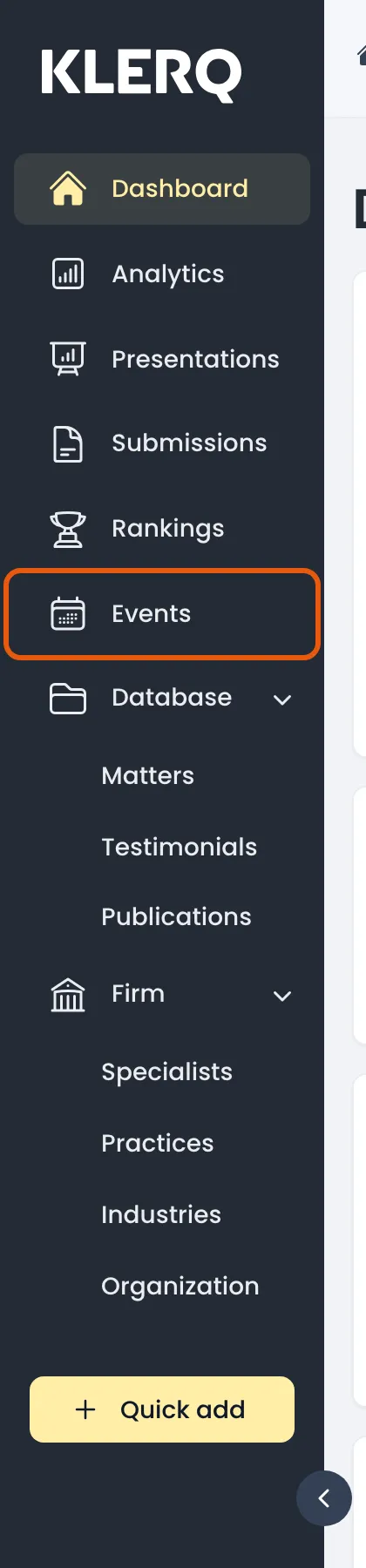
- In the left menu bar, click events.
- Click the record you want to work with to open its panel.

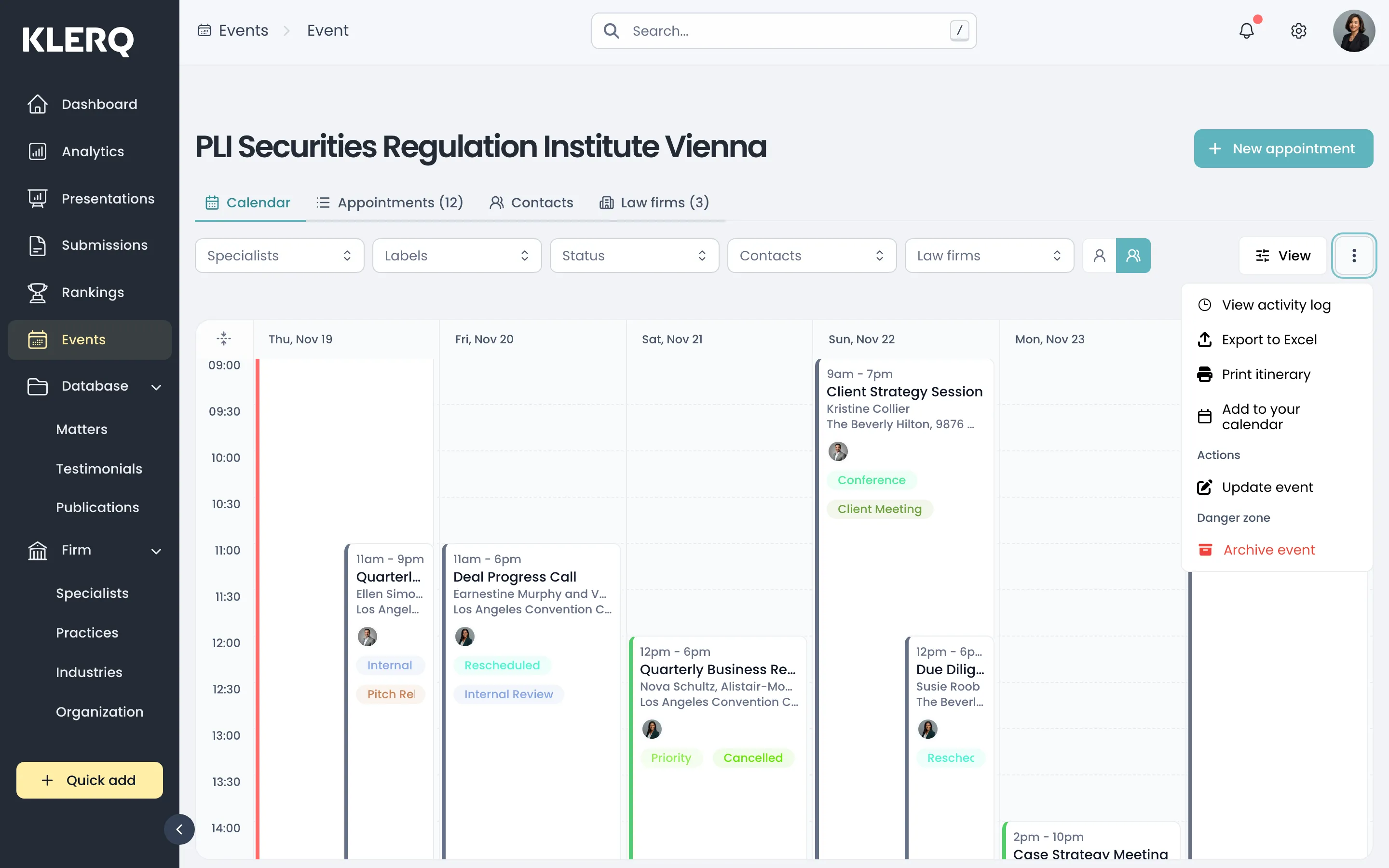
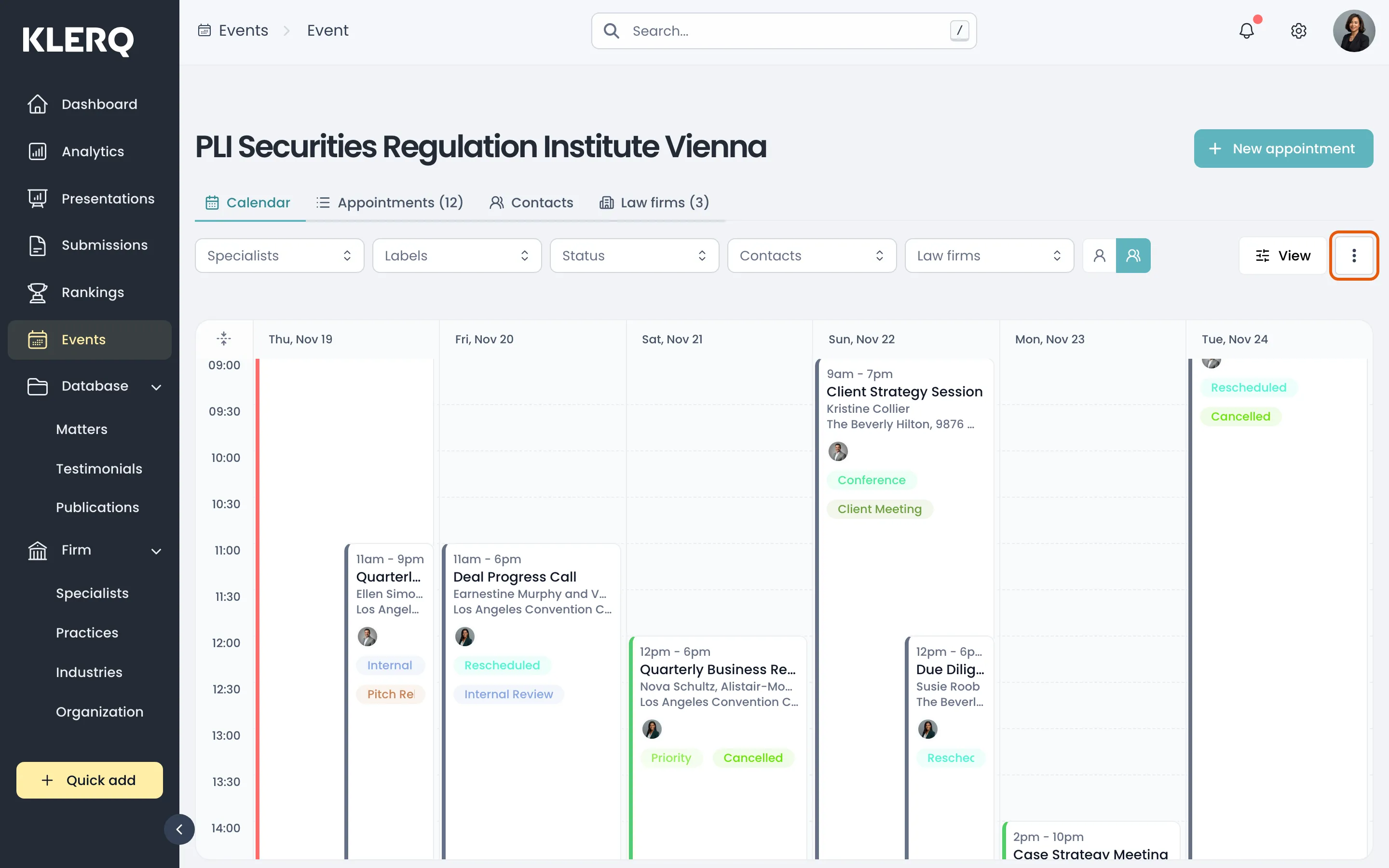
- Click the ⋮ menu and choose Archive event.
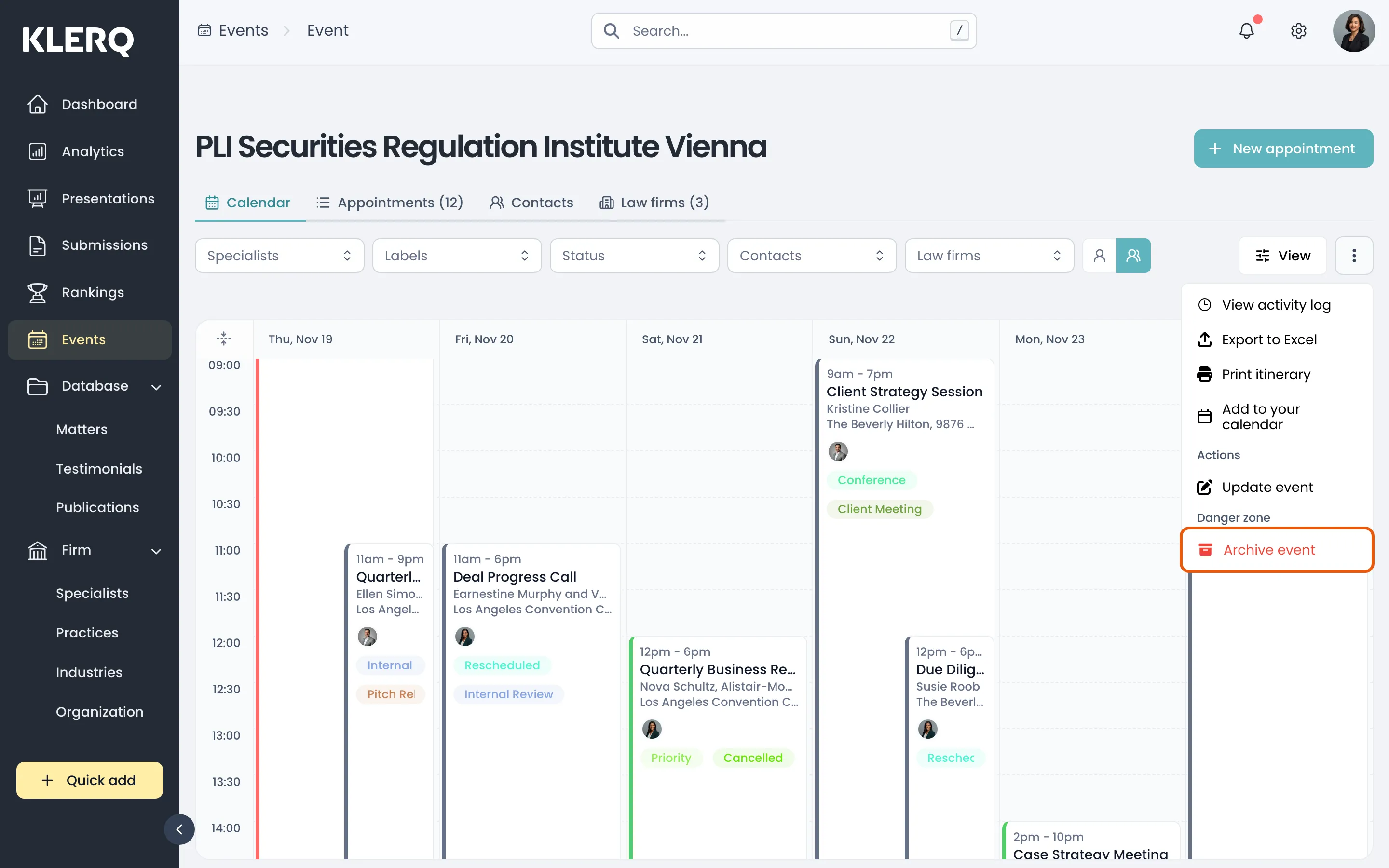
- Confirm. The event disappears from the default list and can be found again on the Archived tab.