Add a legal directory
Before you start
Section titled “Before you start”Read about legal directories for what this is, how it connects to the rest of KLERQ, and the conventions worth following.
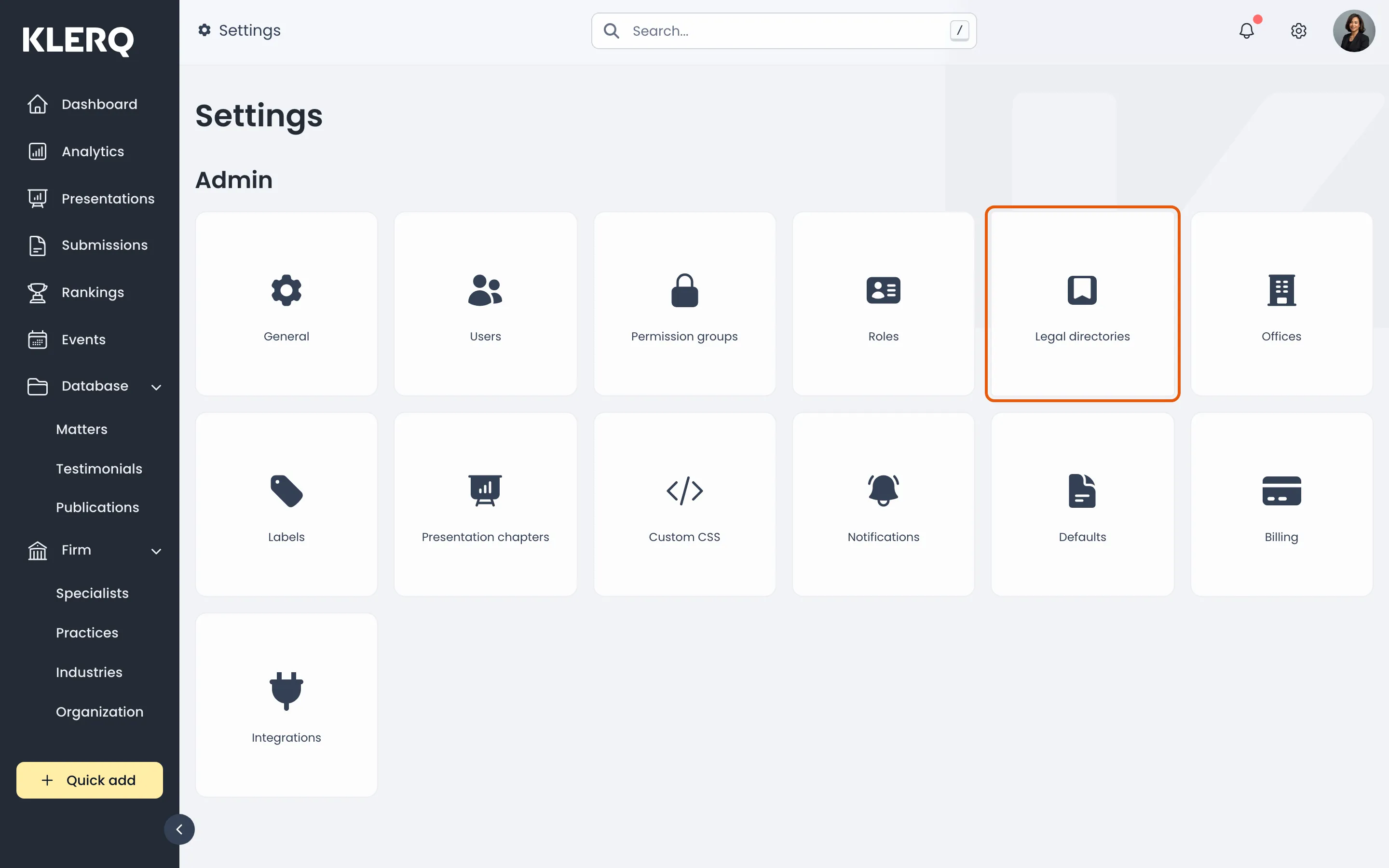
- Click the gear icon in the top bar to open Settings.

- On the Settings page, choose Legal directories.
- Click Create legal directory in the top-right corner.

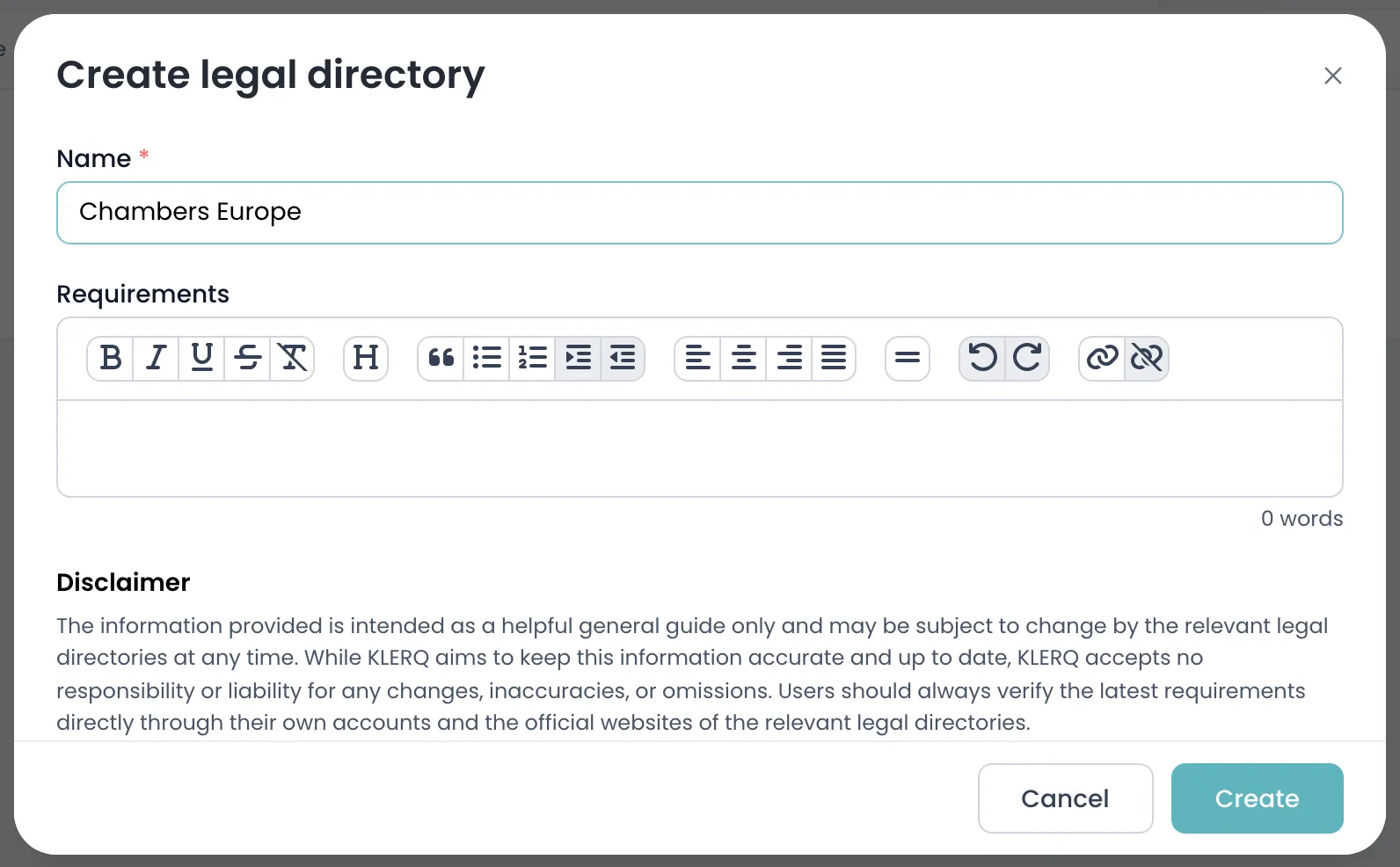
- Enter the directory Name, and use Requirements to record its rules — word limits, referee counts, anything worth remembering next year.
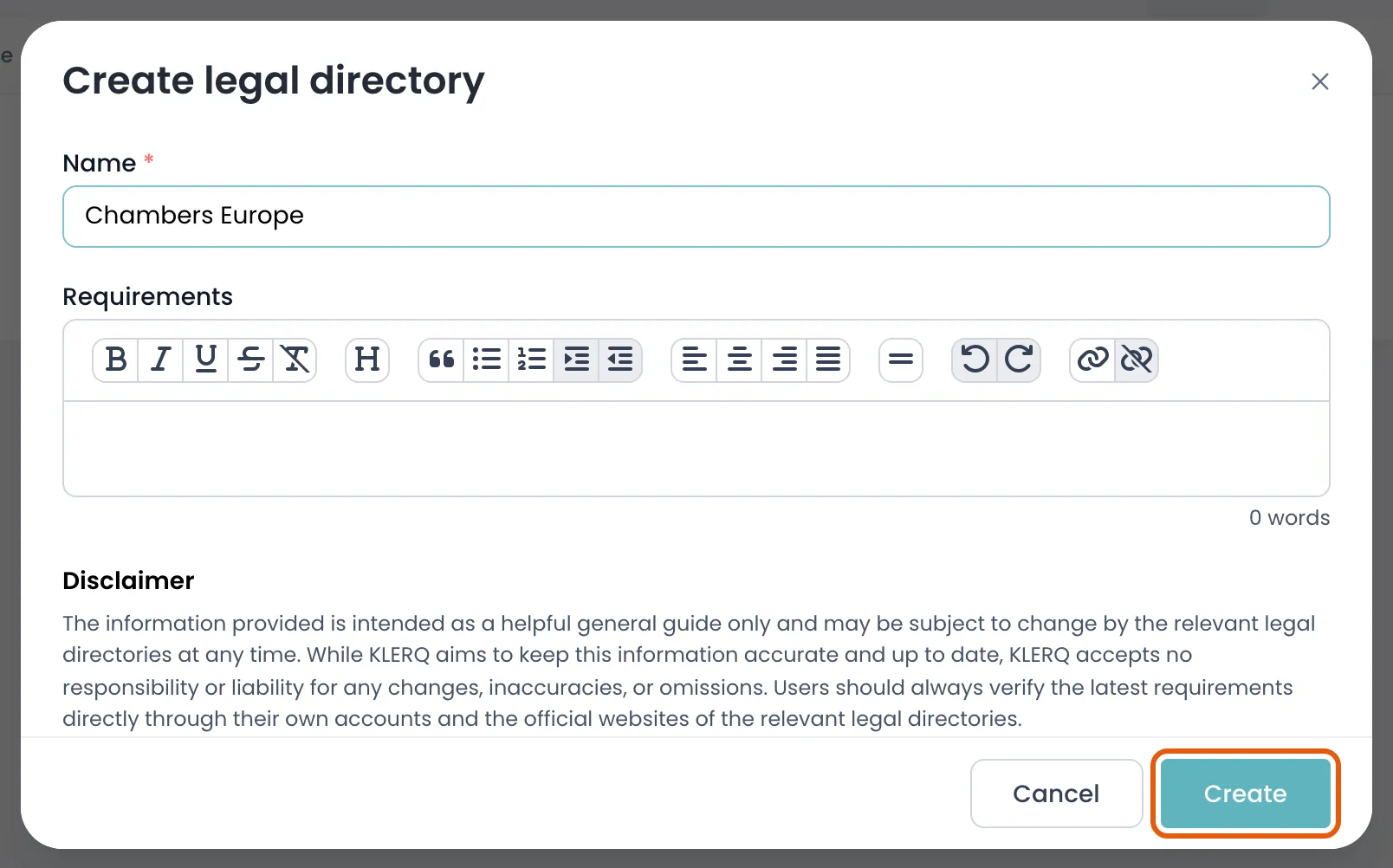
- Click Create to save the directory.
Field reference
Section titled “Field reference”| Field | Type | Required | Description |
|---|---|---|---|
| Name | Text | Yes | The directory’s name as publicly known, for example Chambers and Partners or Legal 500. |
| Requirements | Group | No | What this directory asks for — word limits, referee counts, deadlines, formatting rules. Visible to anyone preparing a submission. |
| Sequence | Number | No | Where the directory sits in the list. Set by dragging rows. |