Add a company
Before you start
Section titled “Before you start”Read about companies for what this is, how it connects to the rest of KLERQ, and the conventions worth following.
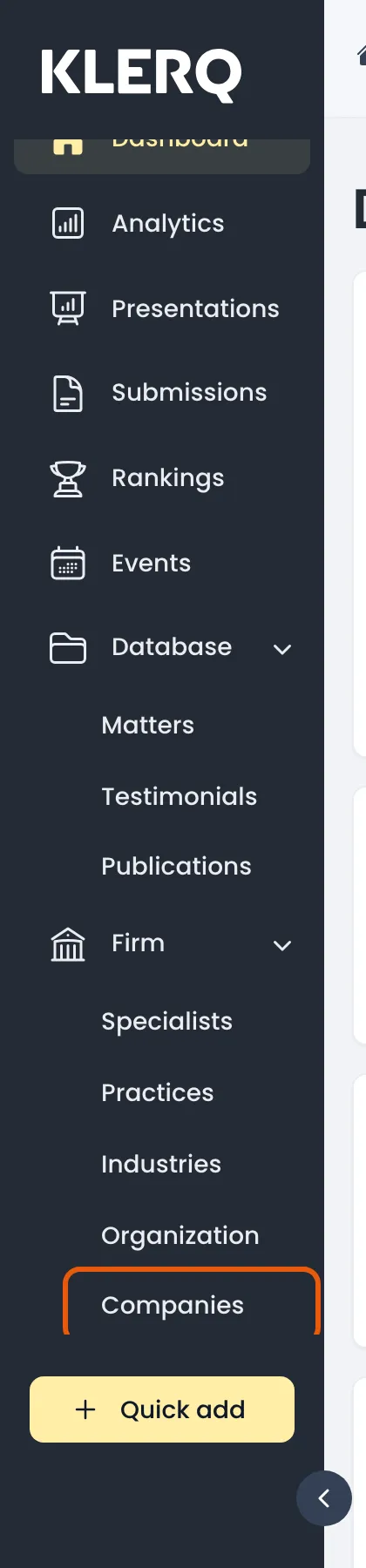
- In the left menu bar, click Companies under the Firm heading.
- Click Create company in the top-right corner of the Companies page.

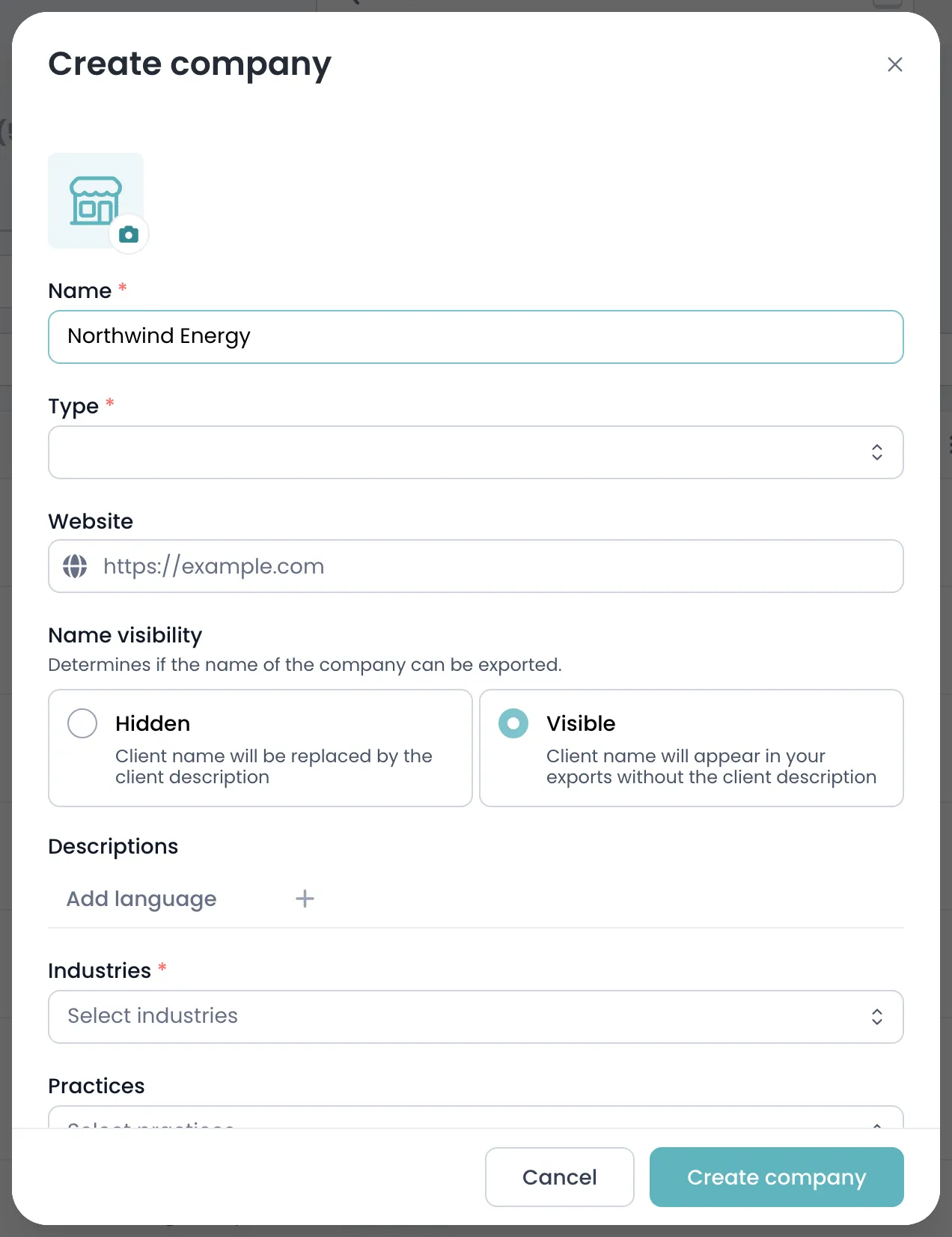
- Enter the company’s Name.
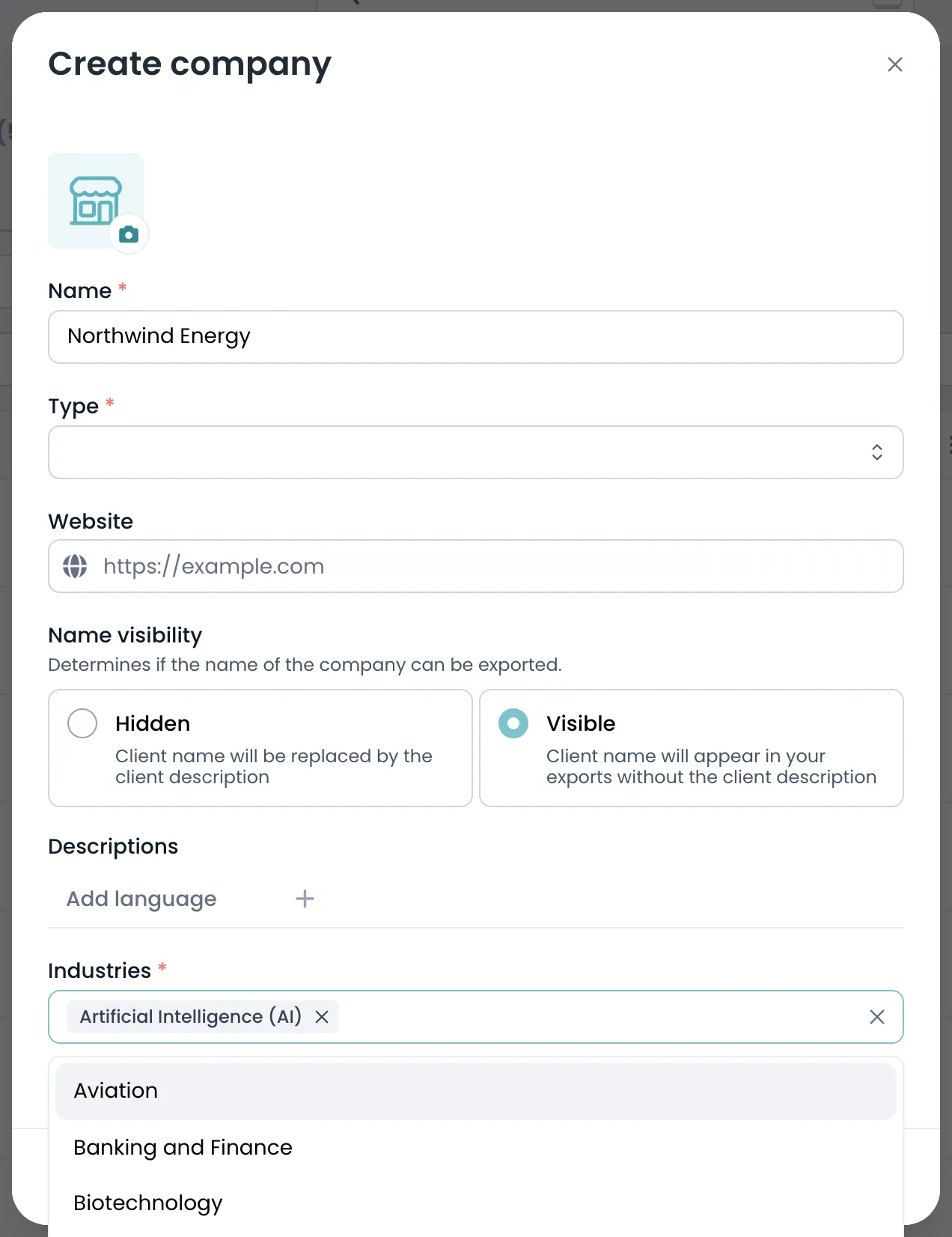
- Open Industries and select every sector the company operates in. At least one is required.
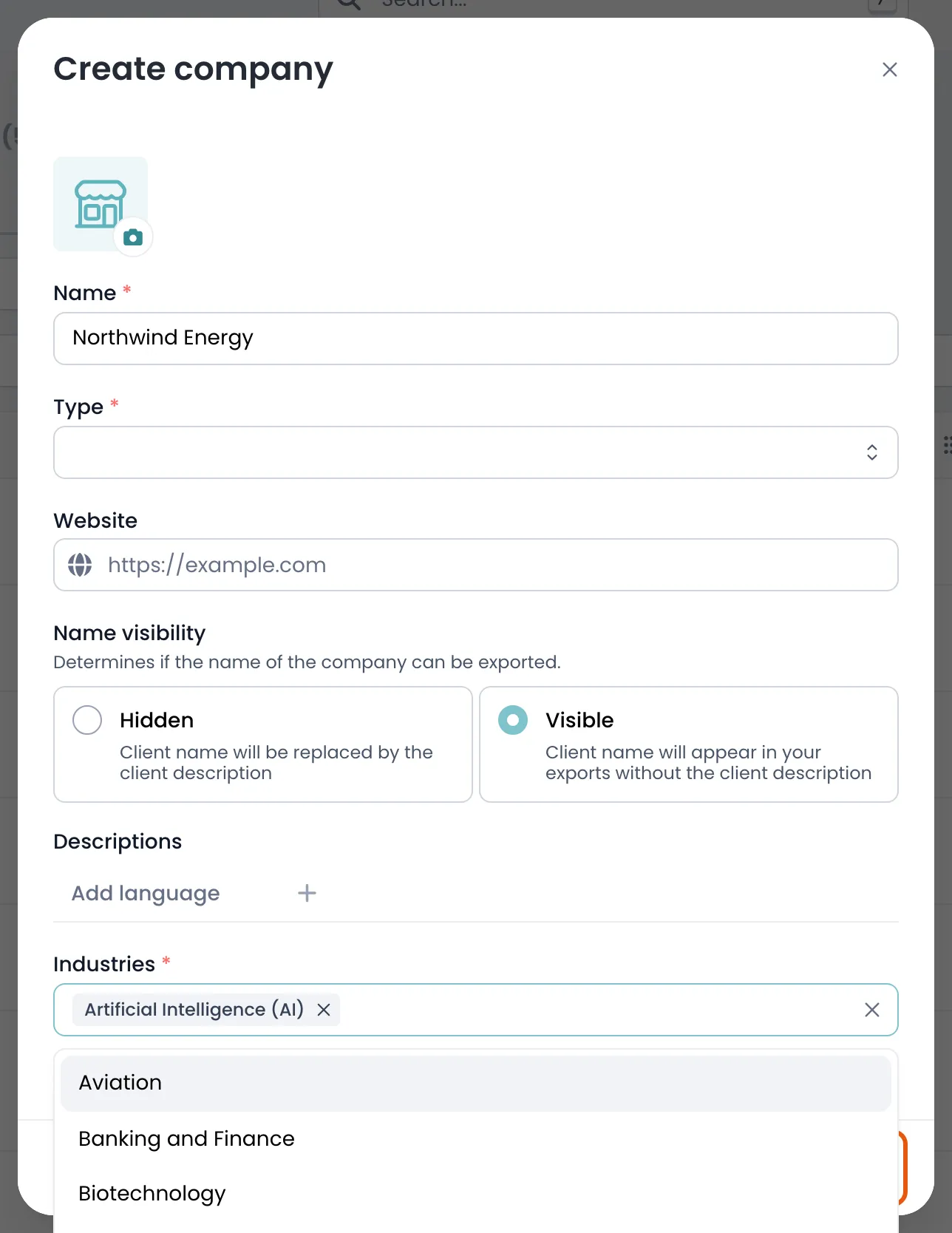
- Click Create company to save it.
Field reference
Section titled “Field reference”Only Name and Industries are needed to create a company. Everything else can be filled in afterwards from the company’s page, and most of it is optional.
| Field | Type | Required | Description |
|---|---|---|---|
| Name | Text | Yes | The company name as it should appear on matters, presentations and directory submissions. Use the formal legal name where one exists. |
| Industries | List | Yes | The sectors this company operates in. At least one is required — directories filter submissions by sector. |
| Client types | List | Yes | What this organisation is to you — a client, a prospect, or another law firm. Determines where it appears. |
| Practices | List | No | Practice areas your firm works with this company on. Used to surface the right credentials in a pitch. |
| Specialists | List | No | The colleagues who own the relationship. These are the people asked to confirm details at submission time. |
| Customer number | Text | No | Your finance system’s reference for this client, so KLERQ records reconcile with billing. |
| Start date | Text | No | When the relationship began. Directories give weight to long-standing relationships, so this is worth filling in. |
| Text | Yes | General contact address for the organisation. Individual people belong on contacts instead. | |
| Phone number | Text | No | Main switchboard number. |
| Website | Text | No | The company’s website. Shown on presentations. |
| LinkedIn page | Text | No | The company’s LinkedIn page. |
| Address | Group | No | Registered or principal address. Used for jurisdiction-based reporting. |
| Labels | List | No | Your firm’s own tags, such as Strategic or Key account. Filterable across the companies list. |
| Descriptions | List | No | Long-form text about the relationship, per language. Appears on presentations. |
| Logo | Group | No | The company’s logo, shown on presentations and pitch documents. |
| Name visibility | Yes/no | No | Hides the client’s name where confidentiality requires it — the matter still counts, anonymously. |