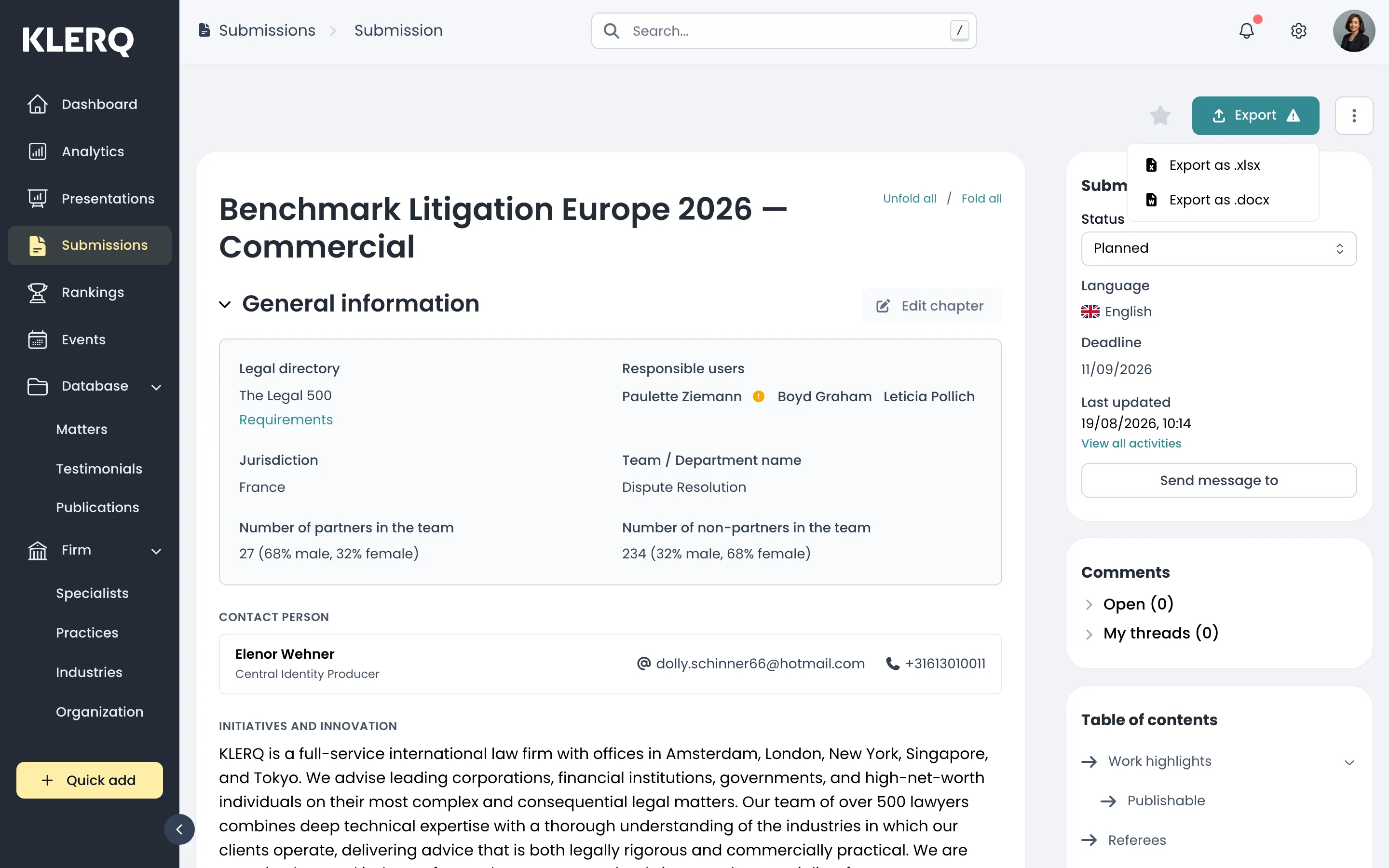
Export a submission
Overview
Section titled “Overview”Most directories want their submission in their own format, uploaded to their own portal. Exporting produces the document you send, built from everything recorded against the submission.
Export late. The document is a snapshot, and submissions usually change right up to the deadline as referees confirm and word counts are trimmed.
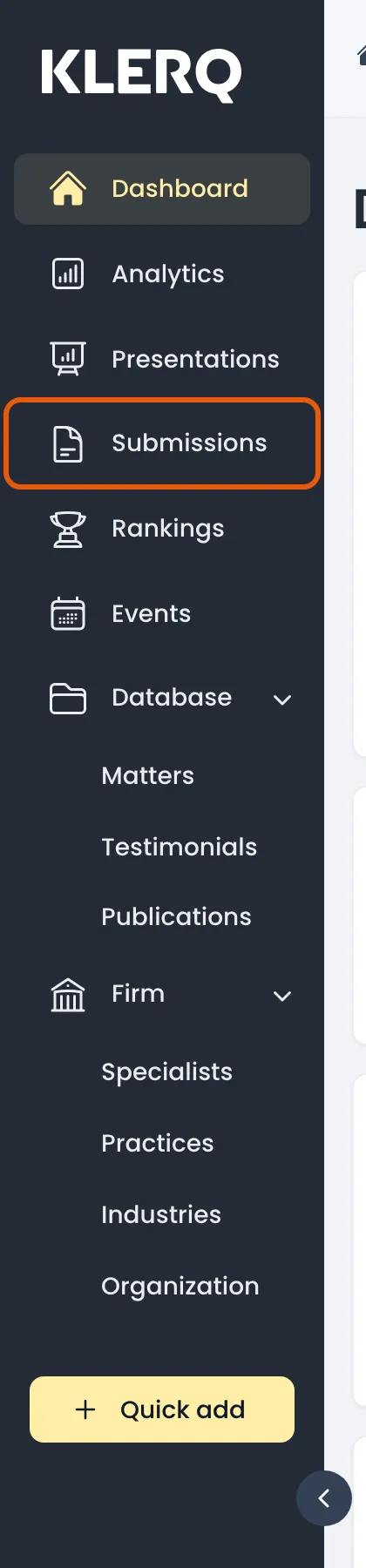
- In the left menu bar, click submissions.
- Open the record you want to work with.

- On the submission, click Export.

- The document downloads, ready to upload to the directory’s portal.