Add a publication
Before you start
Section titled “Before you start”Read about publications for what this is, how it connects to the rest of KLERQ, and the conventions worth following.
- In the left menu bar, click publications under the Database heading.

- Click new publication in the top-right corner of the publications page.

- Select the Specialists who wrote it, add the Title, and paste the link under Publication urls.
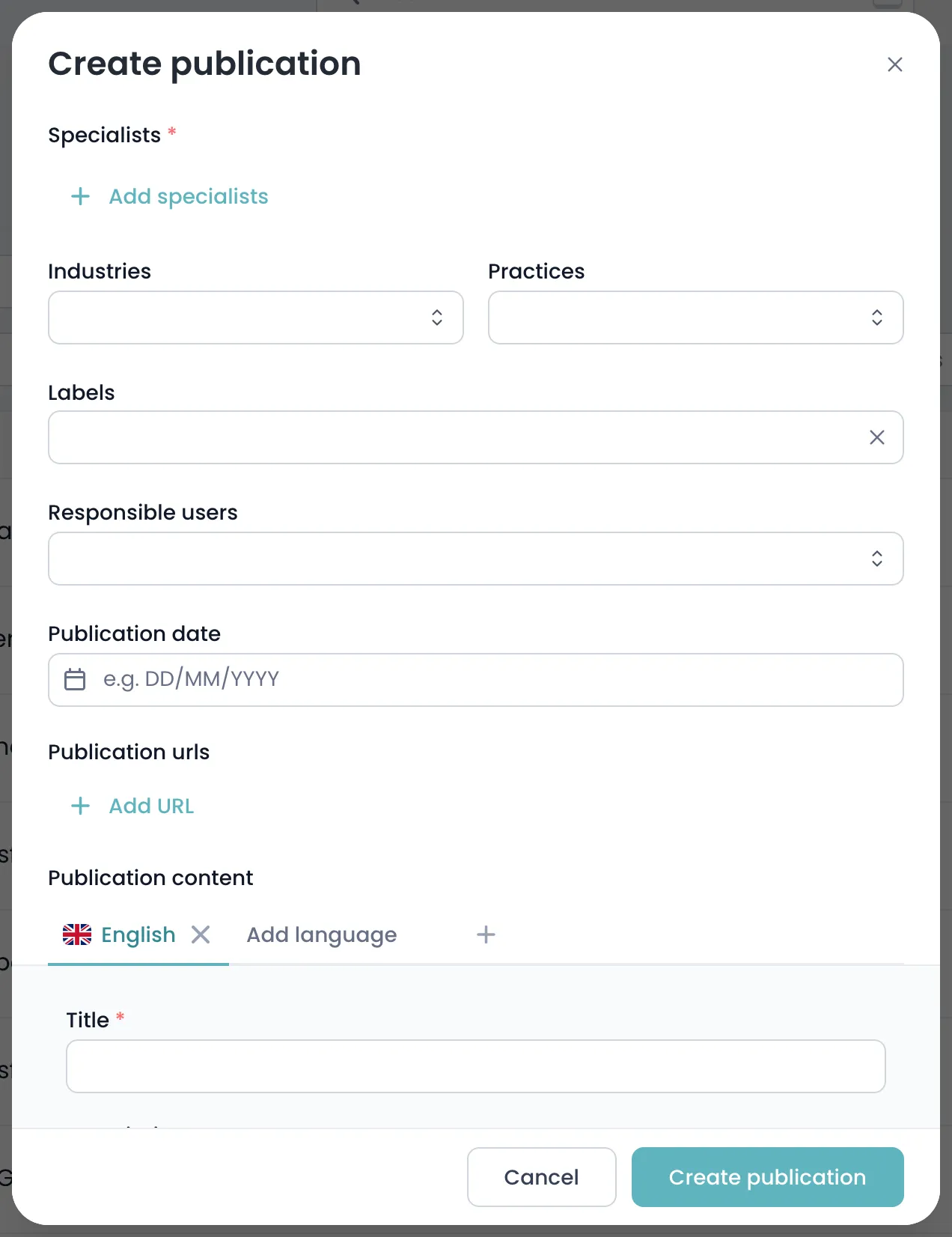
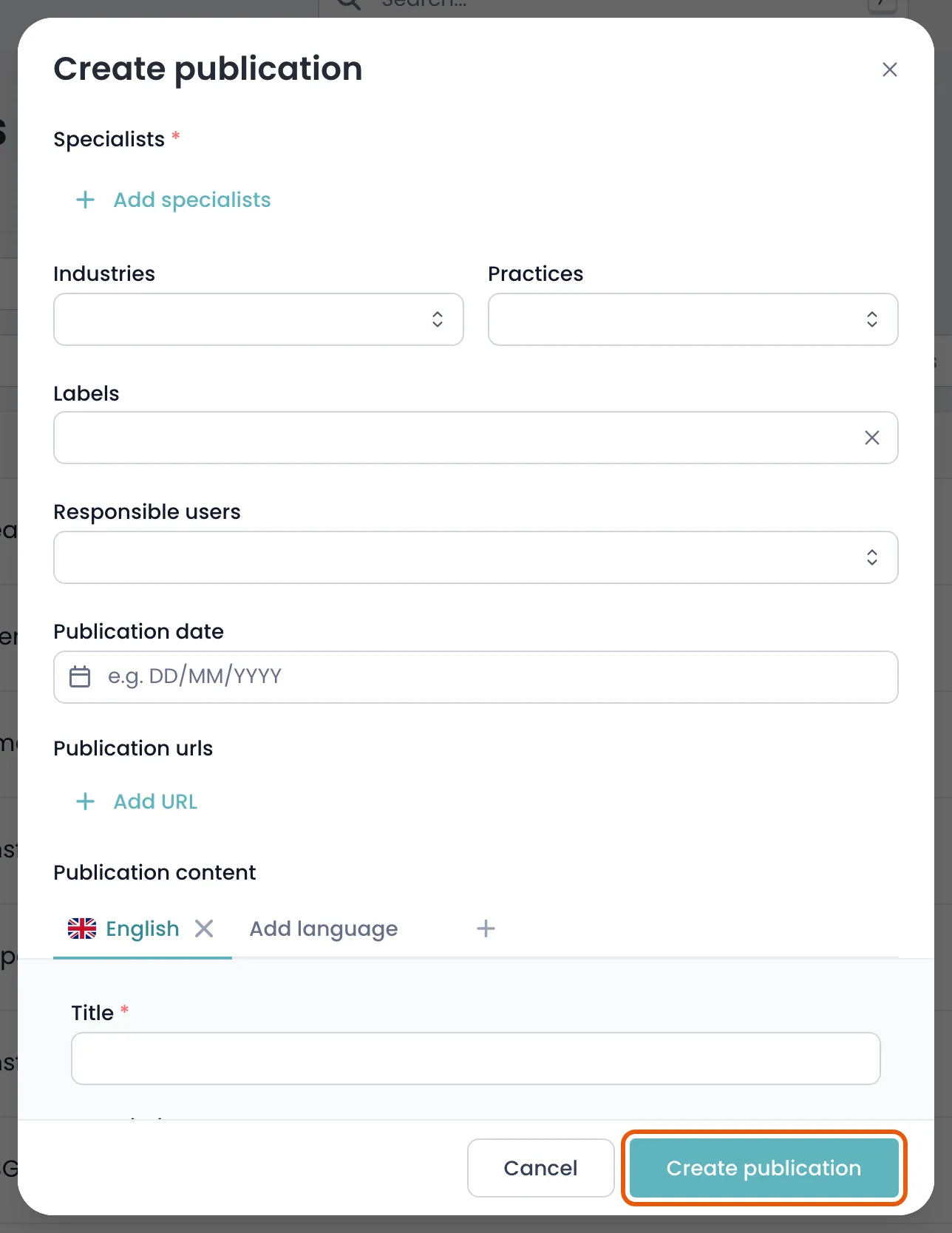
- Click create publication to save.
Field reference
Section titled “Field reference”| Field | Type | Required | Description |
|---|---|---|---|
| Publication content | List | No | Title and description, per language. The title is what appears in a submission. |
| Specialists | List | No | The colleagues who wrote it. At least one is required — publications are credited to people, not the firm. |
| Publication date | Text | No | When it was published. Directories ask for recent thought leadership, so this determines whether it counts. |
| Publication urls | List | No | Links to where it can be read. Put the canonical link first. |
| Publishers | List | No | Where it appeared — a journal, a title, a conference. Prestige of the venue matters to directories. |
| External authors | List | No | Co-authors from outside your firm, such as academics or in-house counsel. |
| Practices | List | No | Practice areas the piece speaks to, so it surfaces for the right submissions. |
| Industries | List | No | Sectors the piece speaks to. |
| Responsible users | List | No | Colleagues who own this record. |
| Labels | List | No | Your firm’s own tags for filtering. |
| Notes | Group | No | Anything worth remembering, such as whether it was commissioned or reprinted. |