Create an event
Before you start
Section titled “Before you start”Read about events for what this is, how it connects to the rest of KLERQ, and the conventions worth following.
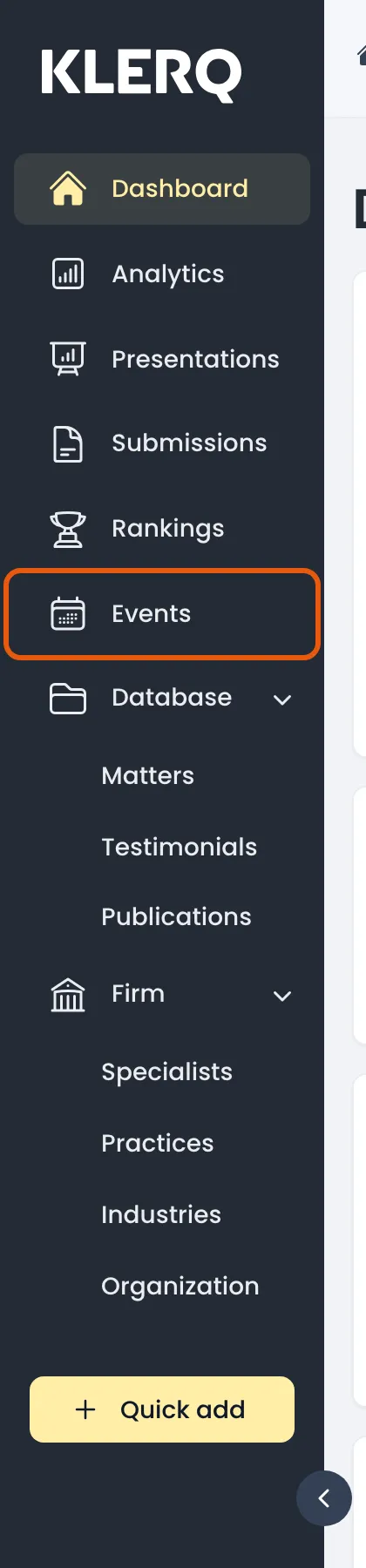
- In the left menu bar, click events.
- Click new event to start.

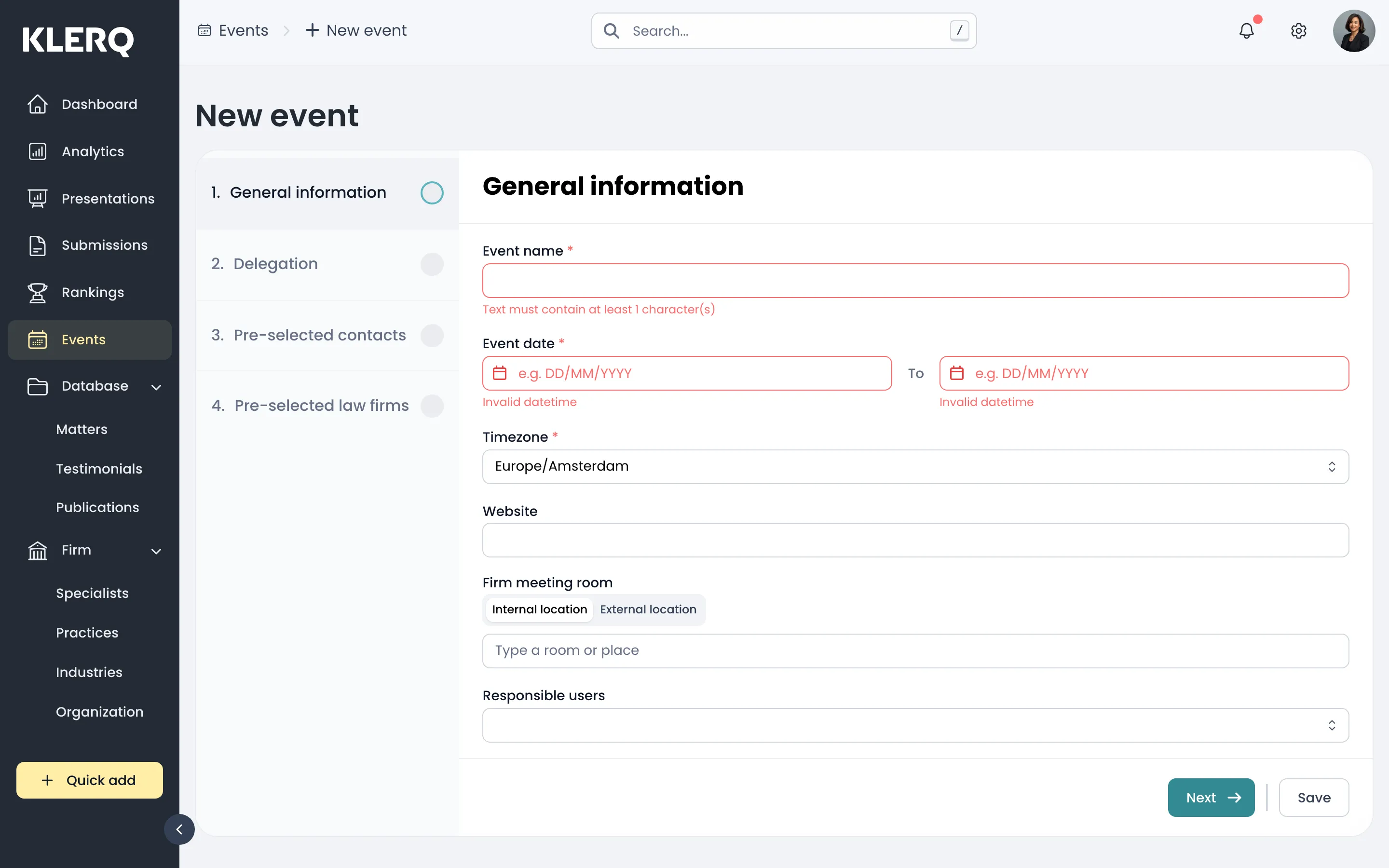
- General information — name the event and set its start and end dates.
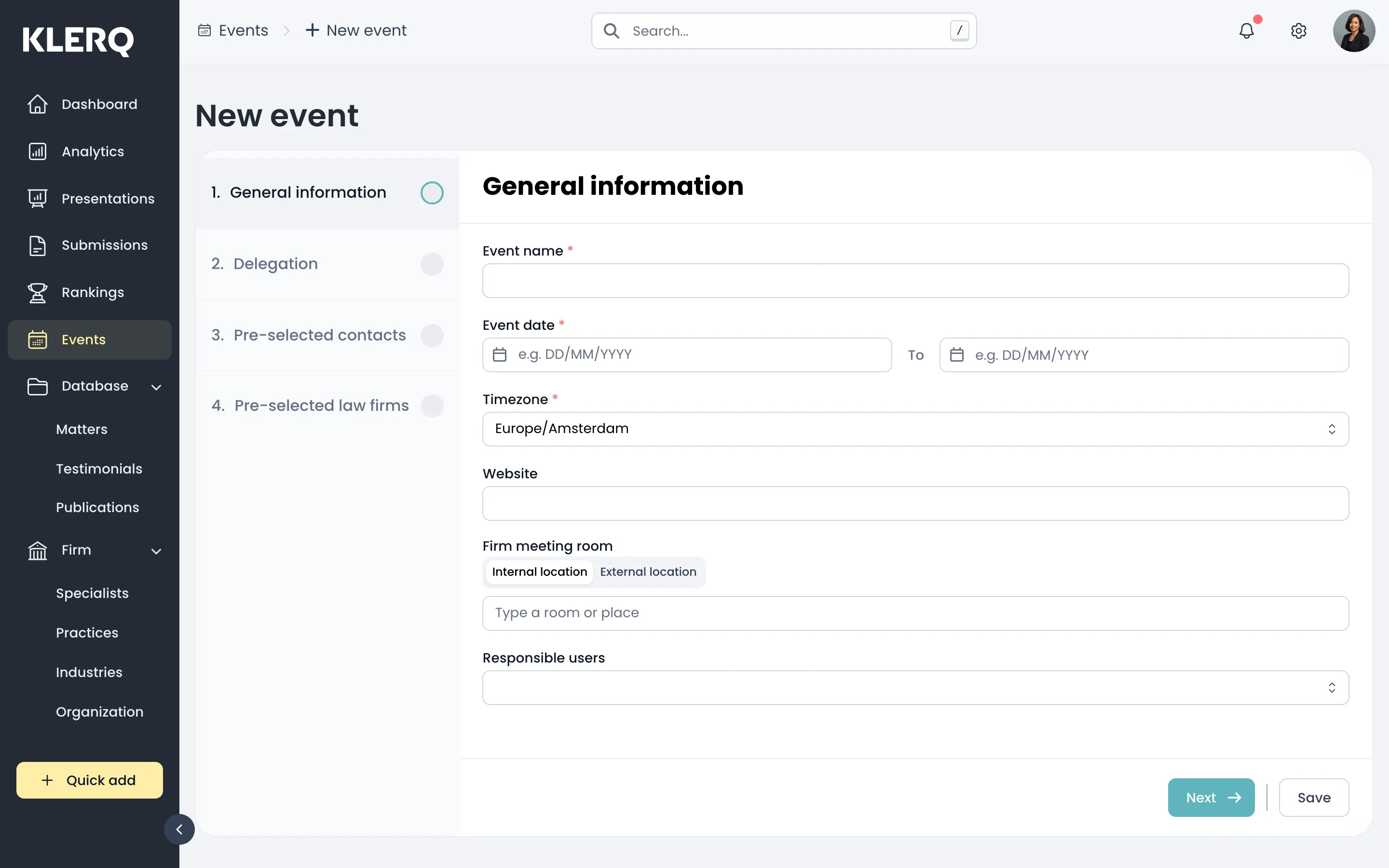
- Delegation — choose which of your specialists are attending.
- Pre-selected contacts — add the client contacts you expect to meet.
- Pre-selected law firms — note any other firms attending. Save to create the event.