Edit a submission
How editing works
Section titled “How editing works”A submission is laid out in sections — General information, Requirements, Work highlights, Referees, Client list, Practices, Industries and Specialists. Each is expanded and edited in place, so you can work on referees today and word counts tomorrow without stepping through a wizard.
Unfold all and Fold all open and close every section at once, which is the quickest way to review a submission end to end before exporting.
What tends to change late
Section titled “What tends to change late”Submissions are rarely finished in one sitting. The three things that change up to the deadline are:
- Referees, as clients confirm or decline
- Work highlights, as approvals come through
- Word counts, once the whole thing is read together
- In the left menu bar, click Submissions.
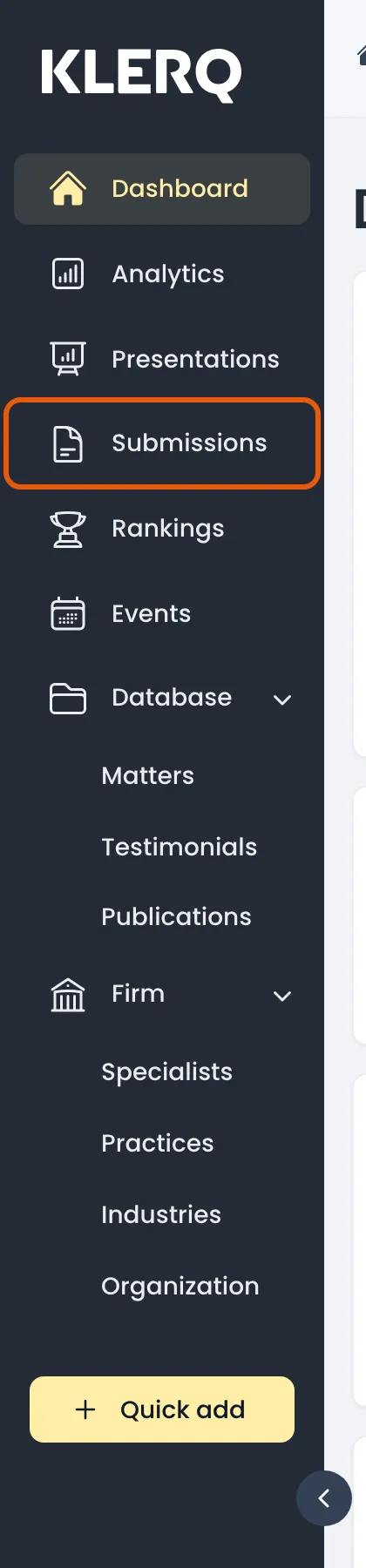
- Open the submission you want to change.

- Click Unfold all to open every section, or open just the one you need.

- Edit each section in place — general information, work highlights, referees, specialists and the rest.