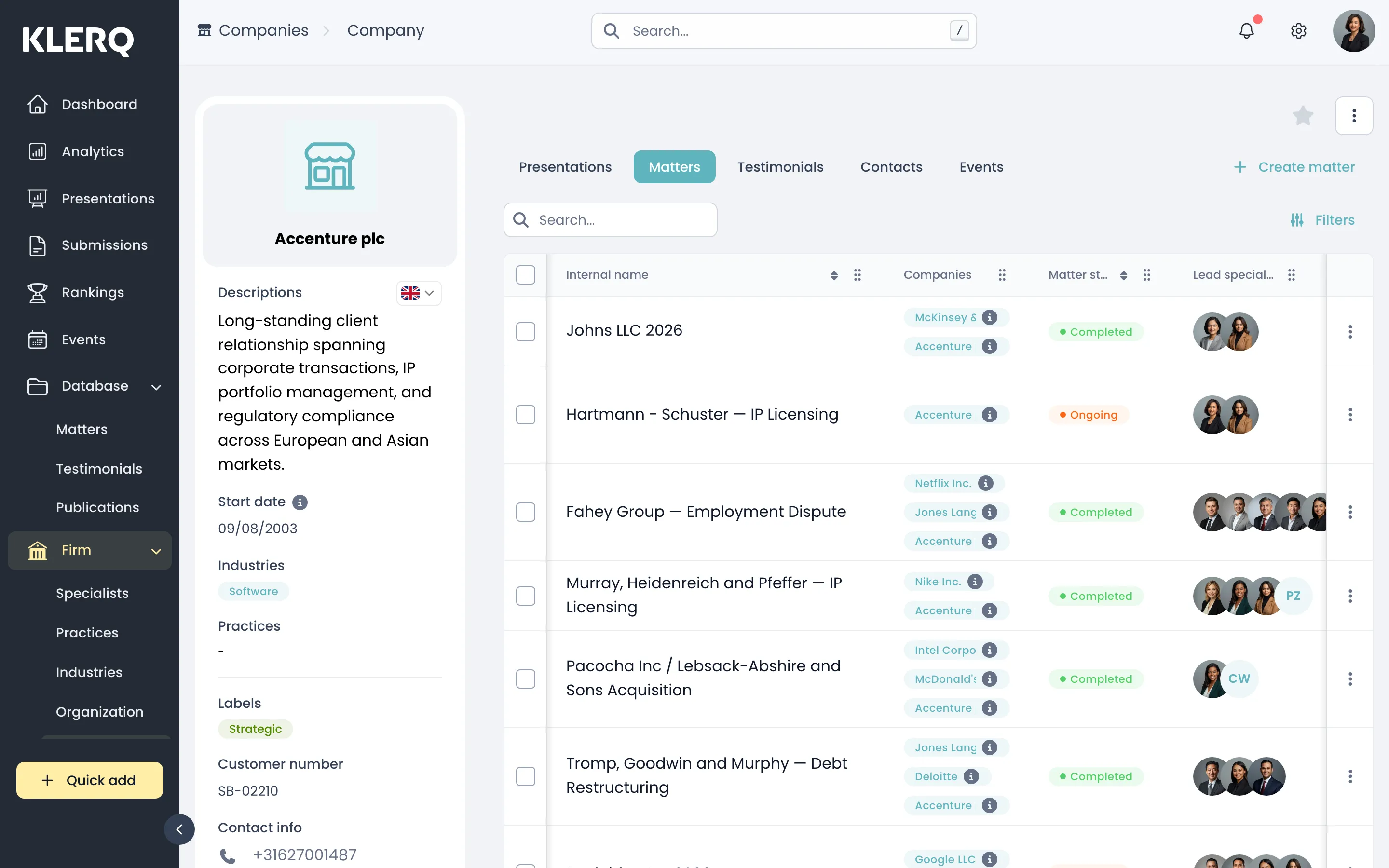
See a company's work
Overview
Section titled “Overview”A company’s page is also the fastest way into everything you have done for that client. The tabs across the top each list one kind of linked record:
- Presentations — pitches and presentations sent to this company
- Matters — work recorded against them
- Testimonials — what they have said about your firm
- Contacts — people who work there, including referees
- Events — events they have been involved in
This is usually where to start when preparing for a client meeting or building a submission that leans on a long-standing relationship.
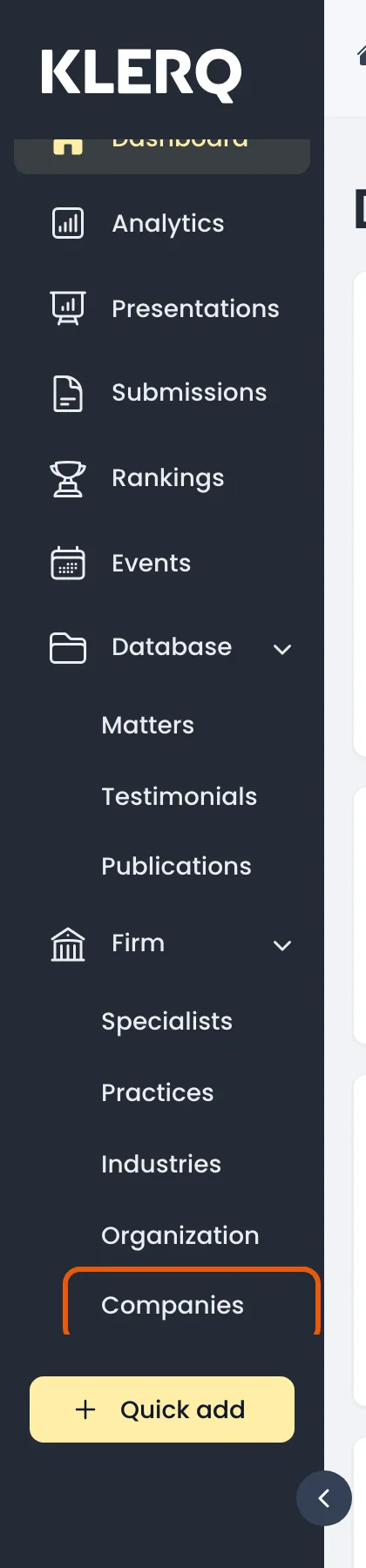
- In the left menu bar, click Companies under the Firm heading.
- Open the company you want to look at.

- Use the tabs to switch between Presentations, Matters, Testimonials, Contacts and Events.

- Each tab lists that record type for this company only.