Add a practice
Before you start
Section titled “Before you start”Read about practices for what this is, how it connects to the rest of KLERQ, and the conventions worth following.
- In the left menu bar, click Practices under the Firm heading.

- Click New practice in the top-right corner of the Practices page.

- Enter the practice Name. To nest this practice underneath an existing one, pick a Parent practice — leave it empty to create a top-level practice.
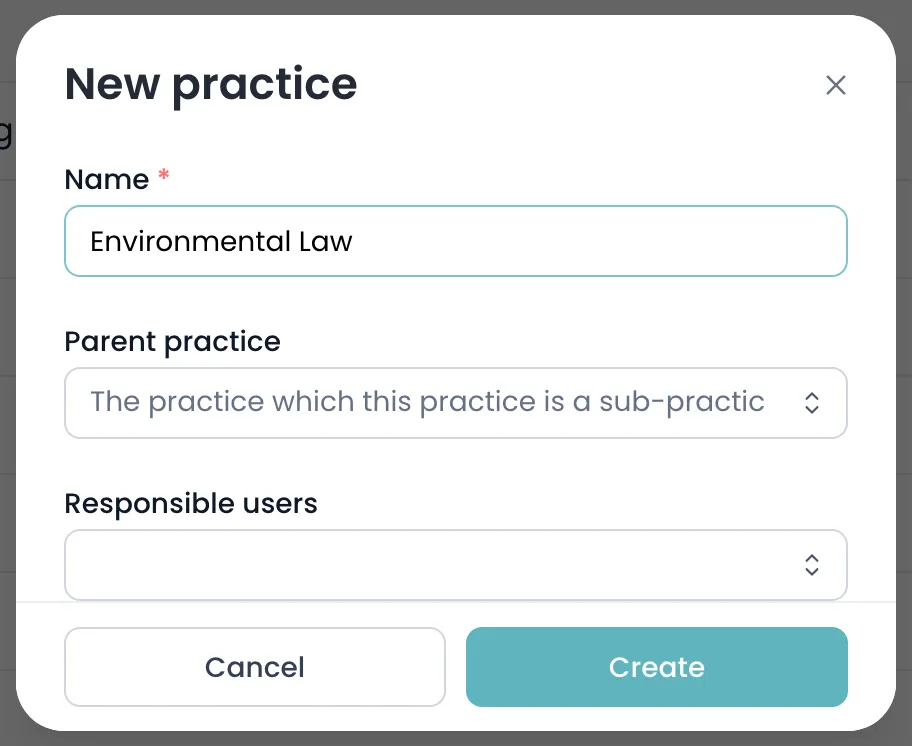
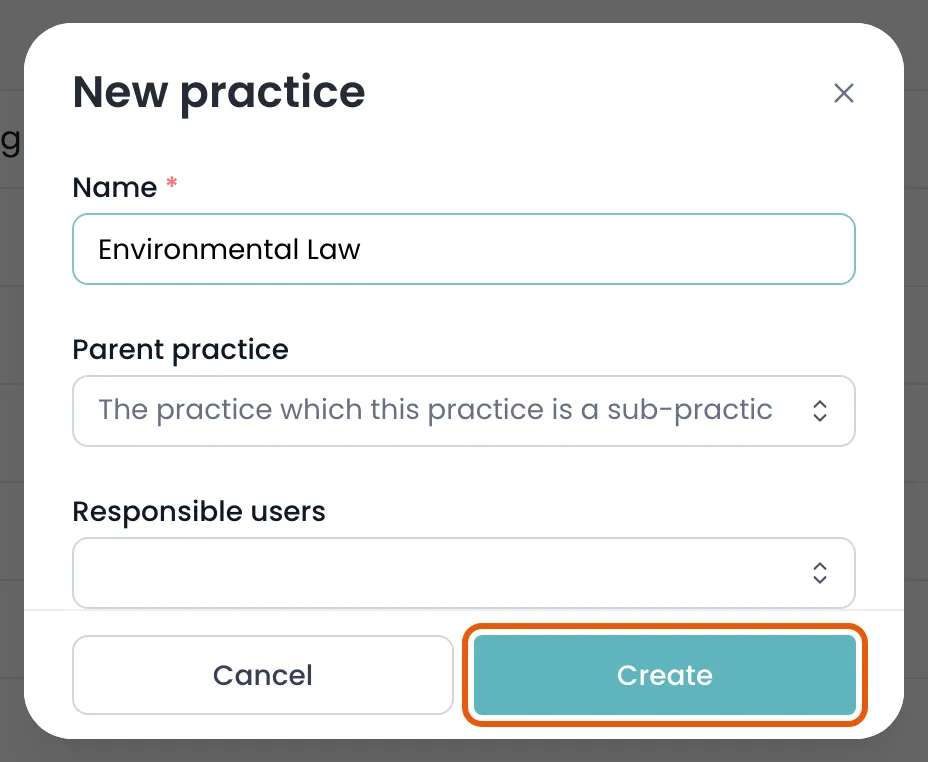
- Click Create to save the practice.
Field reference
Section titled “Field reference”| Field | Type | Required | Description |
|---|---|---|---|
| Name | Text | Yes | The practice area as it should appear throughout KLERQ and in directory submissions. Must start with a capital letter. |
| Parent practice | Text | No | An existing practice to nest this one under. Leave empty for a top-level practice. |
| Responsible users | List | No | Colleagues who own this practice. They are notified about matters and submissions linked to it, and are the people chased when a submission needs input. |
| Descriptions | Group | No | Long-form text about the practice, written per language. Added from the practice’s own page after it exists, and used on presentations and submissions. |
After you create a practice
Section titled “After you create a practice”A new practice has no description. Descriptions are what directories and clients actually read, so add one from the practice’s own page using Add description. Descriptions are per language and are approved before they appear.