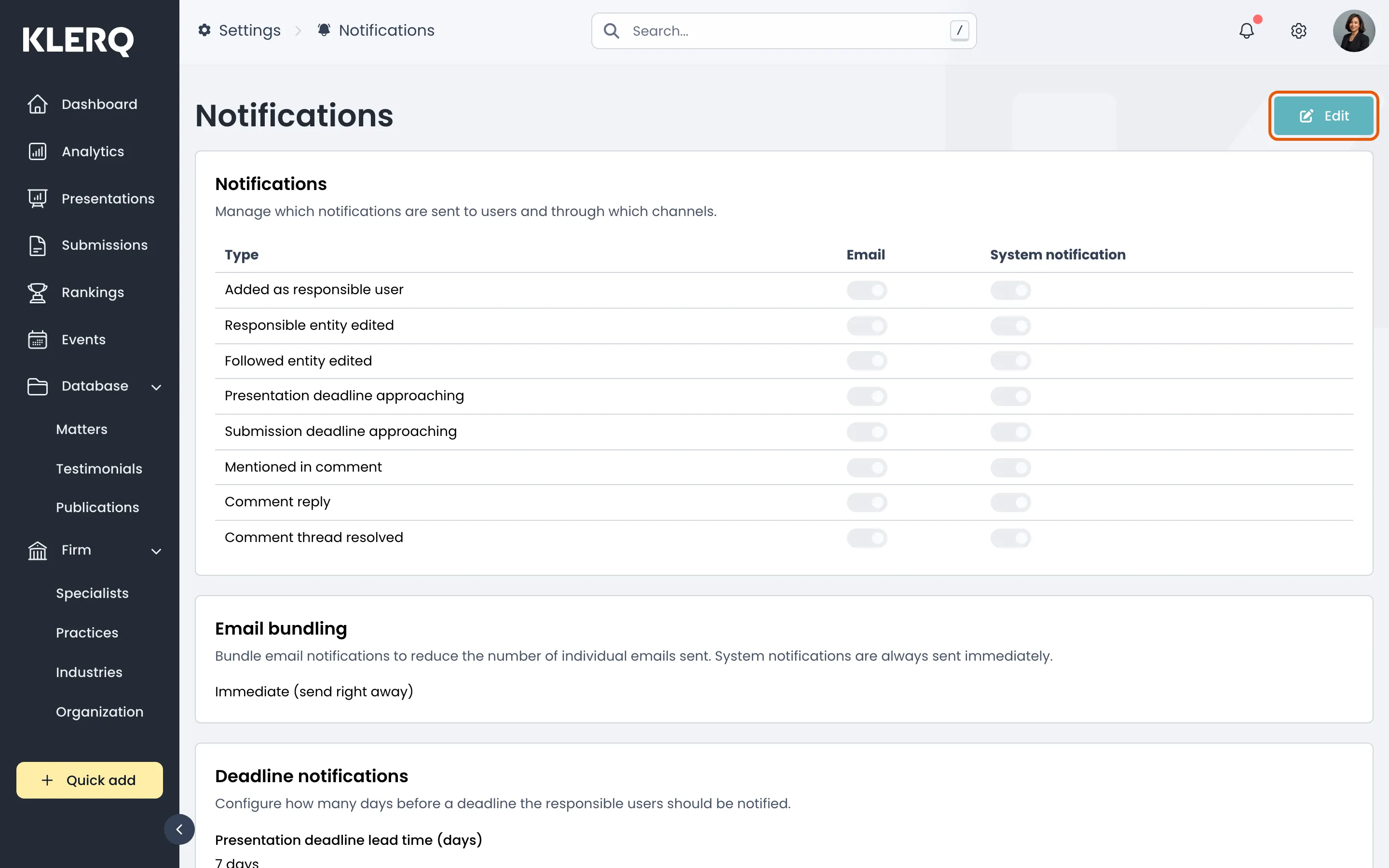
Notification settings
Overview
Section titled “Overview”Notifications tell your team when something needs them — a submission deadline approaching, a work highlight awaiting approval, a presentation opened by a client.
Turn off what your firm does not act on. Notifications people ignore train them to ignore the ones that matter.
- Click the gear icon in the top bar to open Settings.

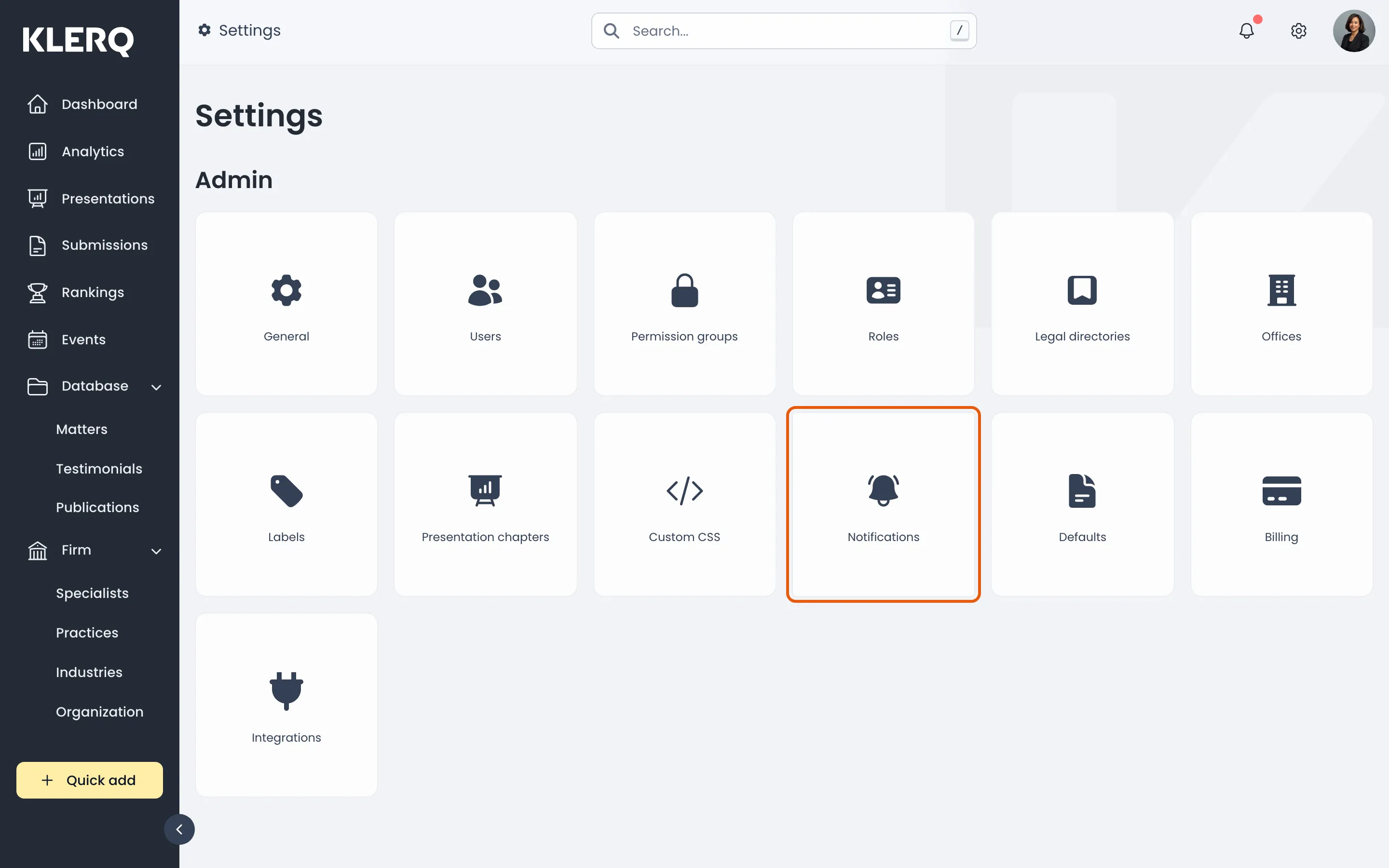
- On the Settings page, choose Notifications.
- The Notification settings page.
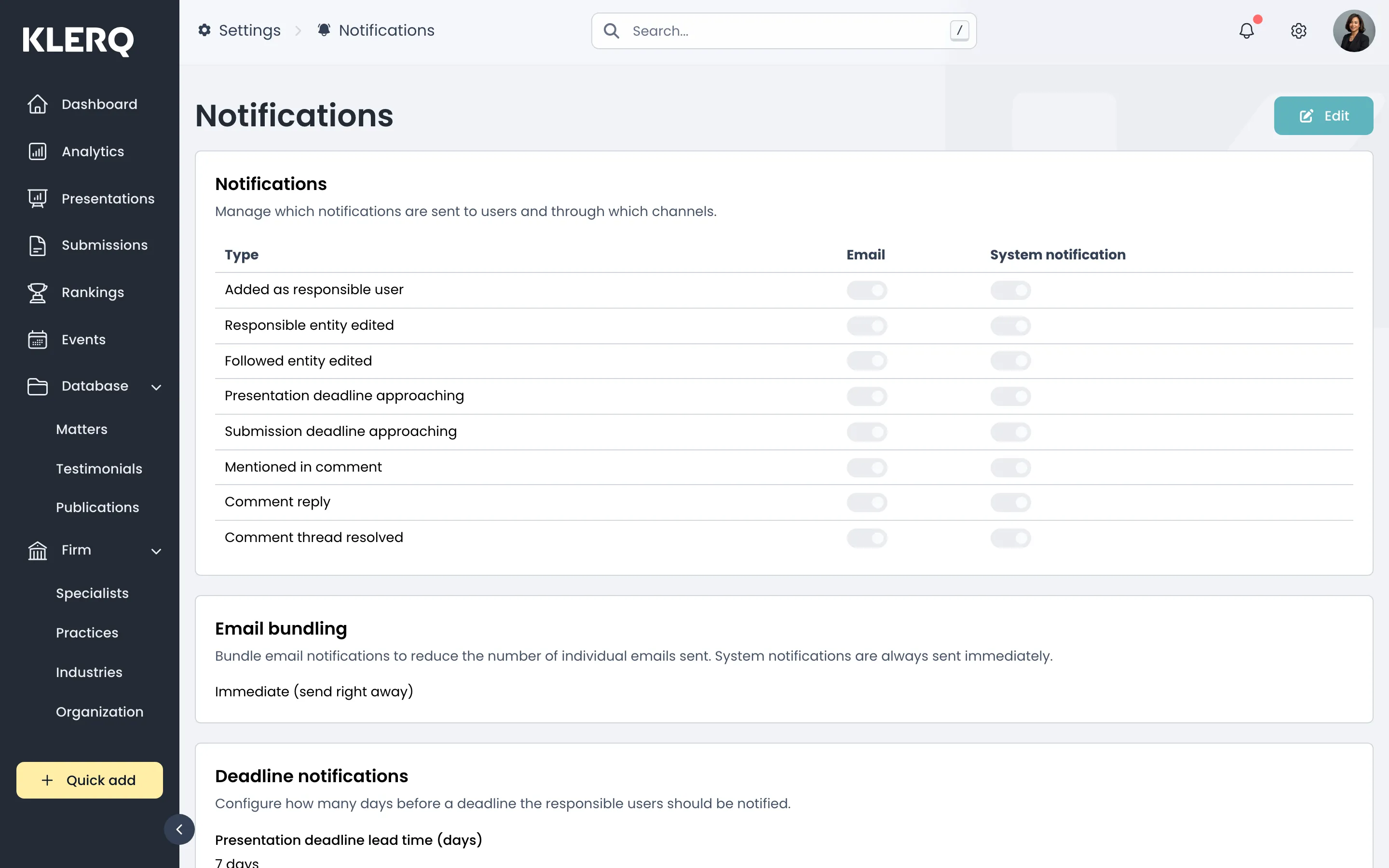
- Click Edit to change which notifications are sent.