Approve a work highlight
Why approval exists
Section titled “Why approval exists”A work highlight goes to a legal directory under your firm’s name, and often describes a client’s confidential business. Approval is the check that someone with the standing to make that call has read it.
Until a highlight is approved it can be written and edited freely, but it is not ready to be pulled into a submission.
Approving and unapproving
Section titled “Approving and unapproving”Approval is reversible. Unapprove work highlight puts it back into draft — useful when a client’s circumstances change, or when copy written for one directory needs reworking for another.
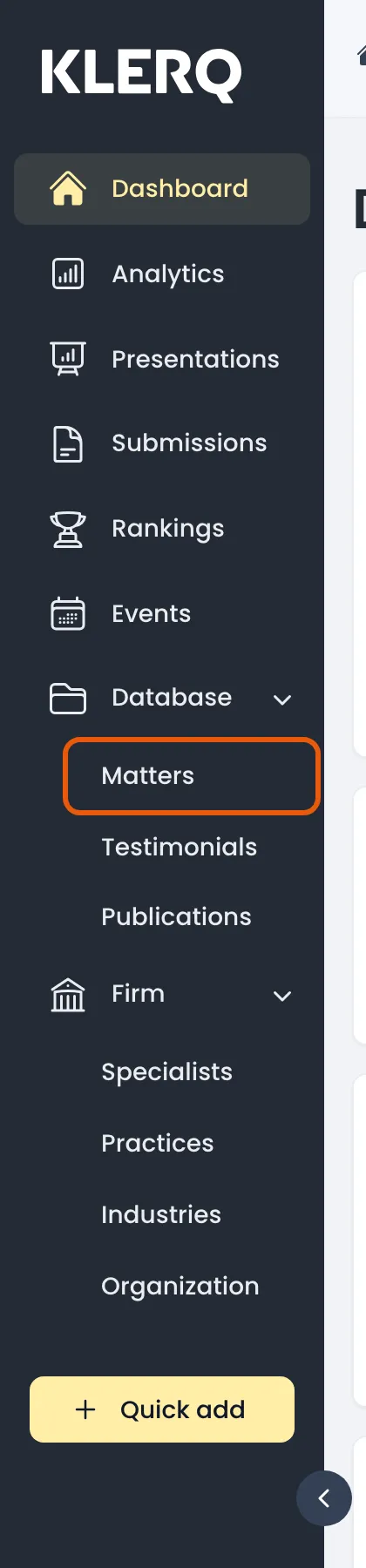
- In the left menu bar, click matters under the Database heading.
- Open the record you want to work with.

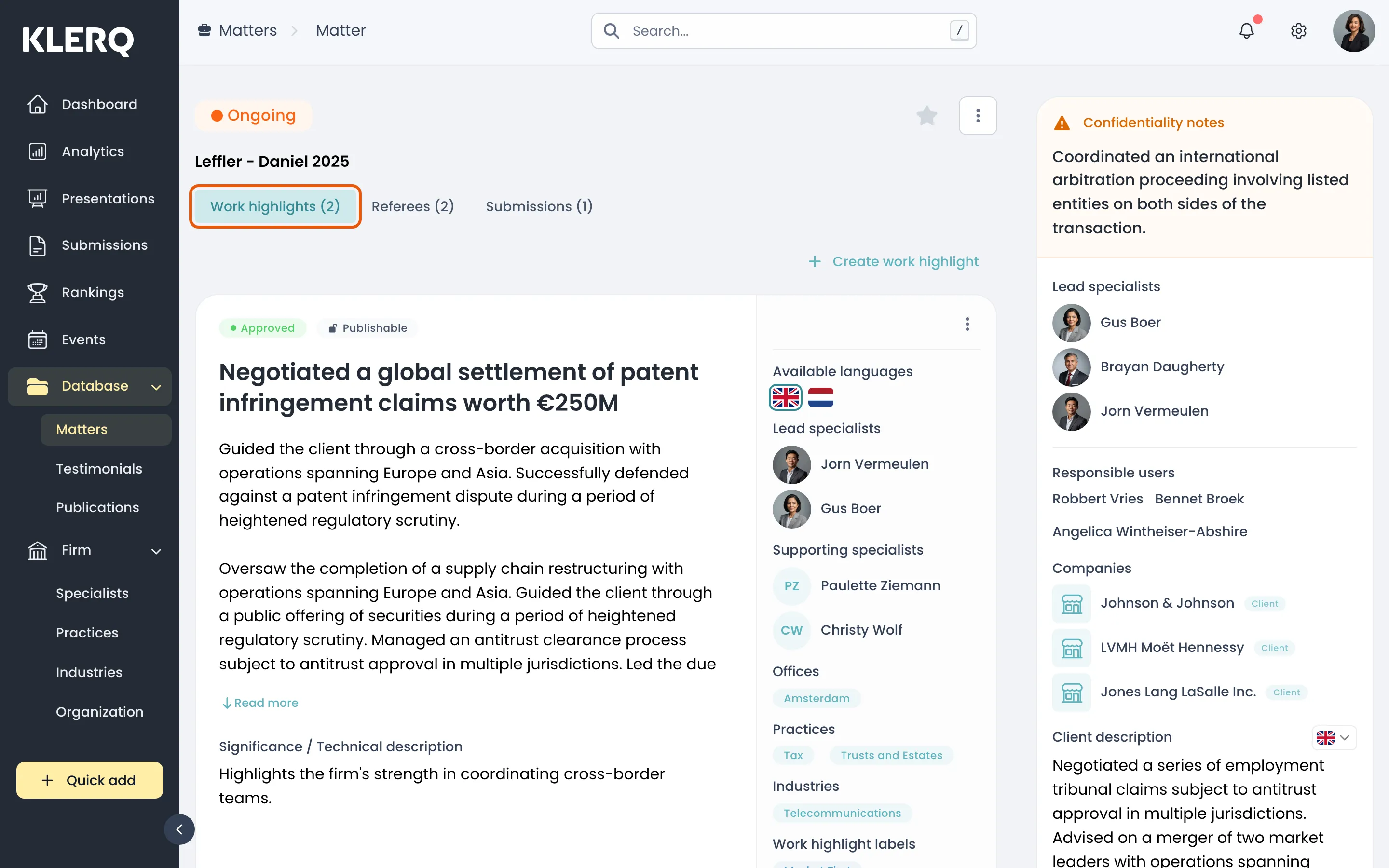
- On the matter, open the Work highlights tab.
- Click Approve work highlight on the highlight you are signing off.
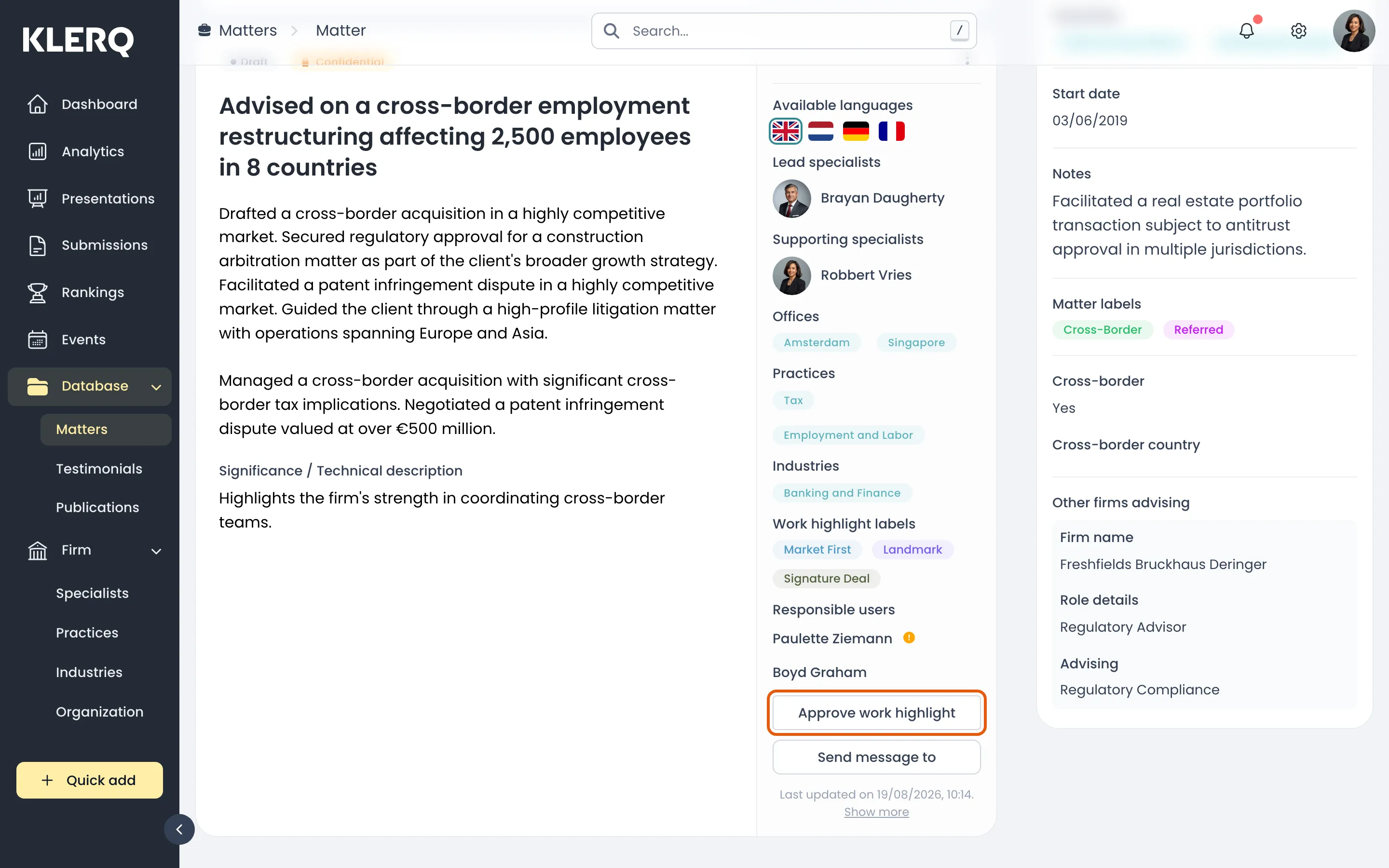
- The highlight is now available to submissions. Unapprove work highlight reverses it.