Create a submission
Before you start
Section titled “Before you start”Read about submissions for what this is, how it connects to the rest of KLERQ, and the conventions worth following.
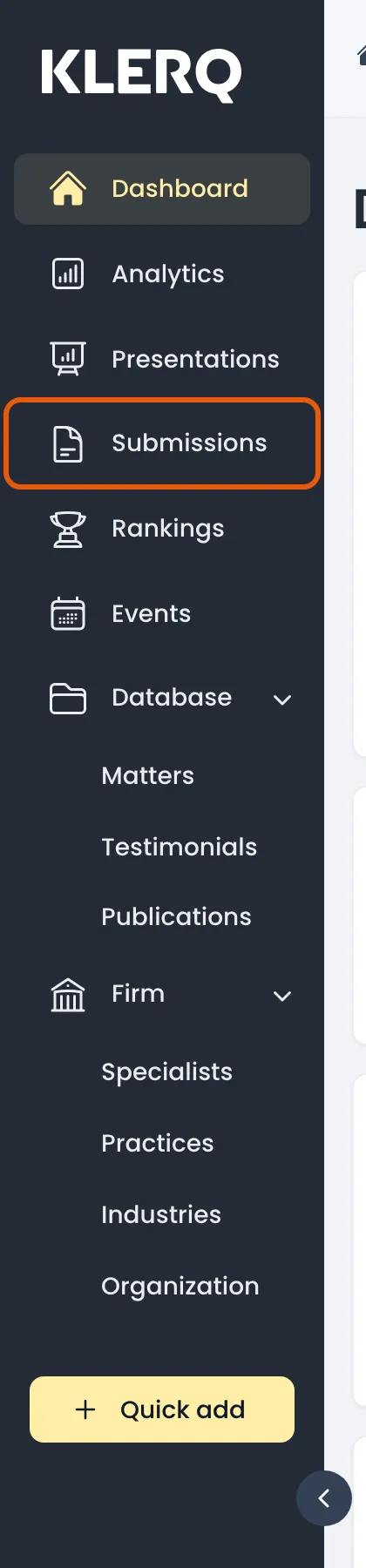
- In the left menu bar, click submissions.
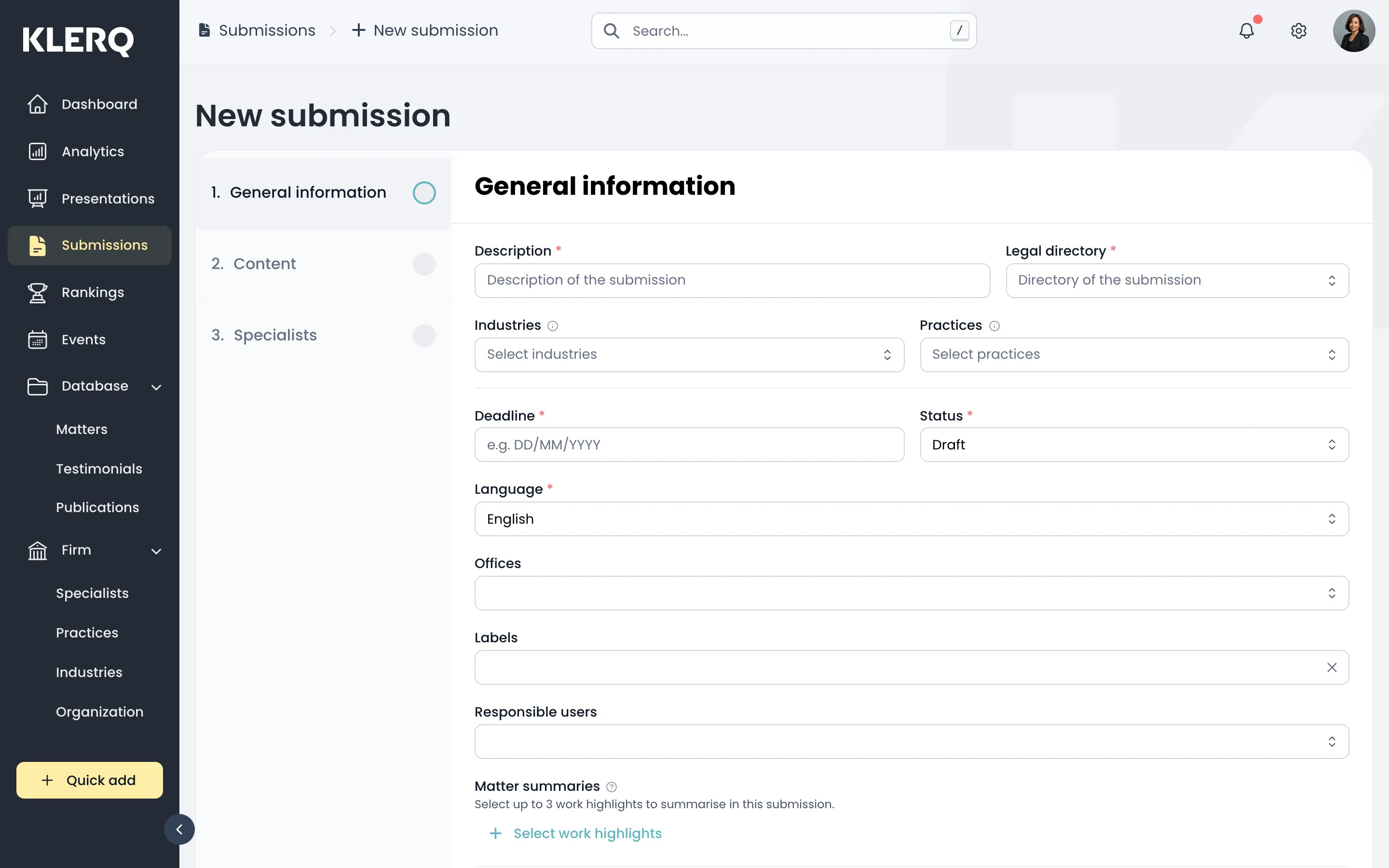
- Click new submission to start.

- General information — choose the directory, the practice area you are submitting for, and the deadline.
- Content — add the work highlights and narrative the directory will assess.
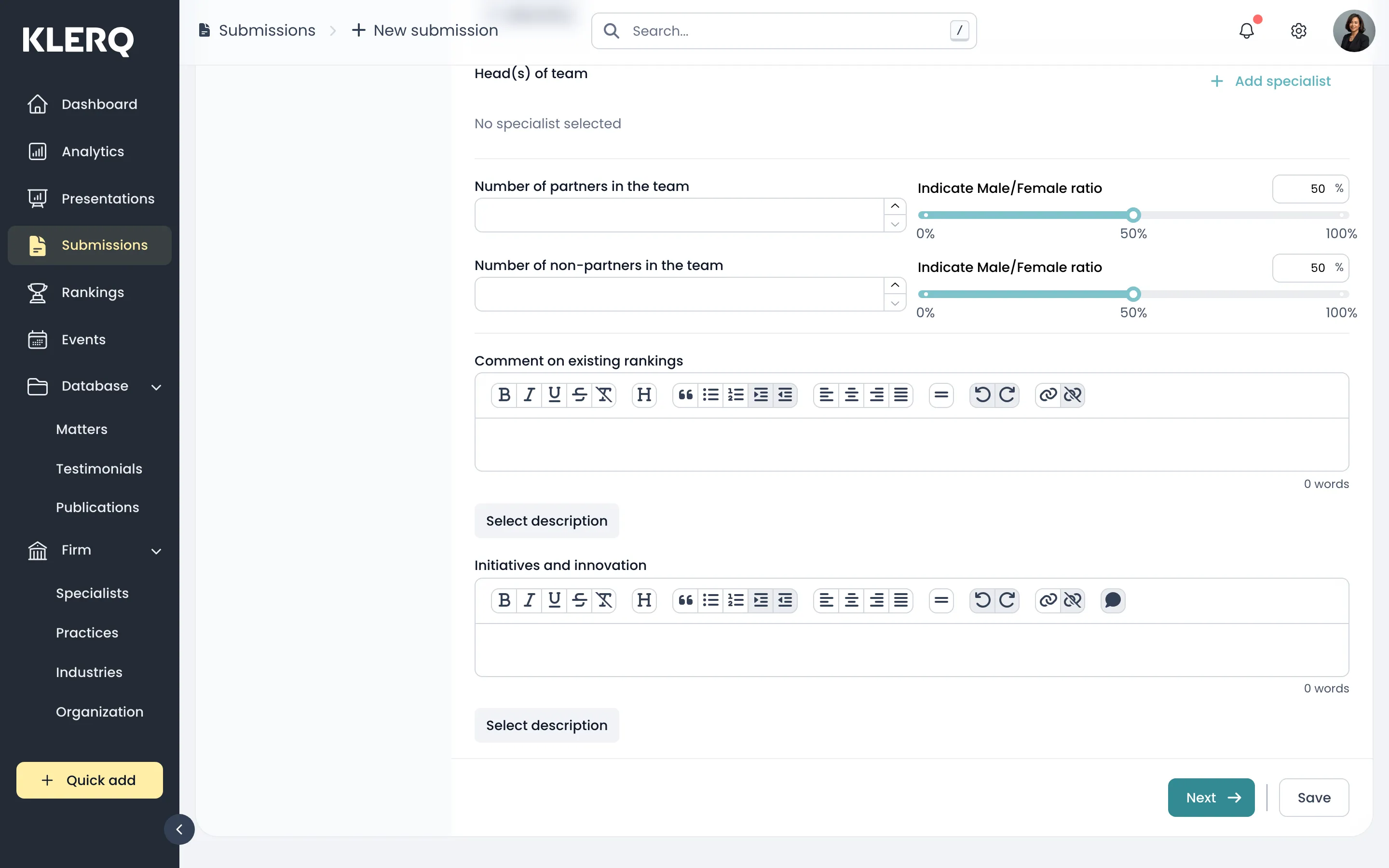
- Specialists — nominate the colleagues this submission is about, and the referees who can speak for the work.