Send a message
What a message does
Section titled “What a message does”Send message to asks named colleagues to review the record you are looking at. They receive an email containing a link to that record, plus whatever you write in the optional message.
It is the mechanism behind most review requests in KLERQ — asking a partner to approve a work highlight, asking a colleague to confirm a deal value, asking whoever ran a matter to write it up.
Why not just email them
Section titled “Why not just email them”The link goes to the right place. The recipient lands on the record itself rather than hunting for it, which is most of the friction in a review request.
The ask is attached to the record. Anyone else opening it can see that a review was requested, instead of that context living in one person’s inbox.
Outstanding asks are visible as a set. On submissions, messages are grouped into Open and My threads. During submission season the useful question is not “did I email her” but “what is still outstanding across forty records”, and that is only answerable if the asks are tracked in one place.
Where you can send one
Section titled “Where you can send one”Messages can be sent from matters, submissions and presentations — anywhere the Send message to button appears.
Receiving one
Section titled “Receiving one”Follow the link in the email, which opens the record directly. Reply in the thread on the record rather than by email, so the answer stays where the next person will look for it.
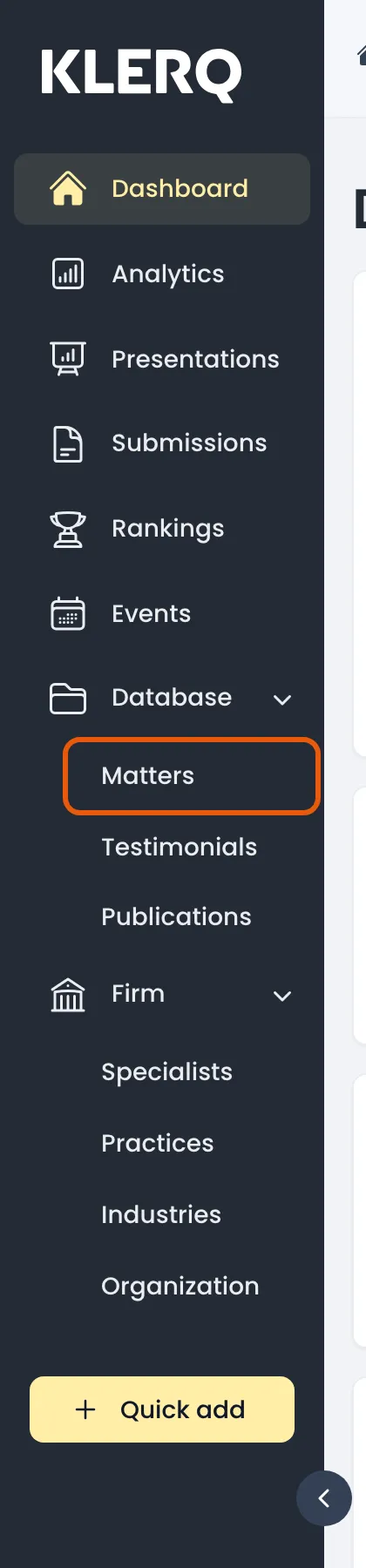
- In the left menu bar, click matters under the Database heading.
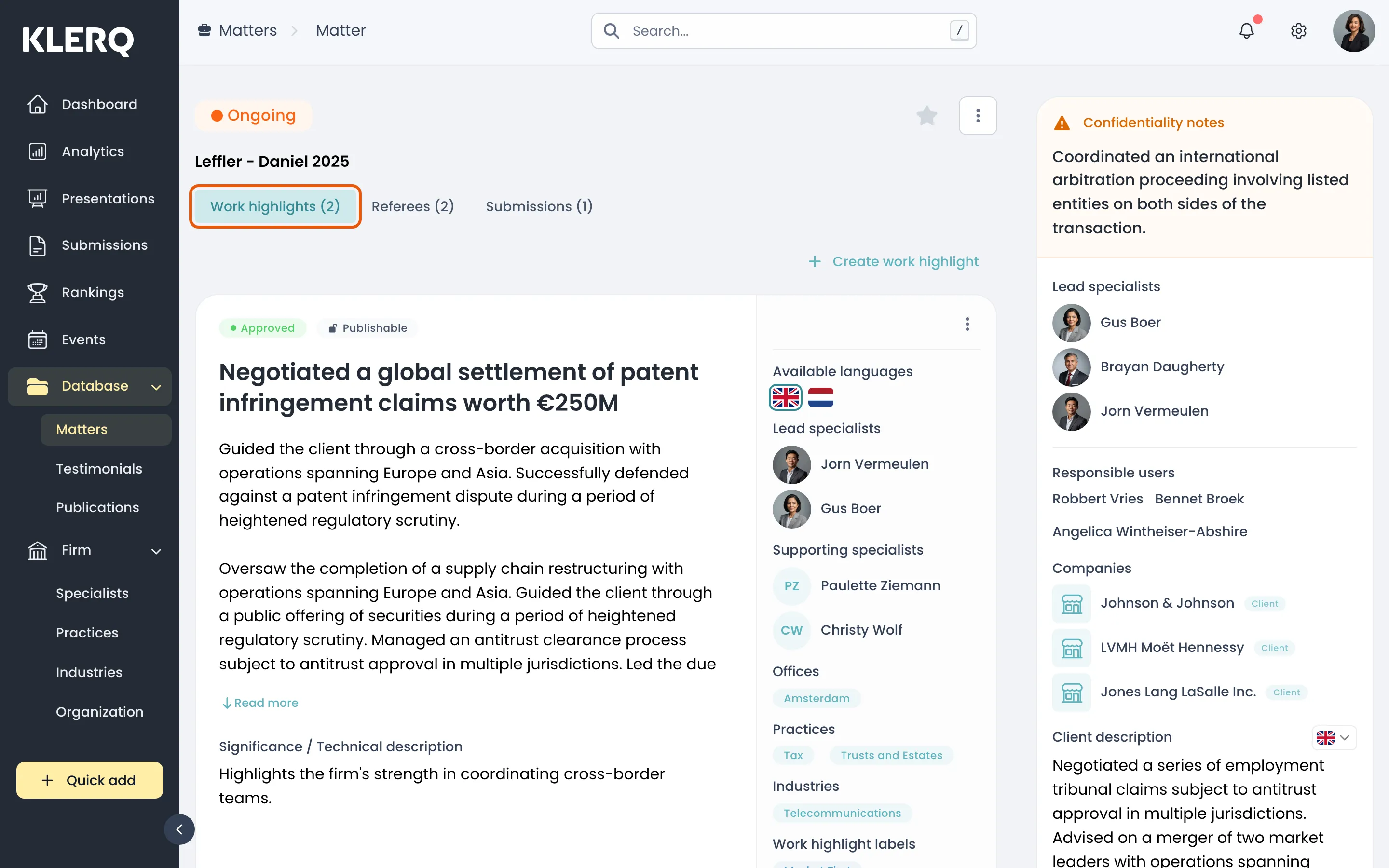
- Open the record you want to work with.

- Open the record you need reviewed — here, a matter’s Work highlights tab.
- Click Send message to and choose the colleagues you are asking.
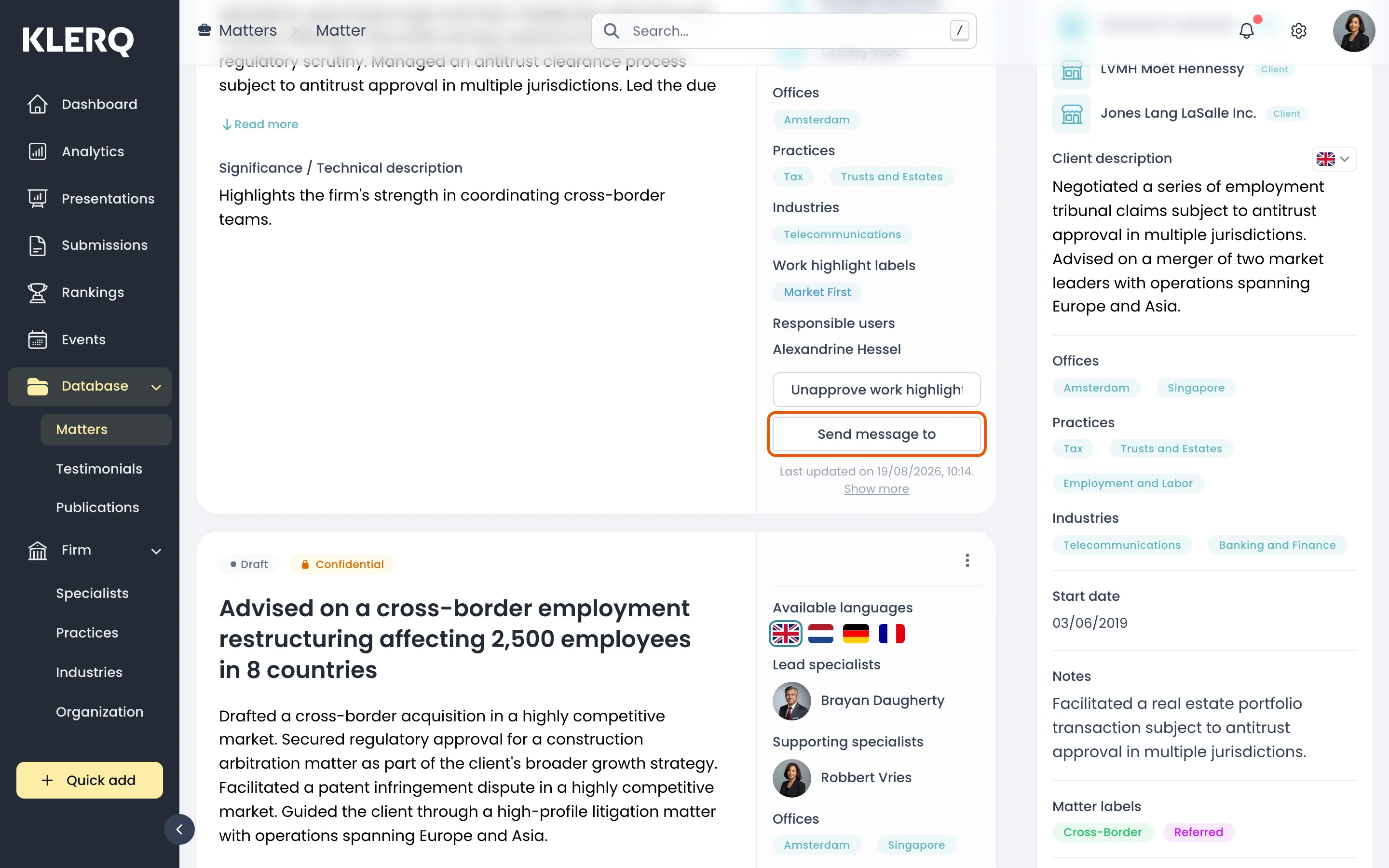
- Add an optional message and send. They receive an email with a link straight to this record.