Add a matter
Before you start
Section titled “Before you start”Read about matters for what this is, how it connects to the rest of KLERQ, and the conventions worth following.
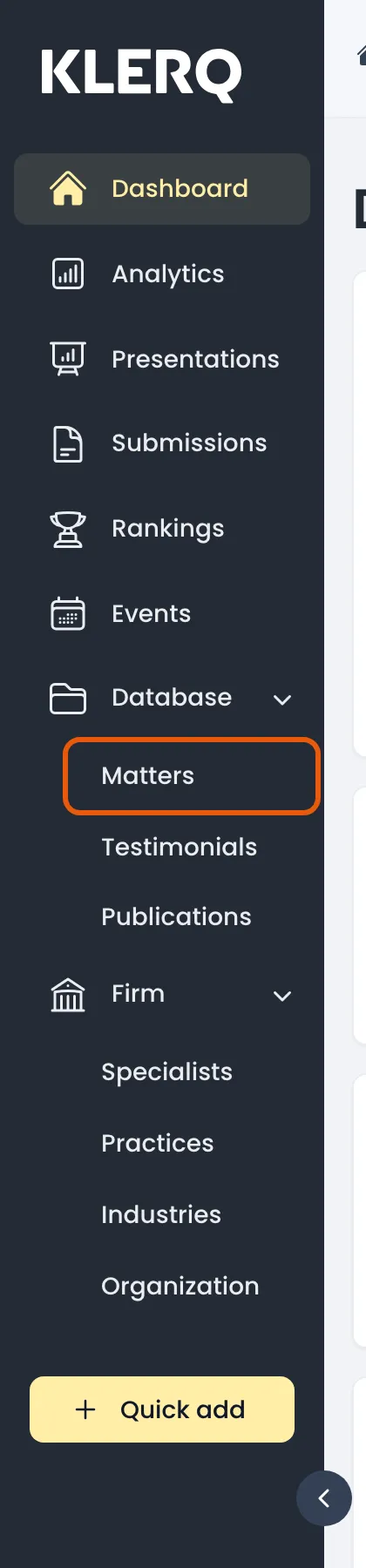
- In the left menu bar, click matters under the Database heading.
- Click new matter to start.

- Give the matter a name, choose the client it was done for, and set its status and dates.
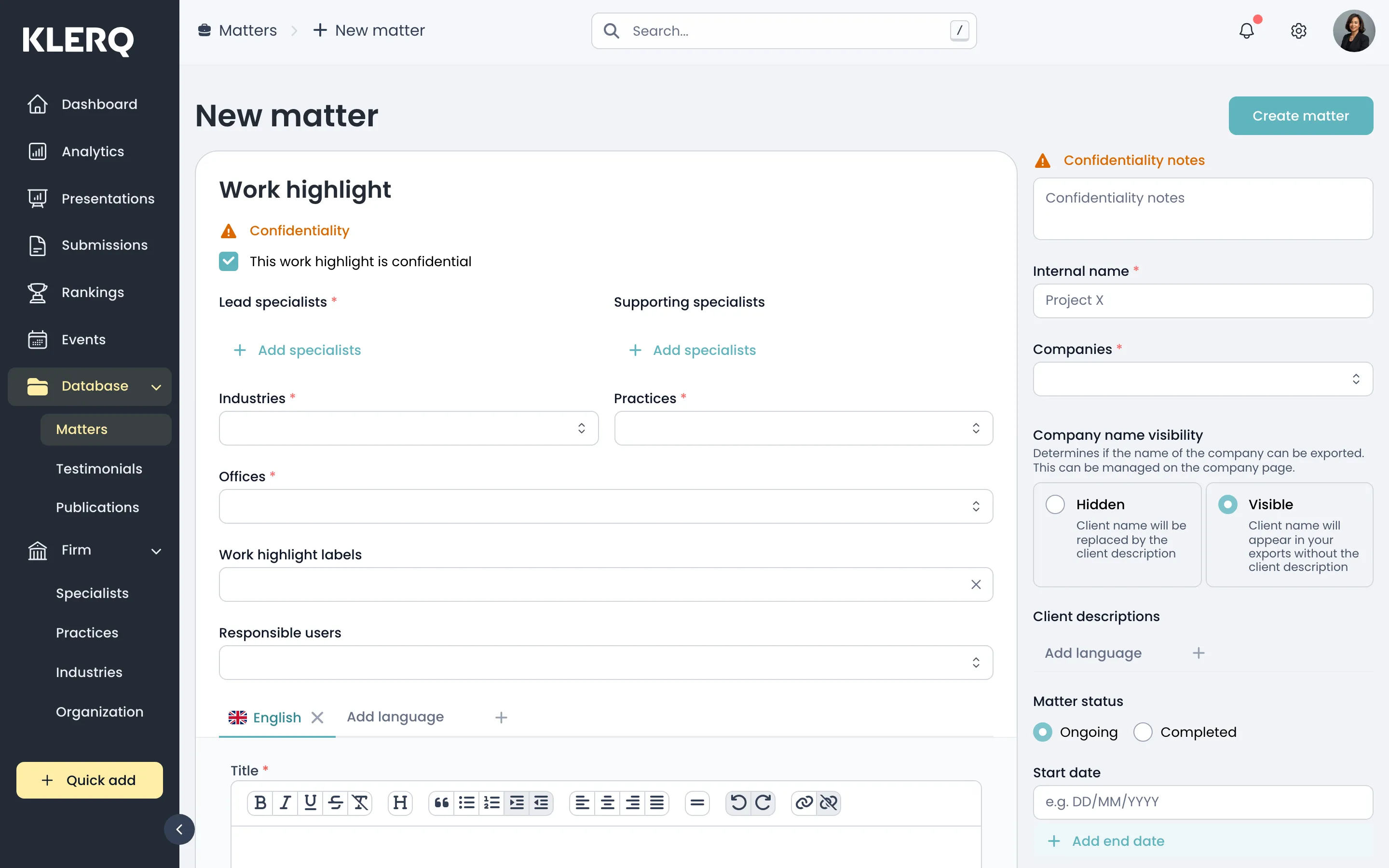
- Add the specialists who worked on it — leads and supporting — and the practices and industries it belongs to.
- Record the deal value and a description of the work. Click Create matter to save.