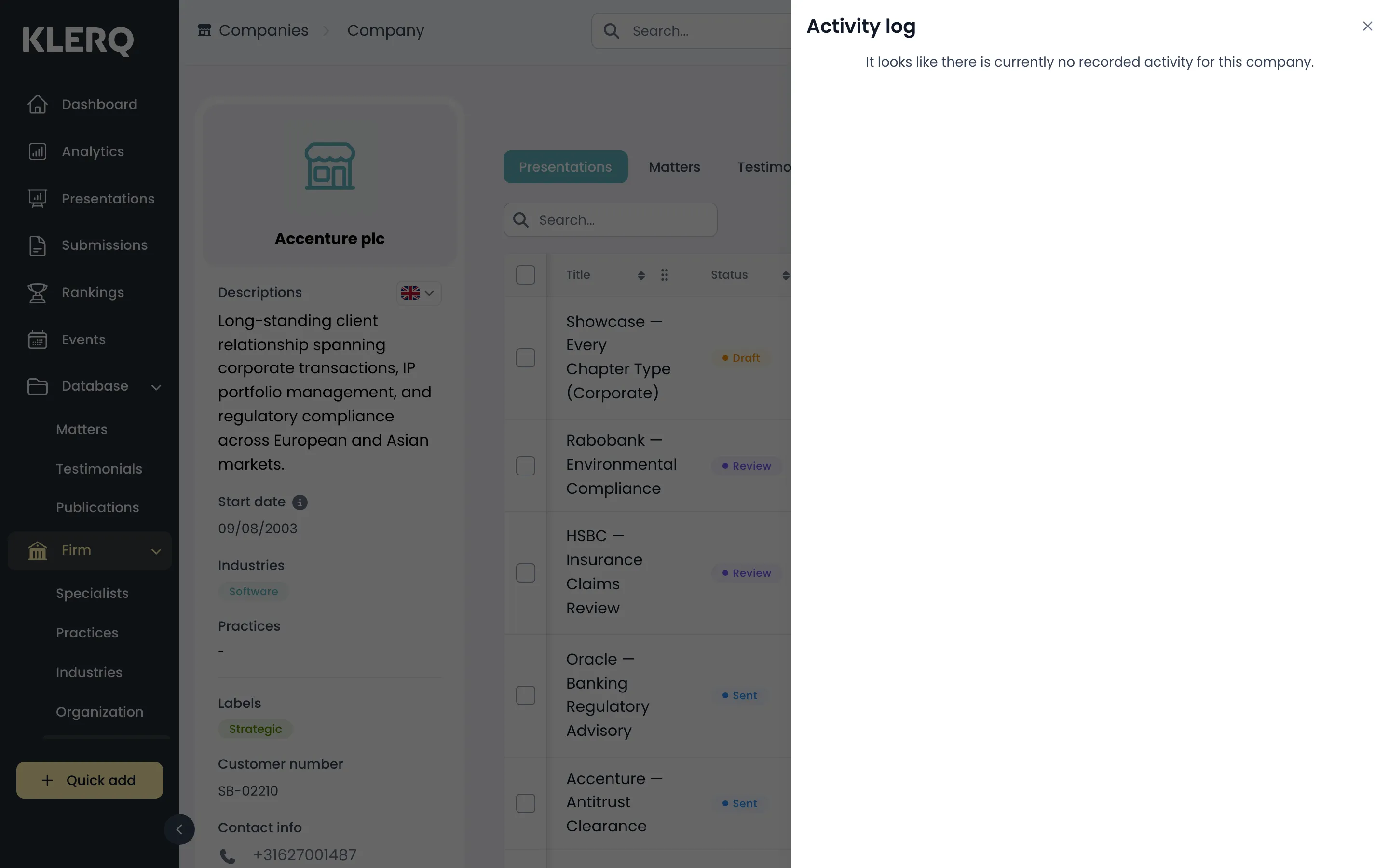
View a company's history
Overview
Section titled “Overview”Every change to a company is recorded — who made it, what changed and when. The activity log is the fastest way to answer “who updated this, and why does it look different from last week?”, and it is often quicker than asking around.
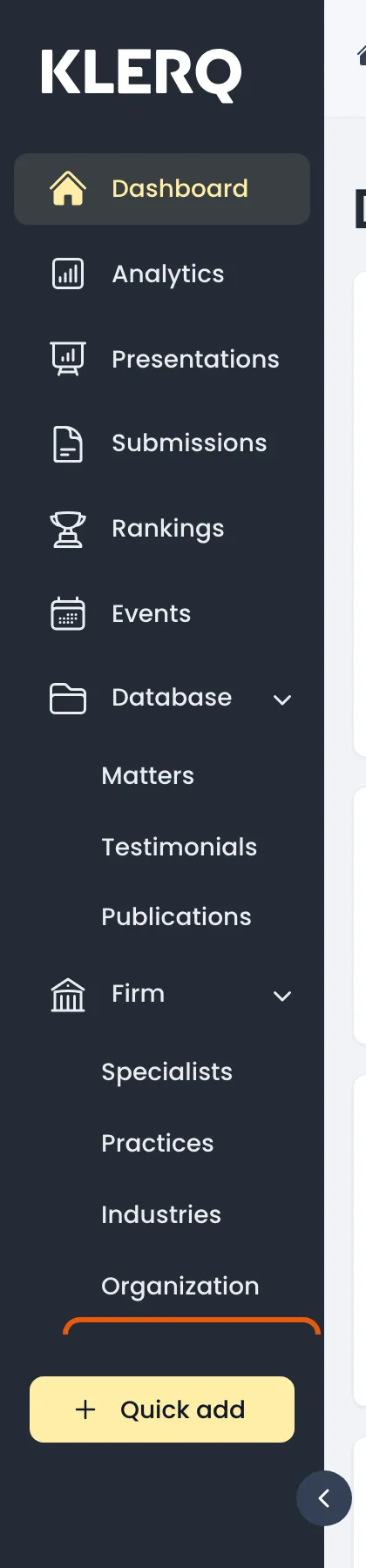
- In the left menu bar, click Companies under the Firm heading.
- Open the company you want to look at.

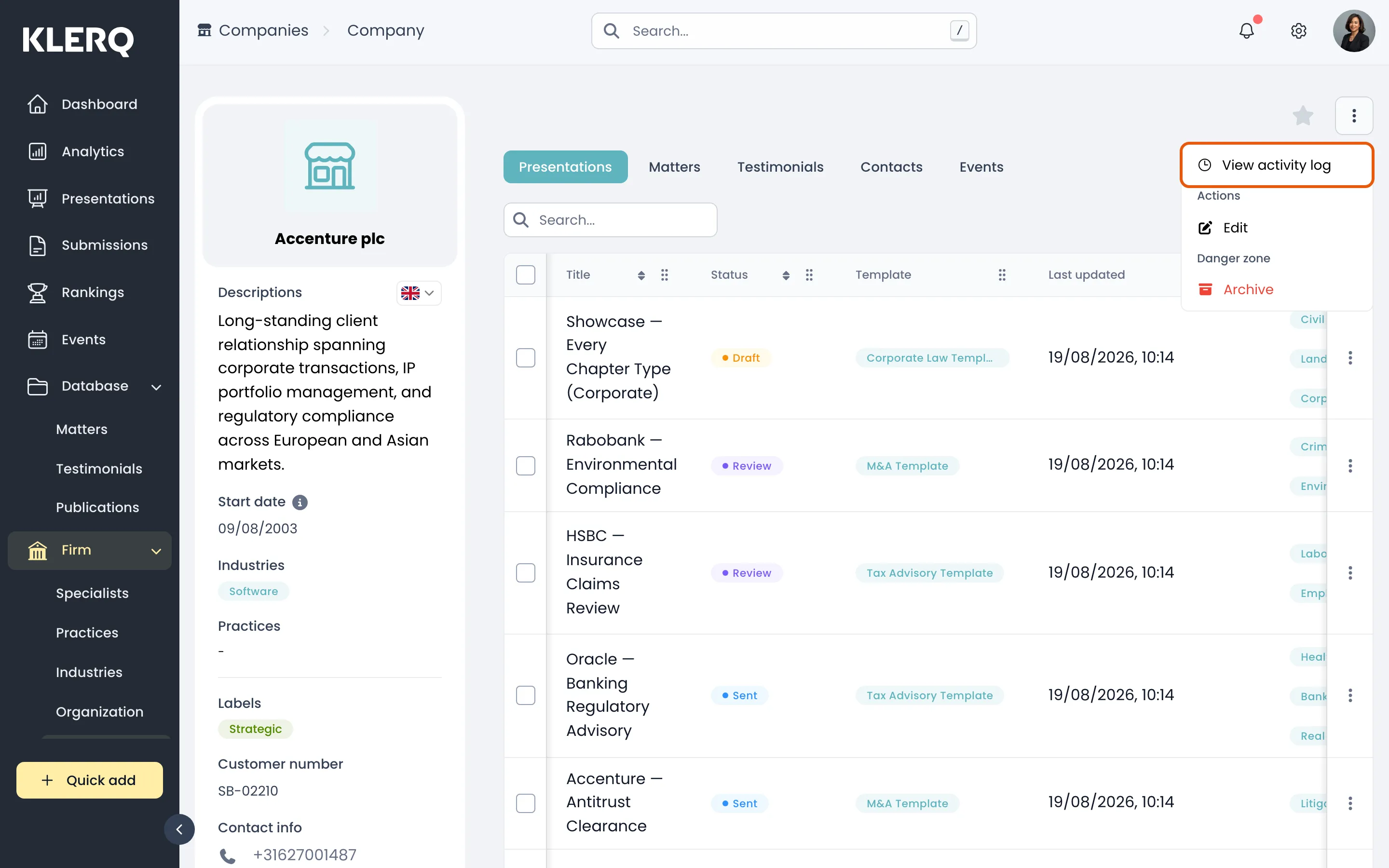
- Click the ⋮ menu and choose View activity log.
- The log lists each change, newest first, with the person who made it.