Add a permission group
What you are deciding
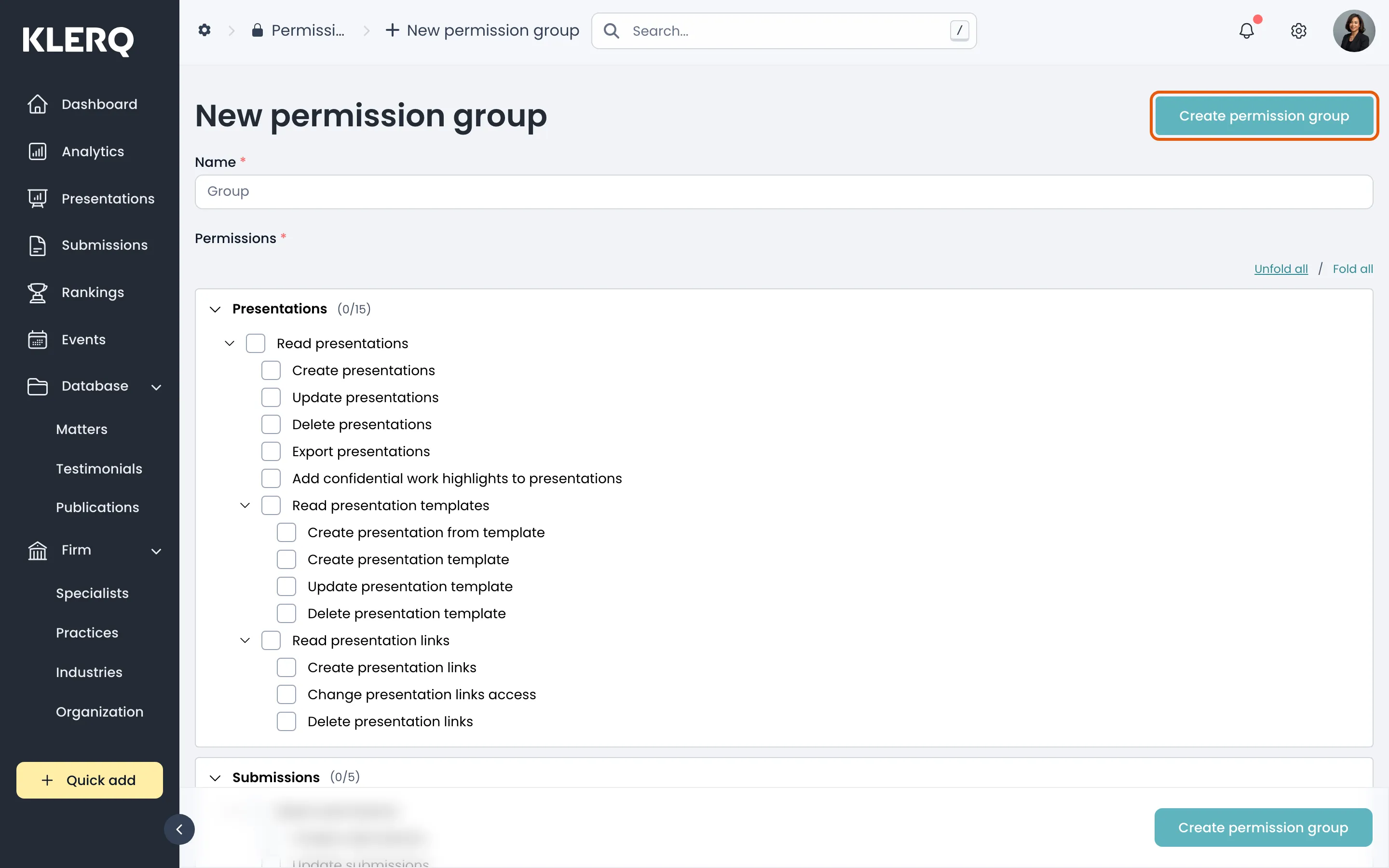
Section titled “What you are deciding”A permission group is a named set of permissions. Creating one is two things at once: naming the group, and ticking what it may do.
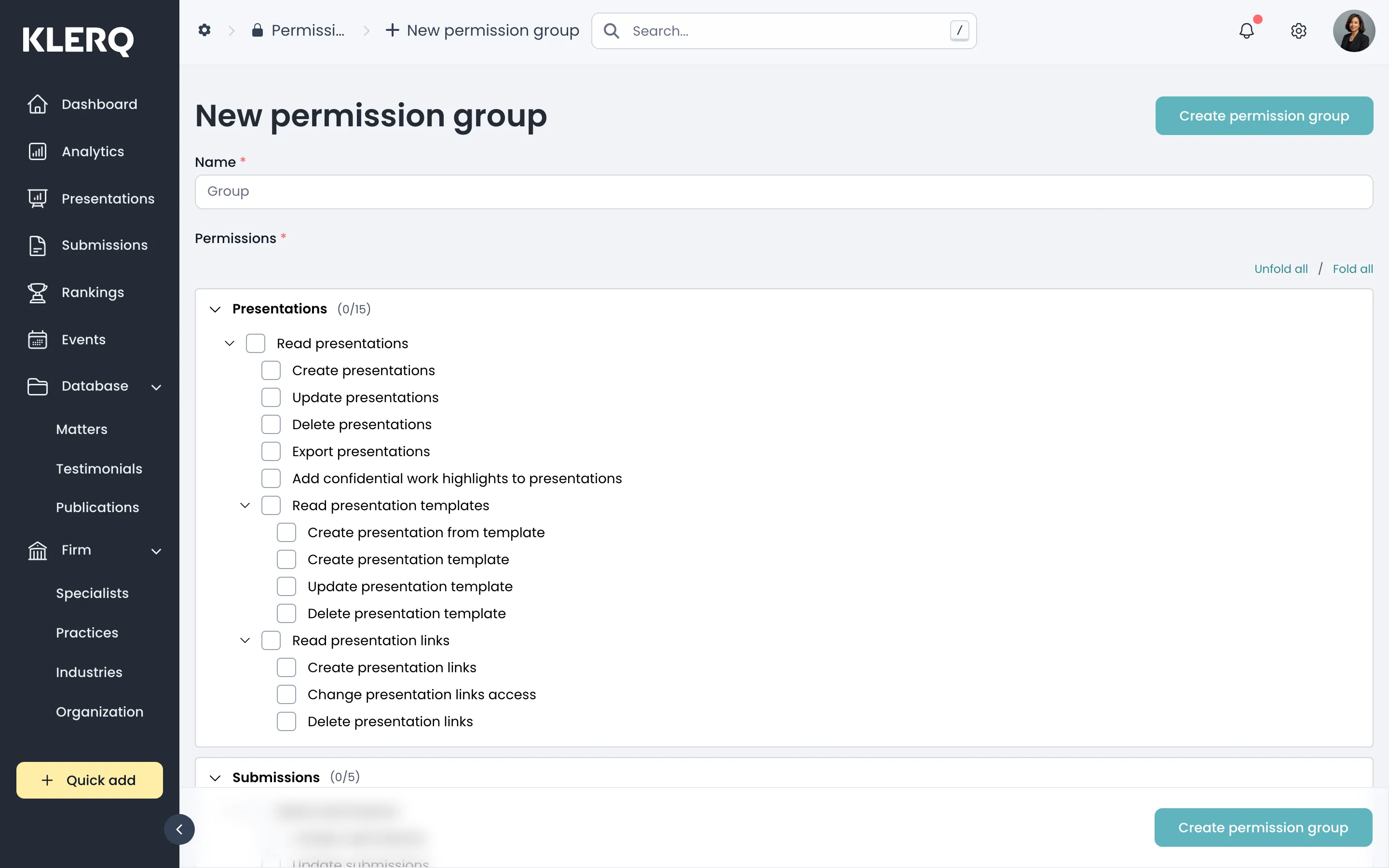
Permissions are granular — set per record type and per action. The counters beside each type show how many of its permissions the group currently has, for example Matters (0/11) or Presentations (0/15).
The record types
Section titled “The record types”Every part of KLERQ is covered separately: Presentations, Submissions, Rankings, Events, Matters, Testimonials, Publications, Specialists, Practices, Industries, Organization, Clients, Contacts, Users, Permission Groups, Roles and Directories.
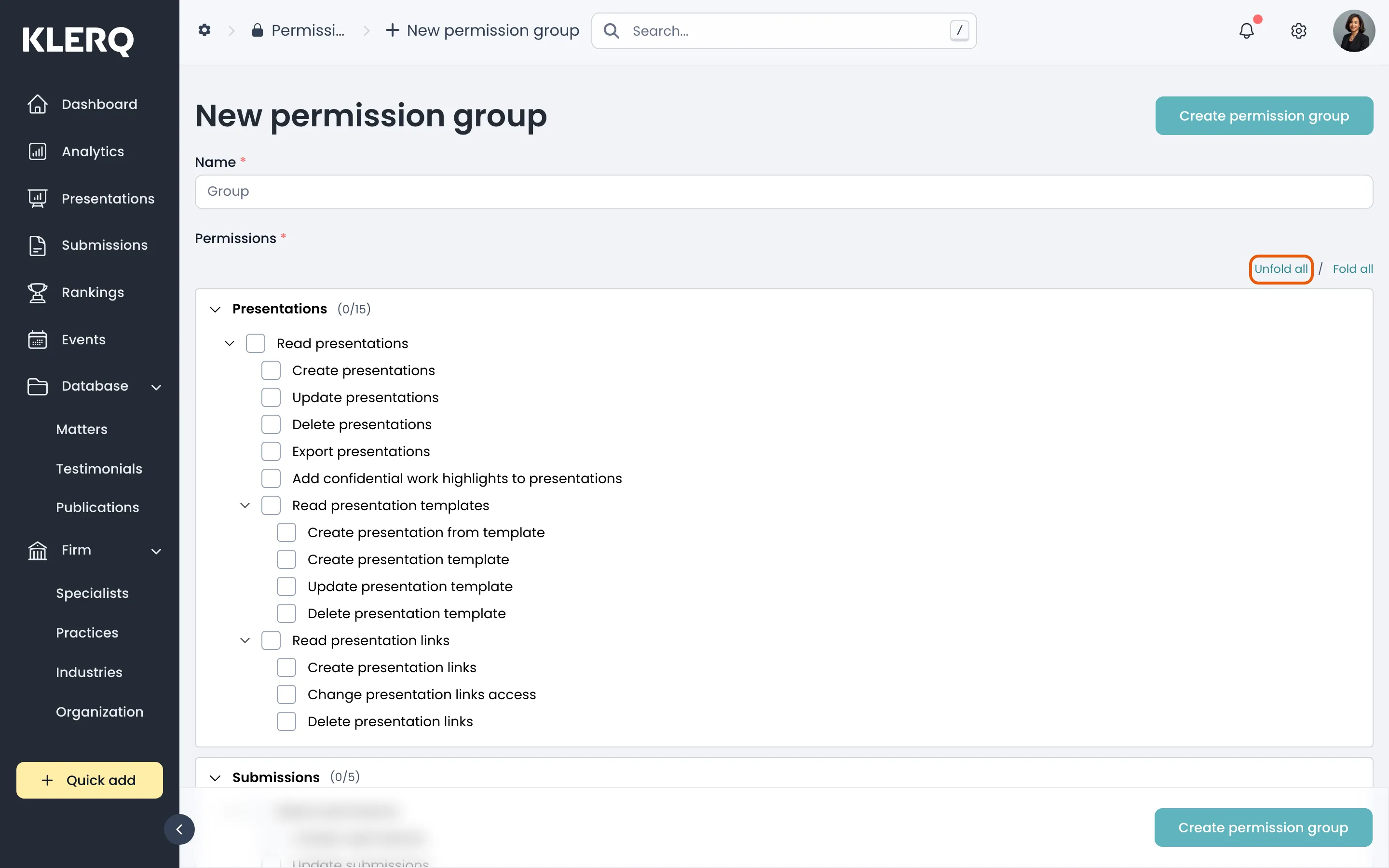
Unfold all opens every type at once, which is the practical way to build a group — reviewing seventeen collapsed sections one at a time is how permissions get missed.
A note on scope
Section titled “A note on scope”Permissions are additive. A user in two groups can do anything either group allows, so a restrictive group does not cancel a permissive one.
Take particular care with Users, Permission Groups and Roles. A group that can edit permission groups can grant itself anything else.
- Click the gear icon in the top bar to open Settings.

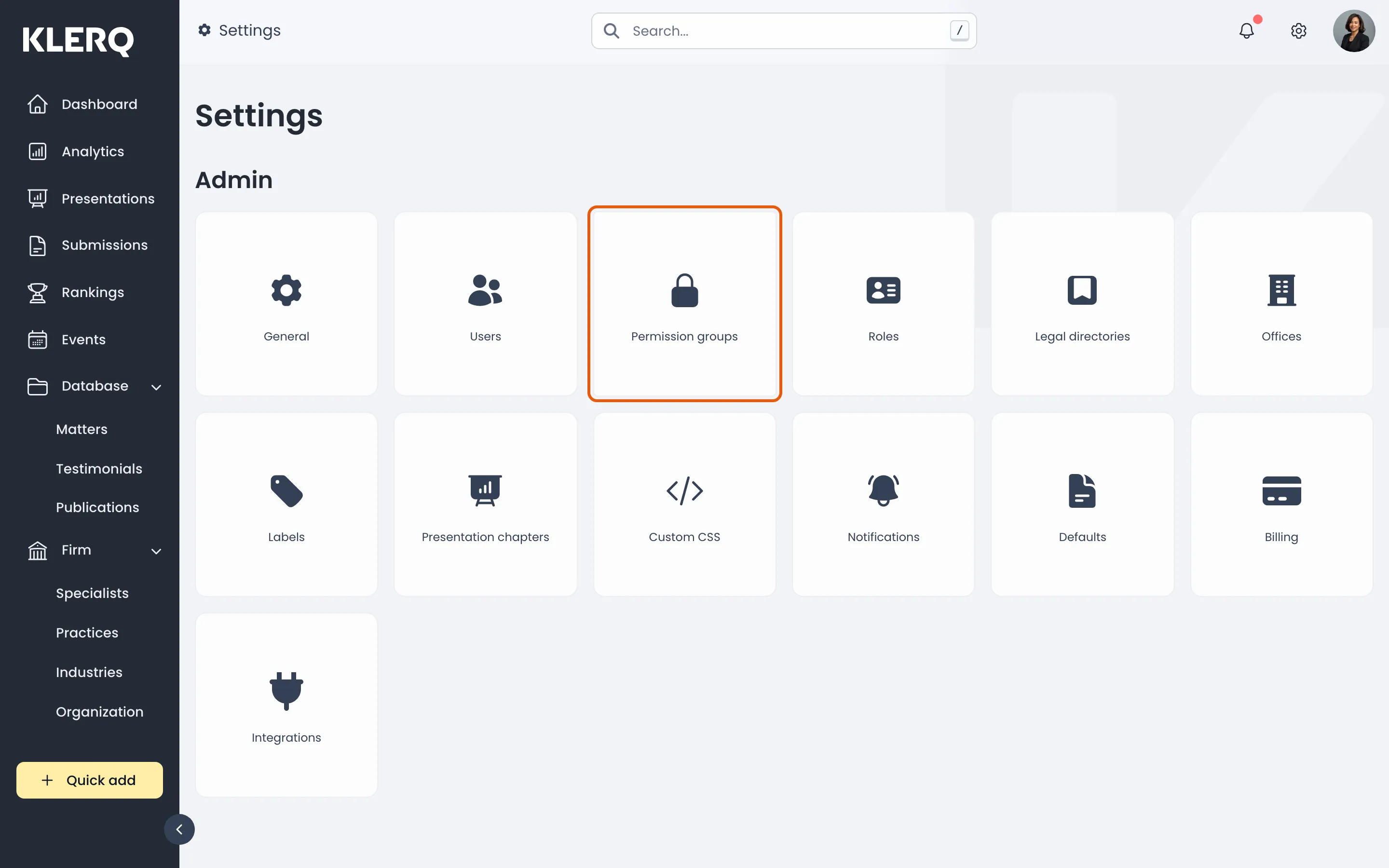
- On the Settings page, choose Permission groups.
- Name the group, then work through the record types. Each shows how many of its permissions are granted, such as Matters (0/11).
- Click Unfold all to open every record type at once.
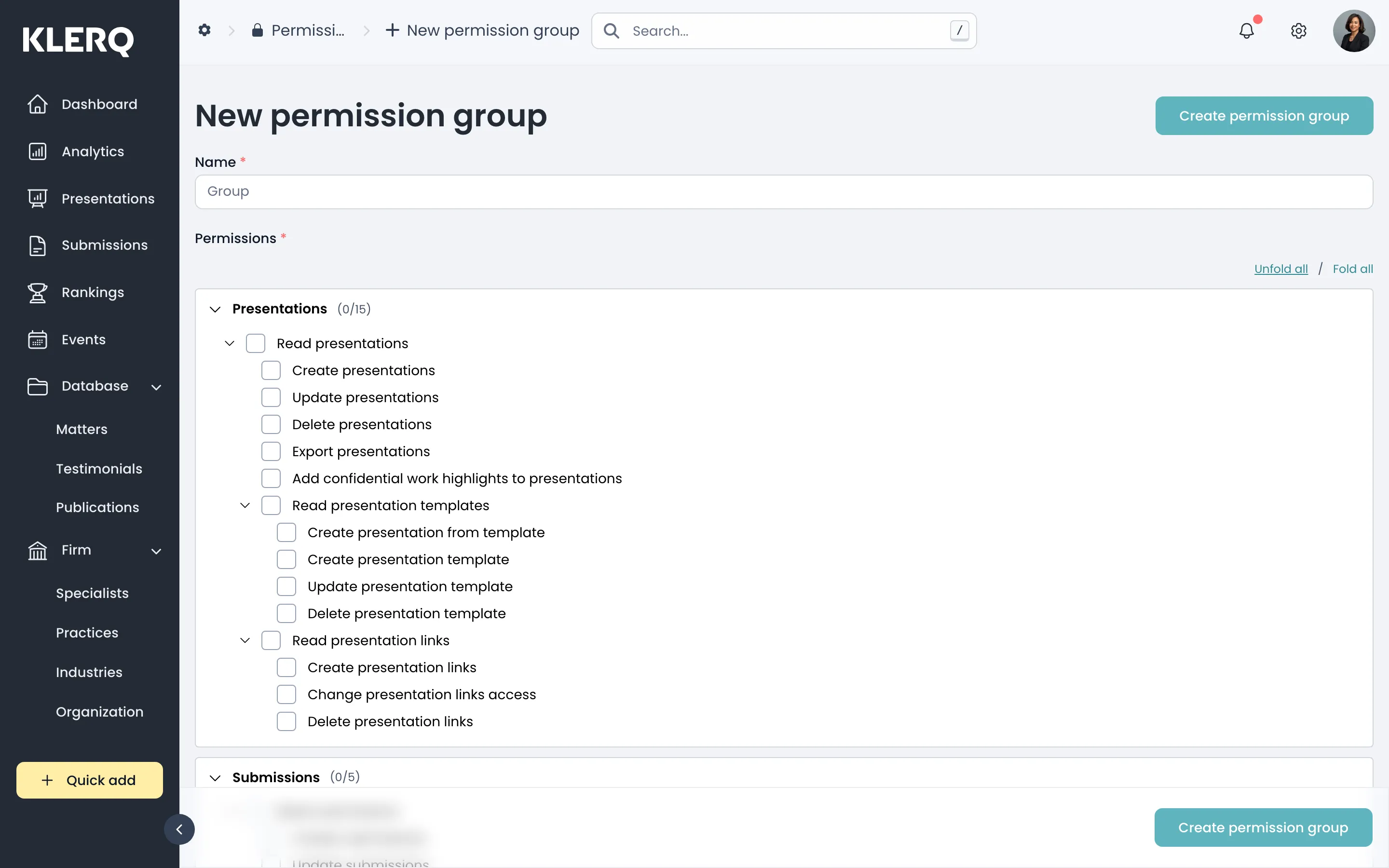
- Click Create permission group to save.