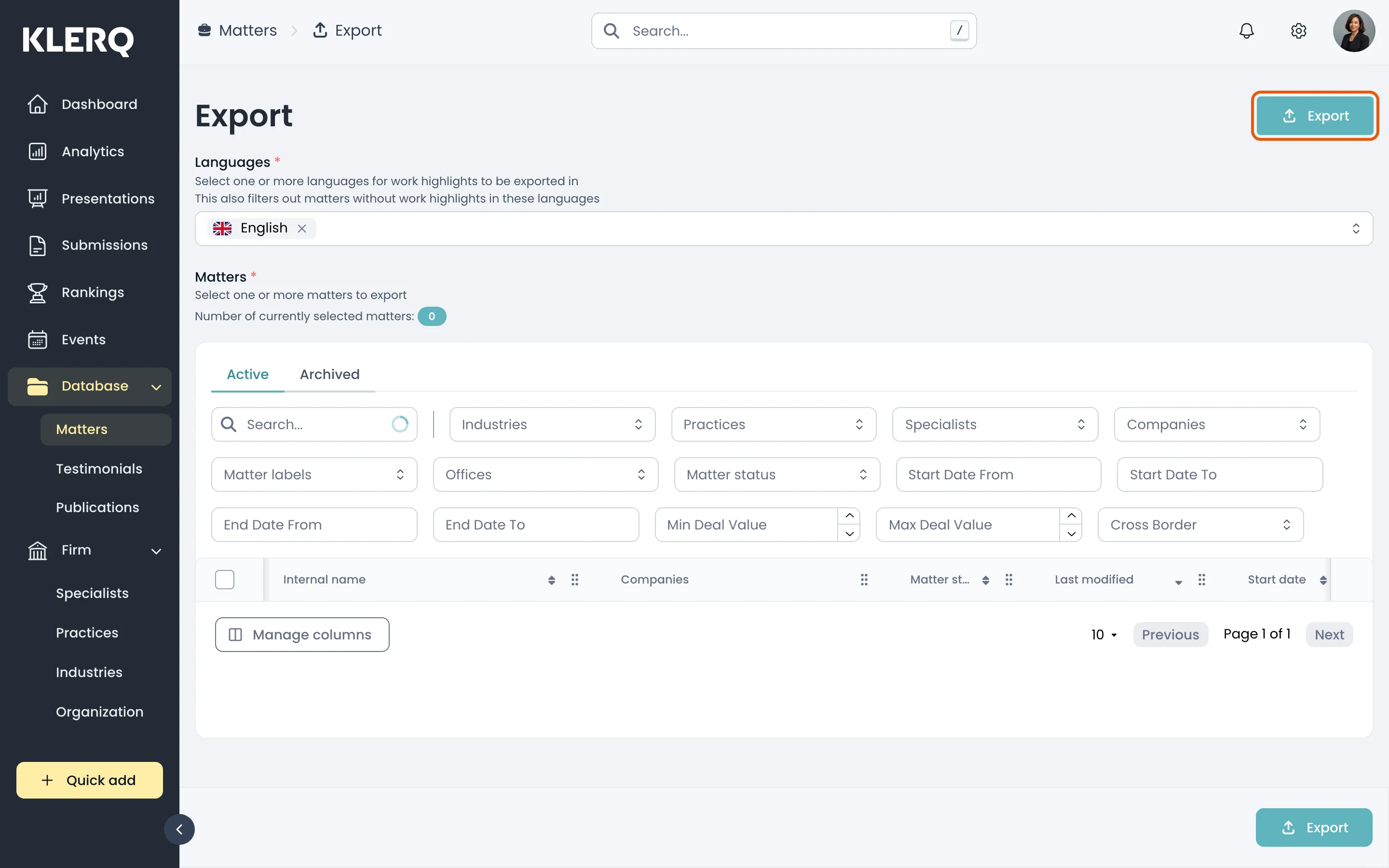
Export matters
Overview
Section titled “Overview”Exporting produces a spreadsheet of your matters — useful for reporting to partners, reconciling against a practice management system, or working through a data-cleanup exercise offline.
The export reflects the filters applied to the list, so filter first and export second if you want a subset rather than everything.
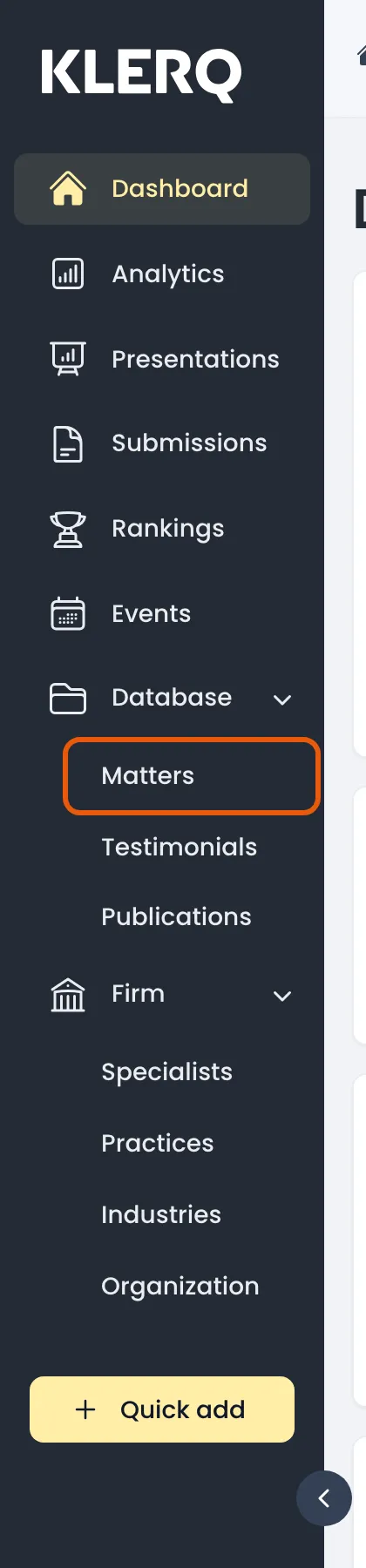
- In the left menu bar, click Matters under the Database heading.
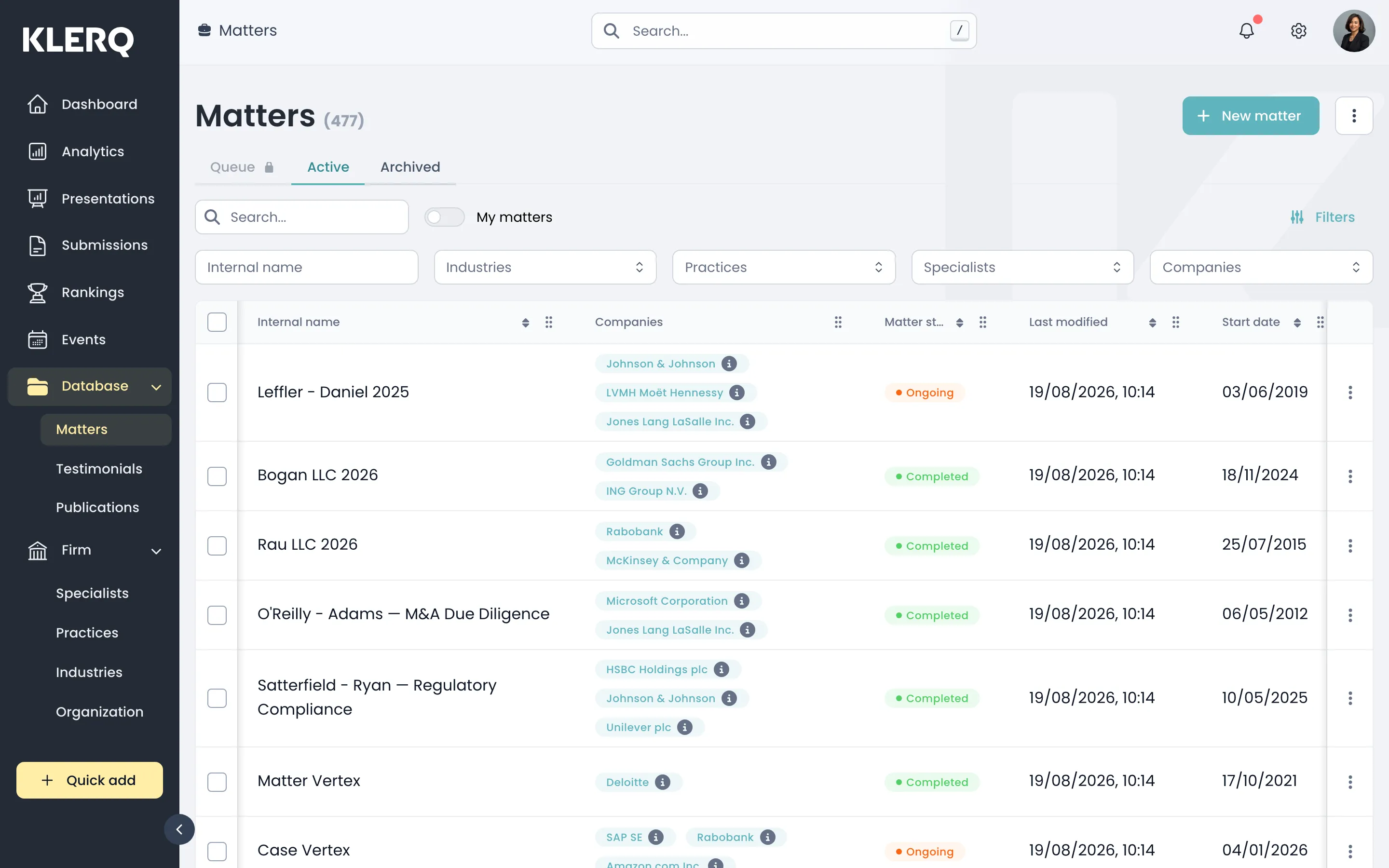
- Apply any filters you want the export to respect, then open the export page.
- Click Export to download the spreadsheet.