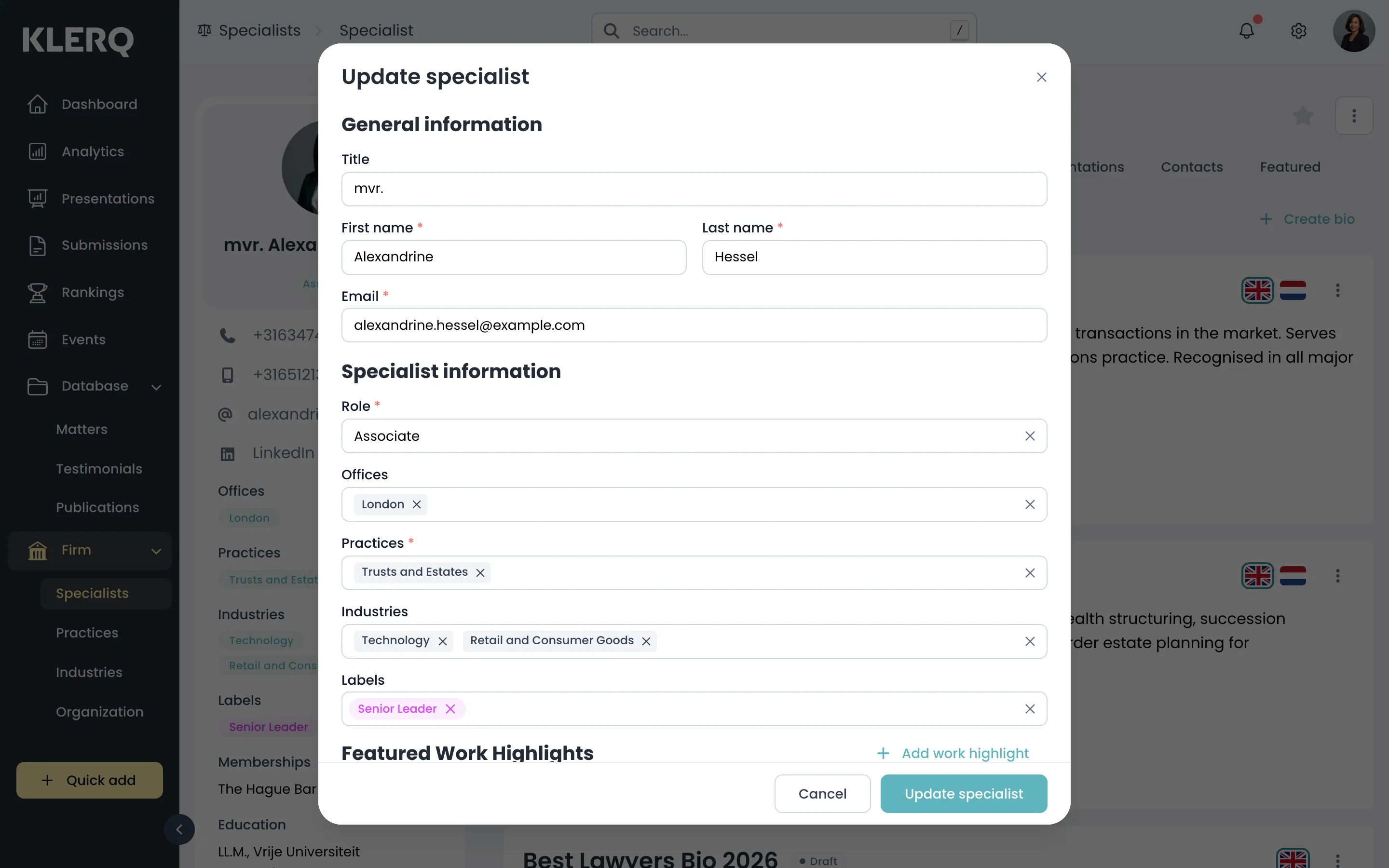
Edit a specialist
Overview
Section titled “Overview”A specialist’s role, offices, practices and contact details are all changed from Edit. Their biography is maintained separately, on their own panel, because it is translated and versioned.
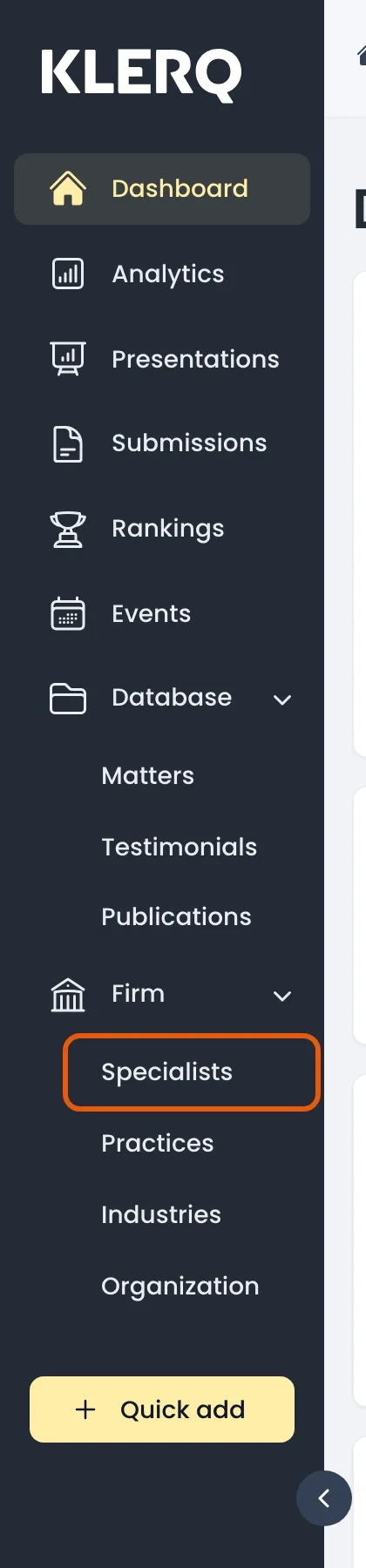
- In the left menu bar, click specialists under the Firm heading.
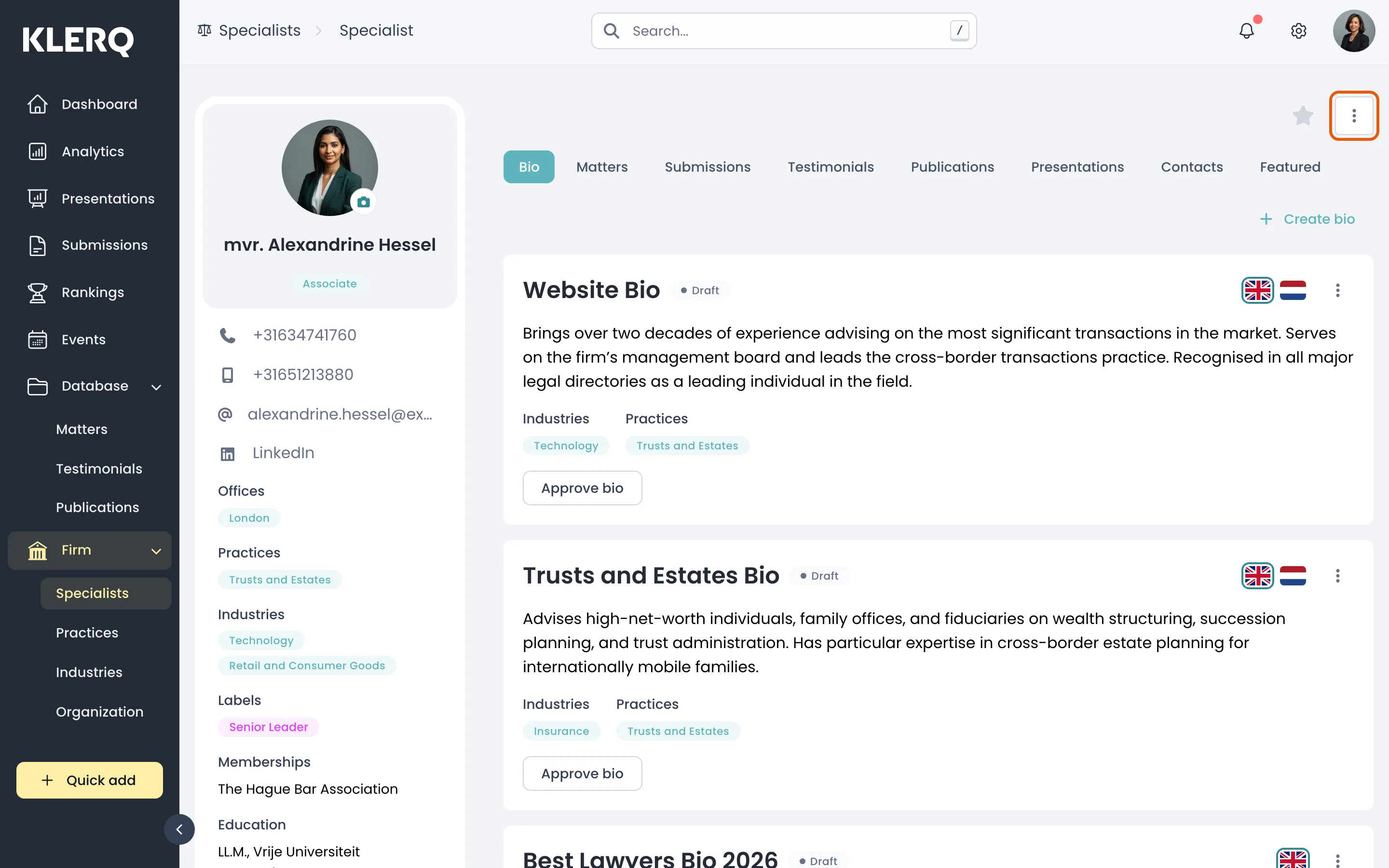
- Click the record you want to work with to open its panel.

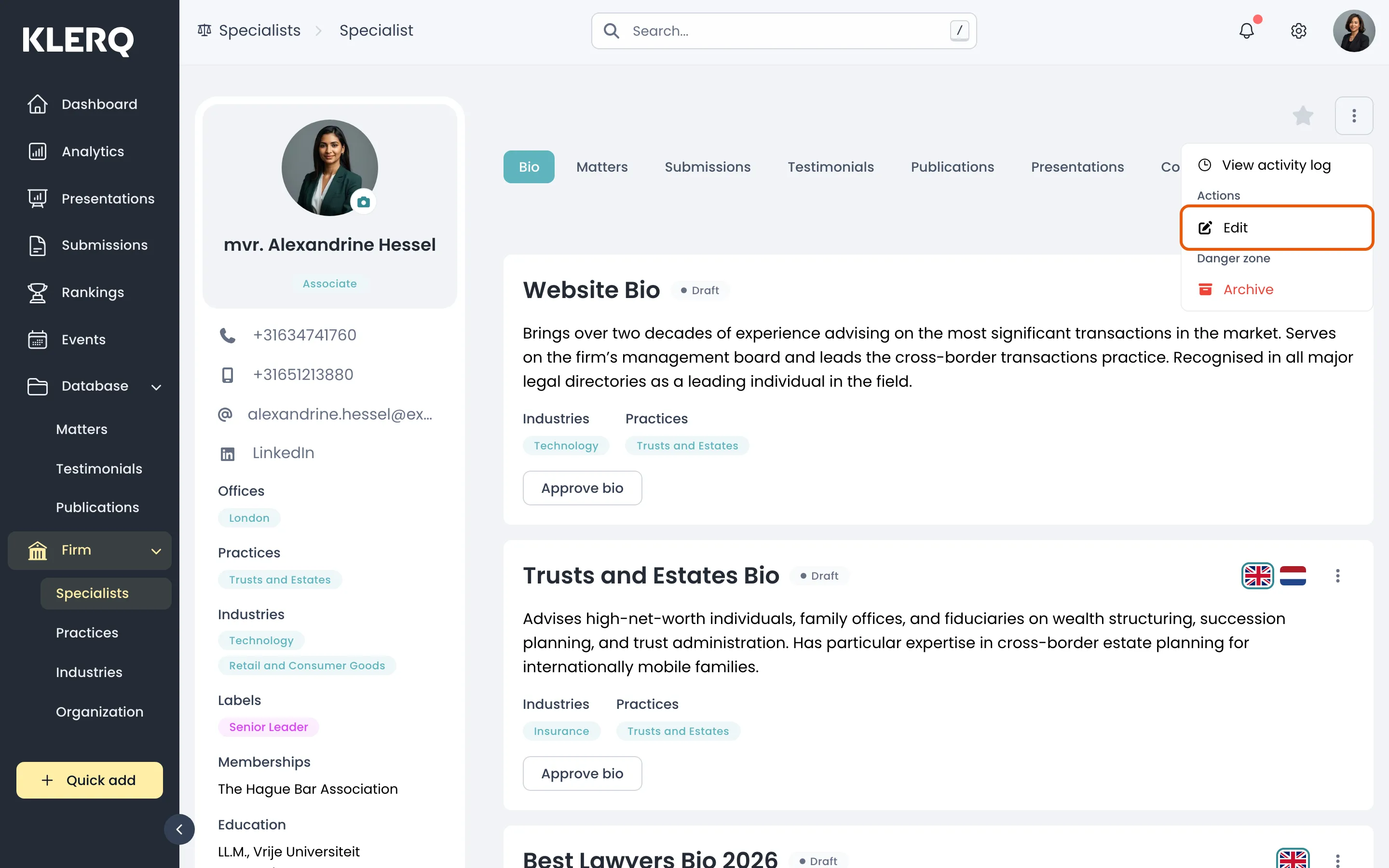
- Click the ⋮ menu in the top-right corner of the panel, then choose Edit.
- Change whatever you need and save. Updates apply everywhere the specialist appears.