Create a presentation
Before you start
Section titled “Before you start”Read About presentations if you have not built one before — it explains what each chapter is for and where its content comes from.
The important preparation is that the credentials must already exist. Work highlights, testimonials and publications are selected from records, not typed into the pitch, so anything missing from KLERQ cannot be cited.
Building it
Section titled “Building it”The builder walks through the chapters in order. You can leave at any point and come back; nothing is visible to the client until you share it.
Chapters you have nothing to put in can be skipped — an empty chapter is worse than an absent one.
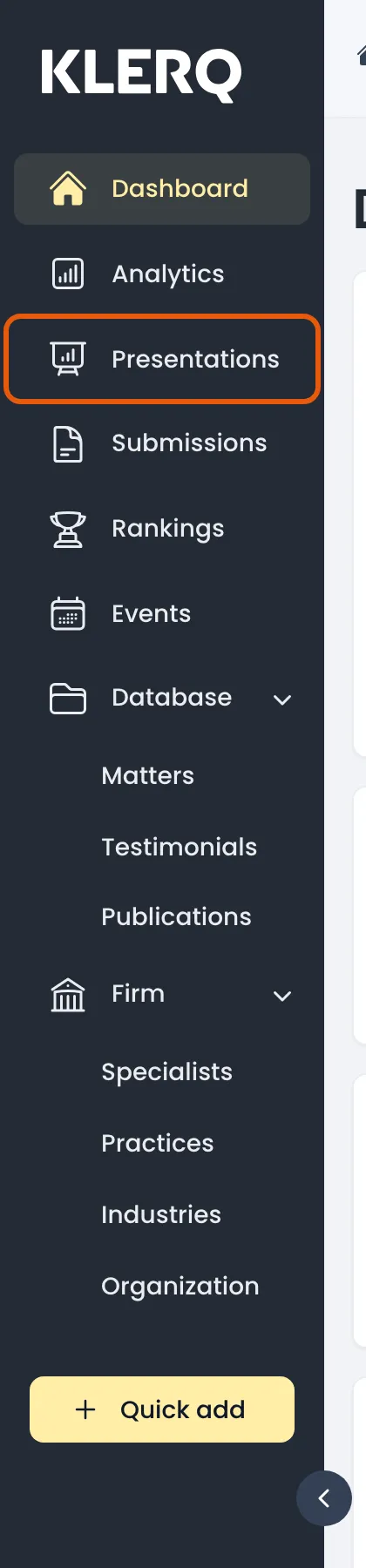
- In the left menu bar, click presentations.
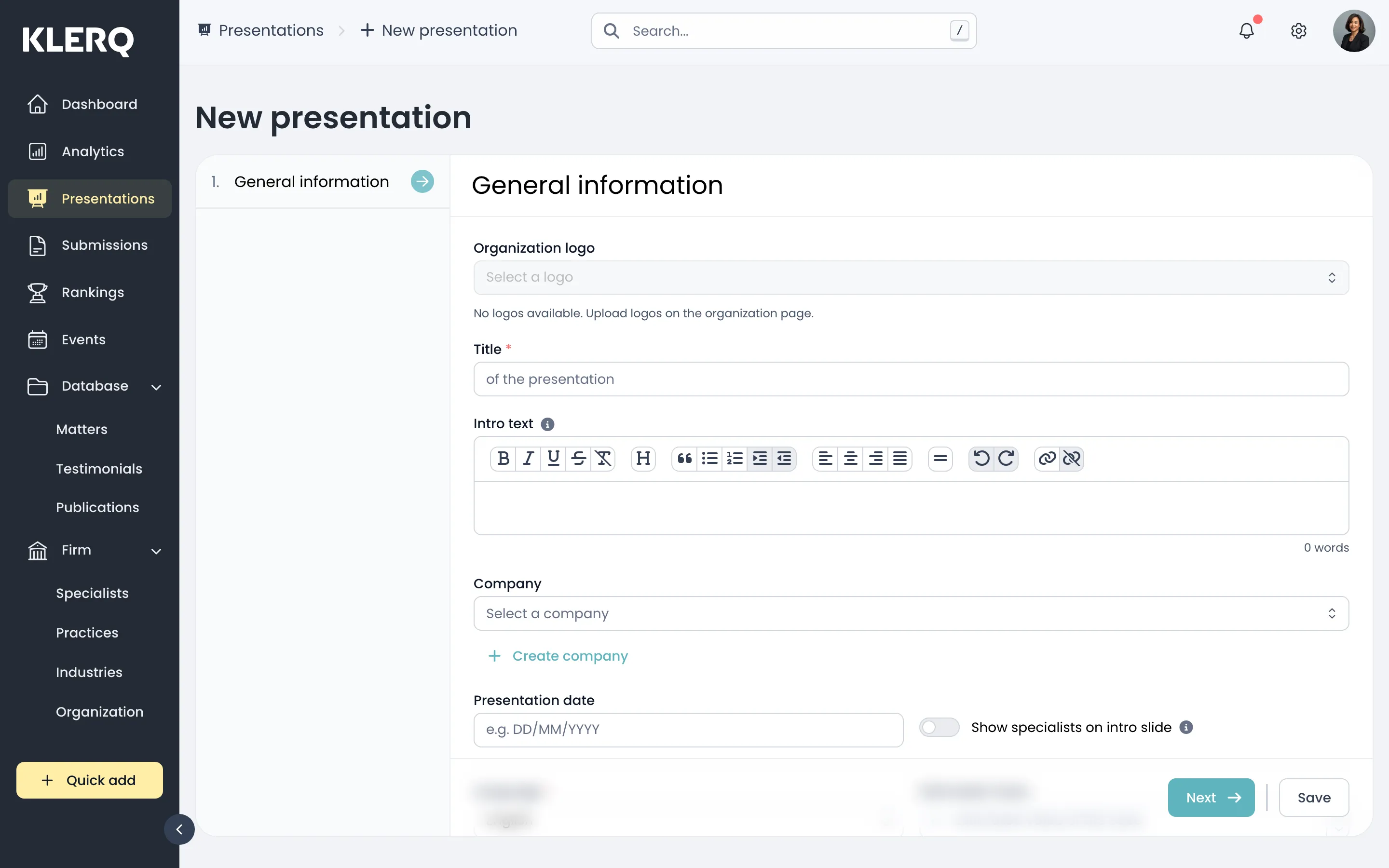
- Click new presentation to start.

- 1. General information — title the presentation and link it to the company you are pitching.
- 2. Specialists — choose the colleagues the client will see as their team.
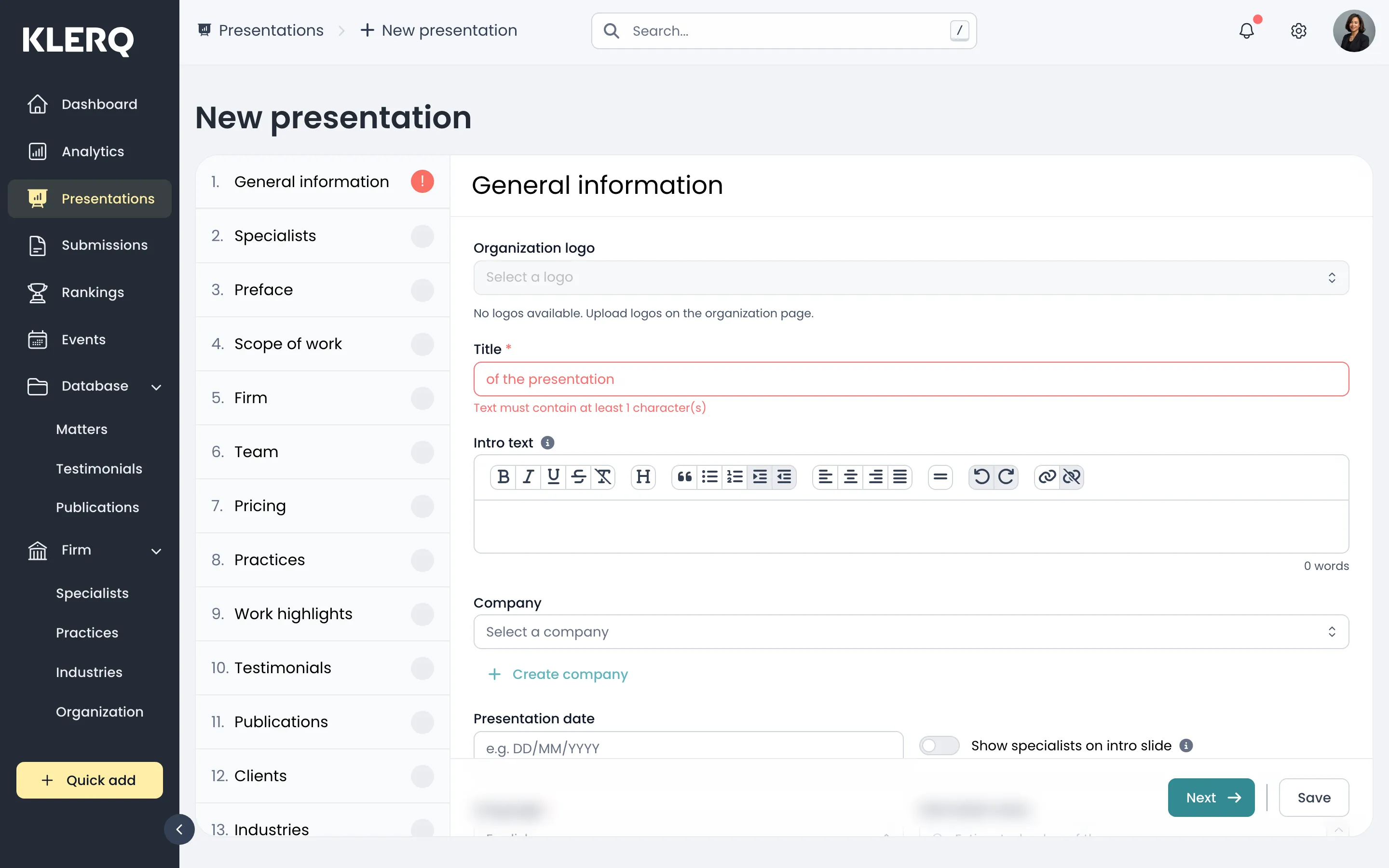
- 3. Preface — the opening the client reads first.
- 4. Scope of work — what you propose to do.
- 5. Firm — who your firm is. Usually pulled from your organization profile.
- 6. Team — how the team is structured and who leads what.
- 7. Pricing — your fee proposal.
- 8. Practices — the practice areas relevant to this pitch.
- 9. Work highlights — the specific pieces of work you are citing as evidence.
- 10. Testimonials — what other clients have said.
- 11. Publications — thought leadership that shows depth.
- 12. Clients — comparable clients you act for.
- 13. Industries — sector credentials. Save creates the presentation as a draft.