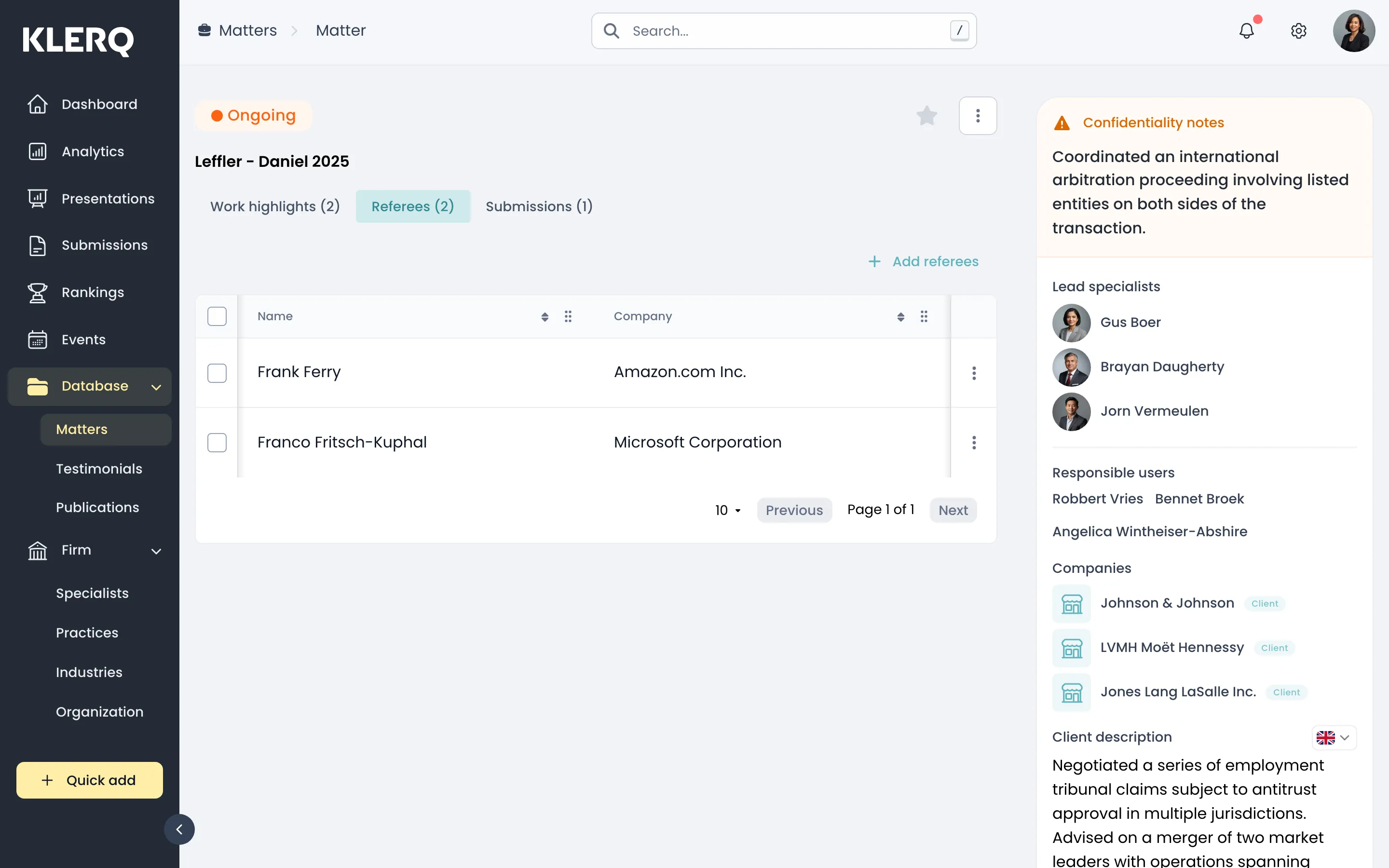
Add referees to a matter
Why referees belong on the matter
Section titled “Why referees belong on the matter”Directories verify claimed work by asking the client. Recording who can speak for a matter — at the time, while everyone remembers who was involved — is what makes referee selection possible later.
The alternative is the familiar submission-season scramble: a strong matter, no idea who at the client actually dealt with it, and a partner trying to remember.
How this relates to nominating referees
Section titled “How this relates to nominating referees”Adding a referee here records who can speak for this work. Nominating a referee on a submission is a separate act — that is when the directory is actually given their details and will contact them.
Recording someone as a referee on a matter is not permission to nominate them. The colleague who owns the relationship should always make the ask first.
- In the left menu bar, click matters under the Database heading.

- Open the record you want to work with.

- On the matter, open the Referees tab.

- Add the client contacts who can speak for this work.
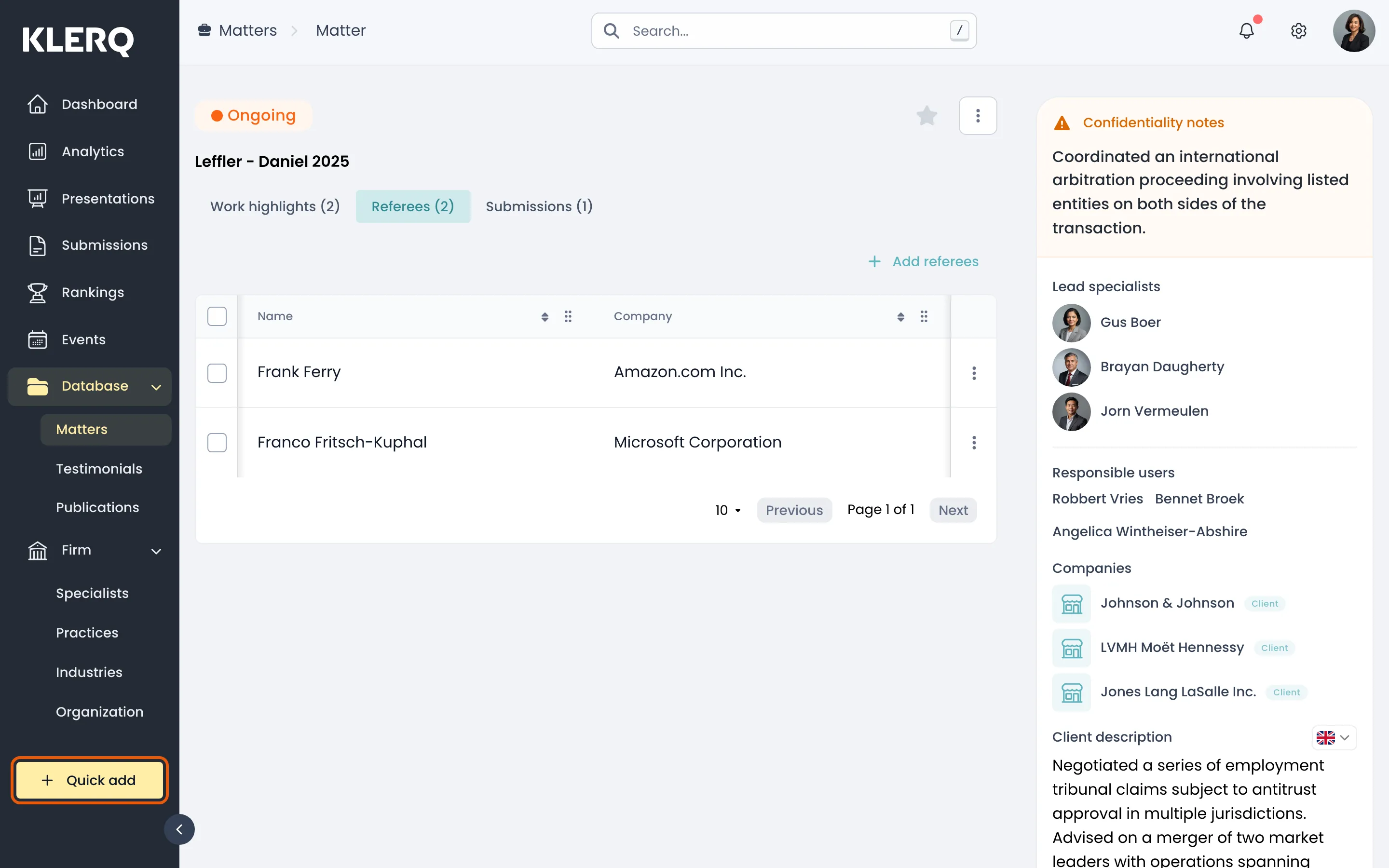
- Referees recorded here are the pool you draw on when nominating referees on a submission.