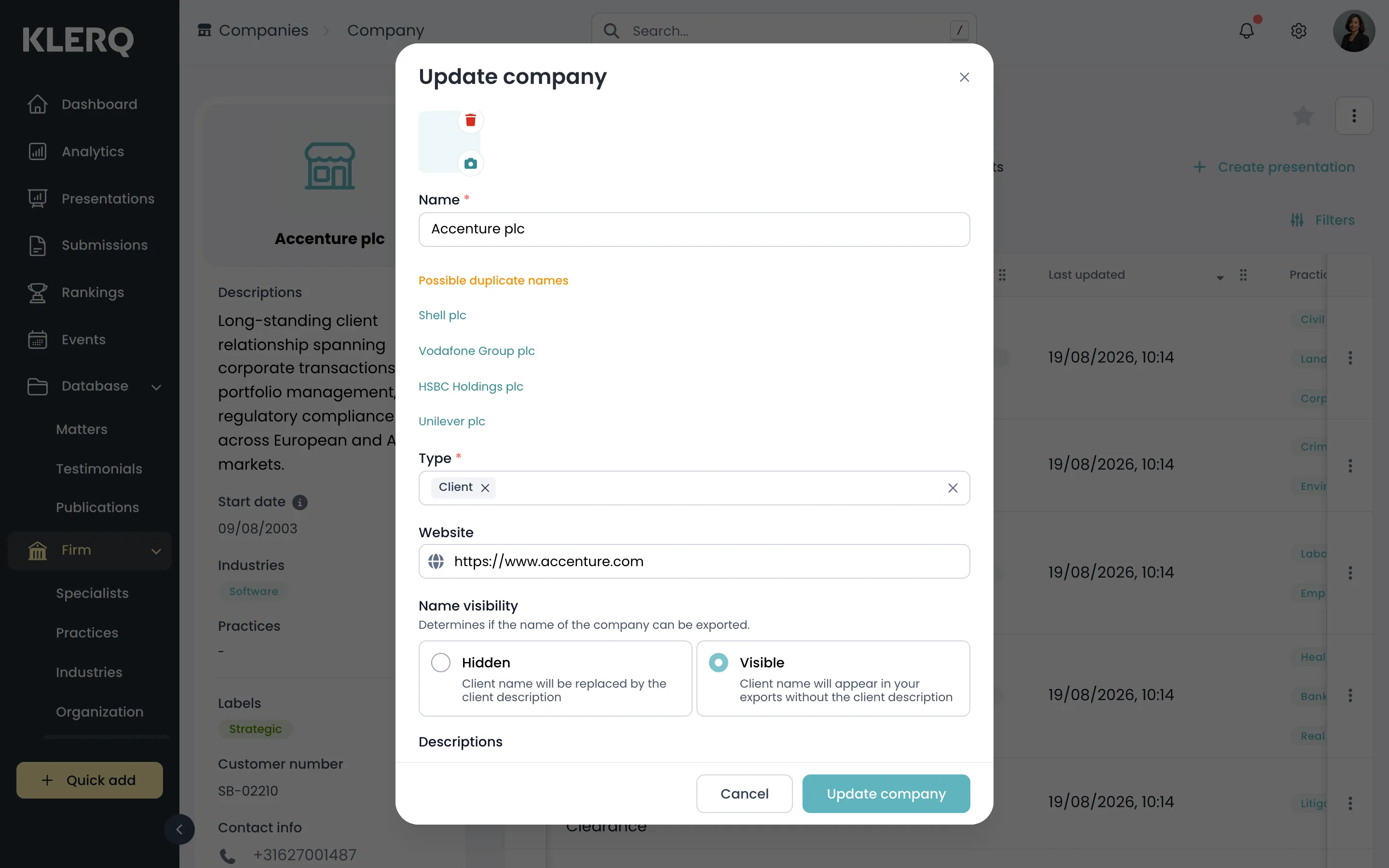
Edit a company
Overview
Section titled “Overview”Everything about a company except its related records is changed from one place: the Edit option on the company’s own page. That includes the details you skipped when creating it — address, website, customer number, labels and contact information.
Changes take effect everywhere the company appears, including on presentations and submissions that already reference it.
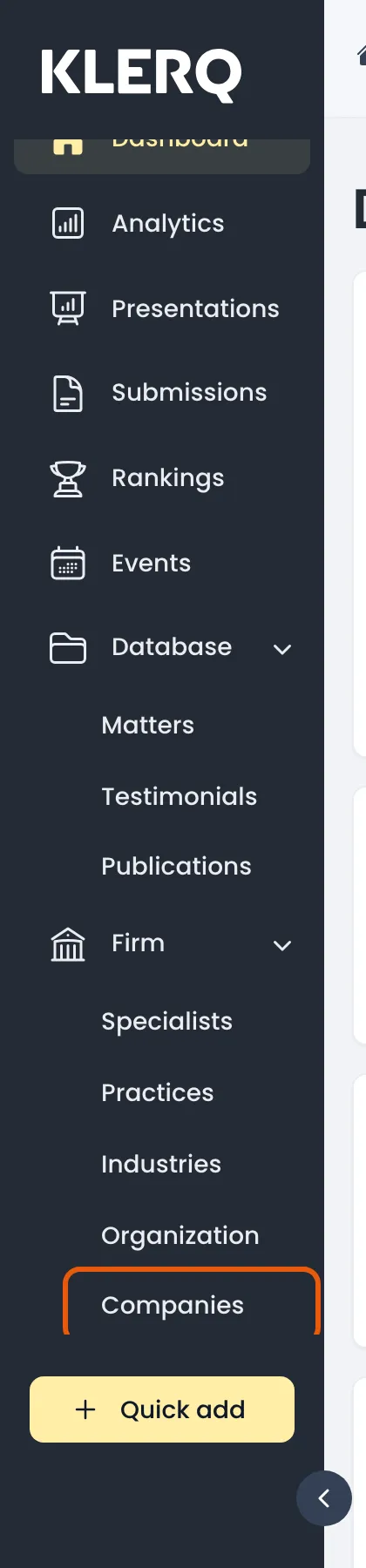
- In the left menu bar, click Companies under the Firm heading.
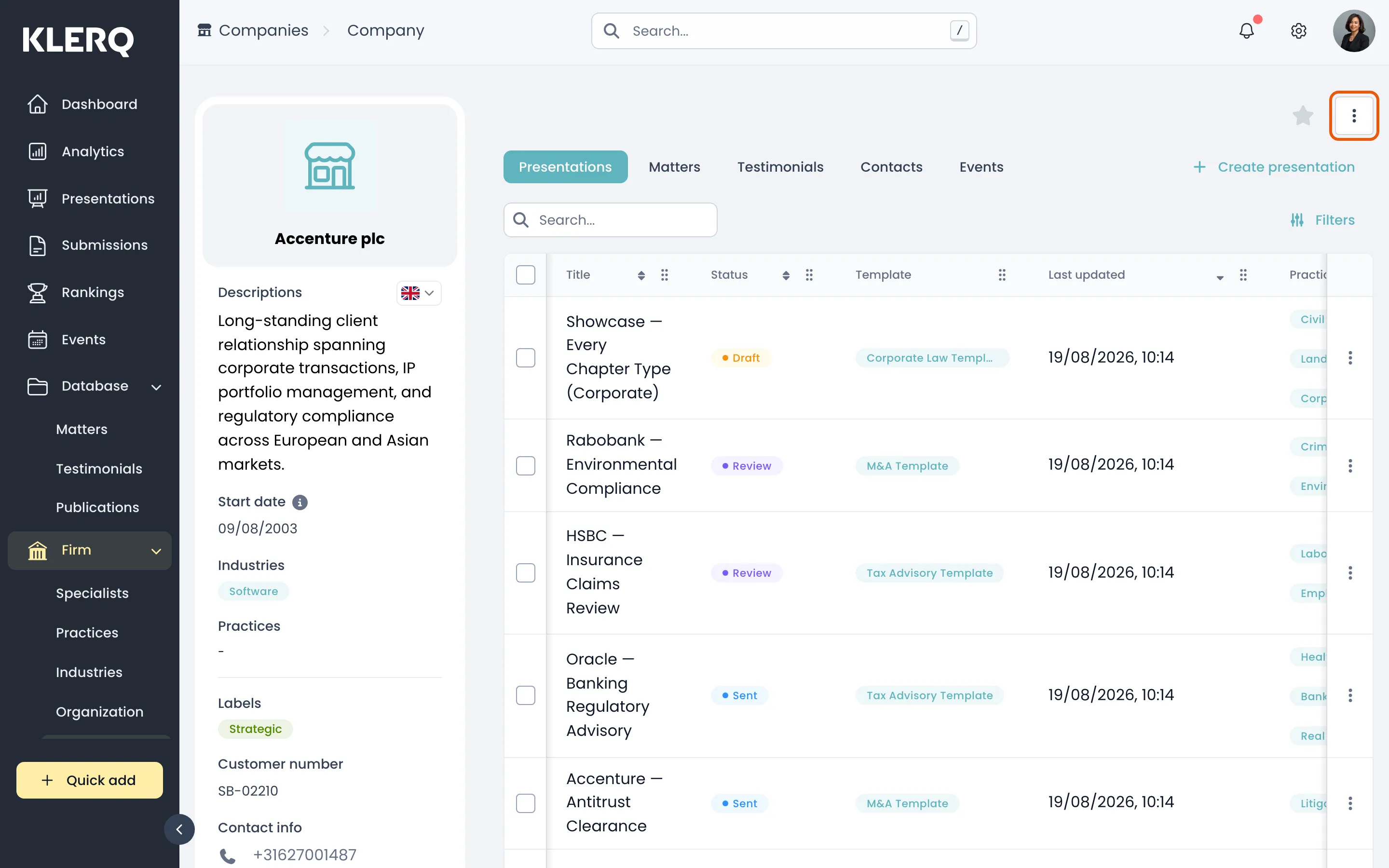
- Click the company you want to change to open its page.

- Click the ⋮ menu in the top-right corner of the company panel.
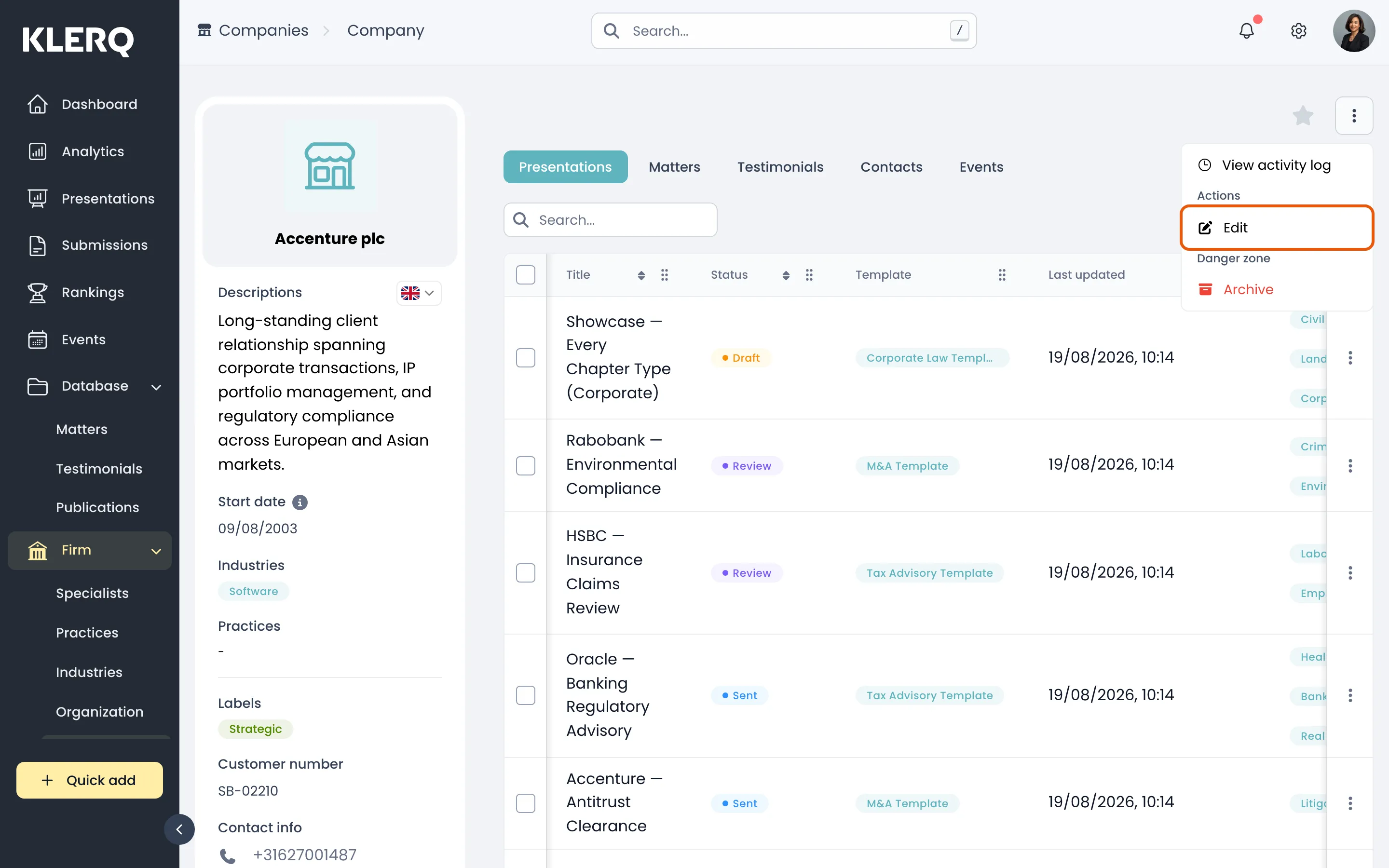
- Choose Edit.
- Change whatever you need, then save. Fields left empty are simply not shown on the company’s page.