Archive a matter
Overview
Section titled “Overview”Archiving a matter removes it from the working list without losing it. Its work highlights stay available to submissions that already cite them.
Archive matters that were opened in error or duplicated. A concluded matter should be marked completed rather than archived — completed matters are your track record, and directories ask for them.
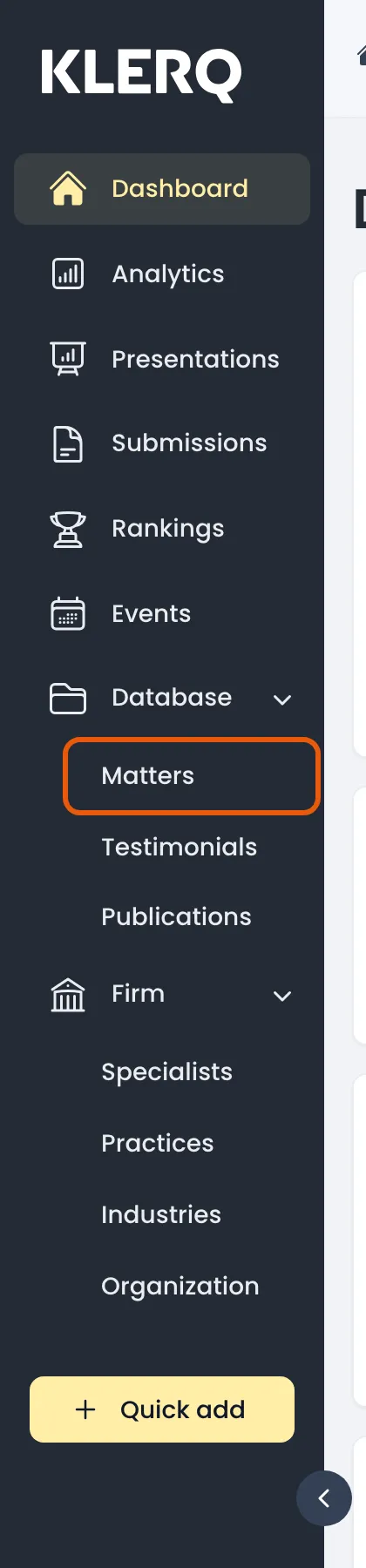
- In the left menu bar, click matters under the Database heading.
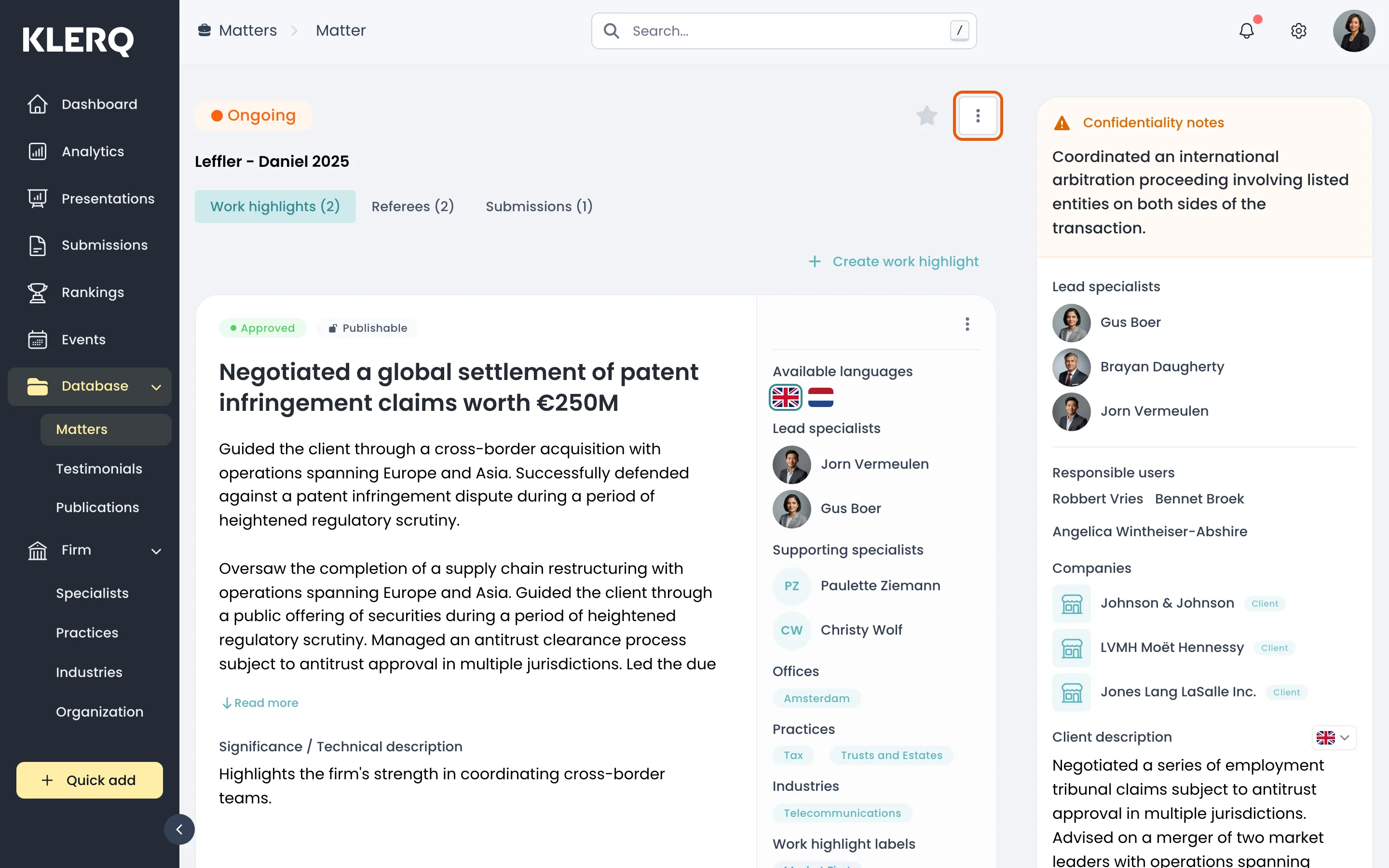
- Click the record you want to work with to open its panel.

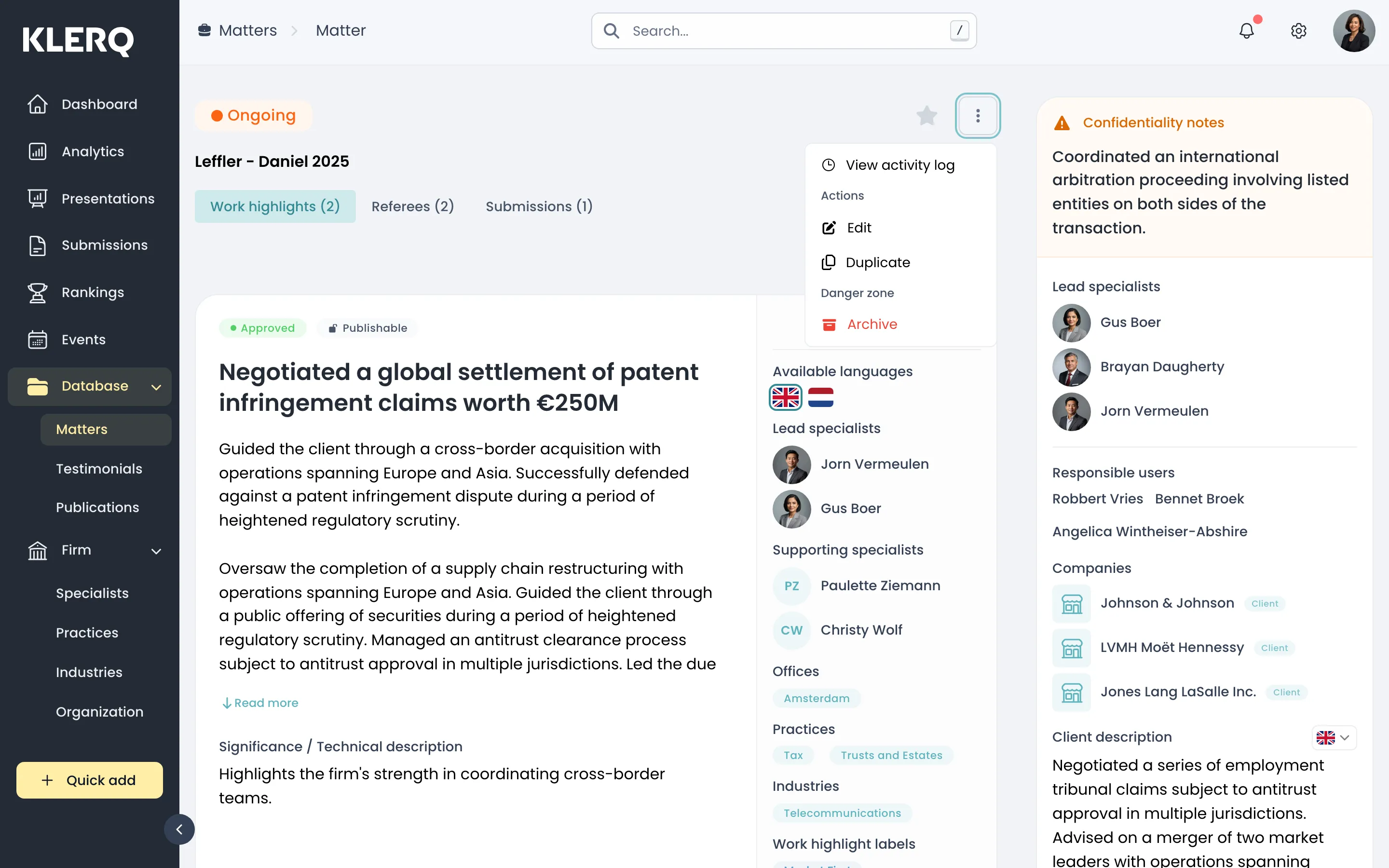
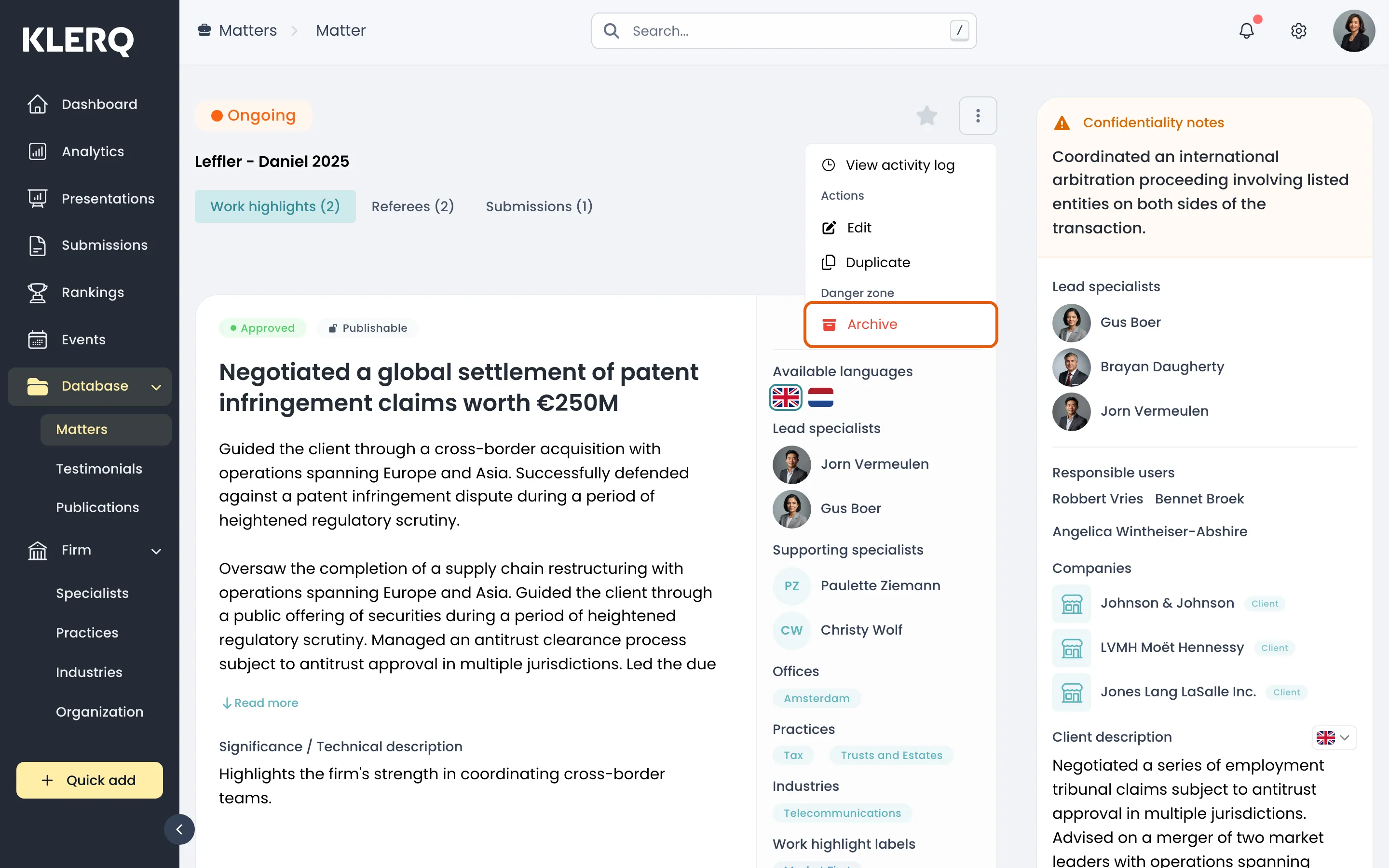
- Click the ⋮ menu and choose Archive, under Danger zone.
- Confirm. The matter disappears from the default list and can be found again on the Archived tab.