Export a presentation
Overview
Section titled “Overview”When a client wants a document rather than a link — or the pitch has to go into someone else’s template — a presentation can be exported to Word (.docx) or PowerPoint (.pptx).
An export is a snapshot. Unlike a shared link it does not update when the presentation changes, so re-export after any late edits.
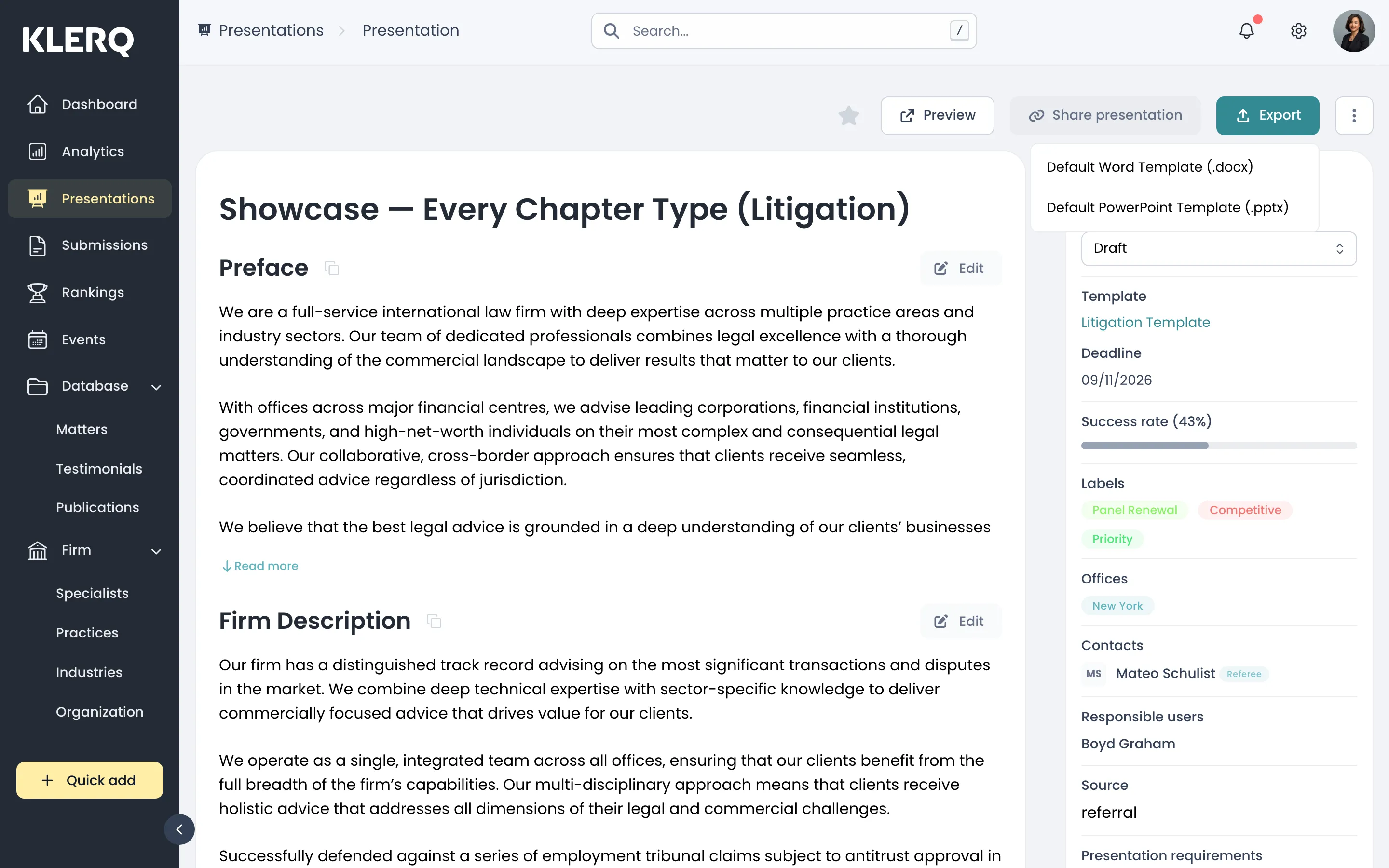
- In the left menu bar, click presentations.

- Open the record you want to work with.

- On the presentation, click Export.
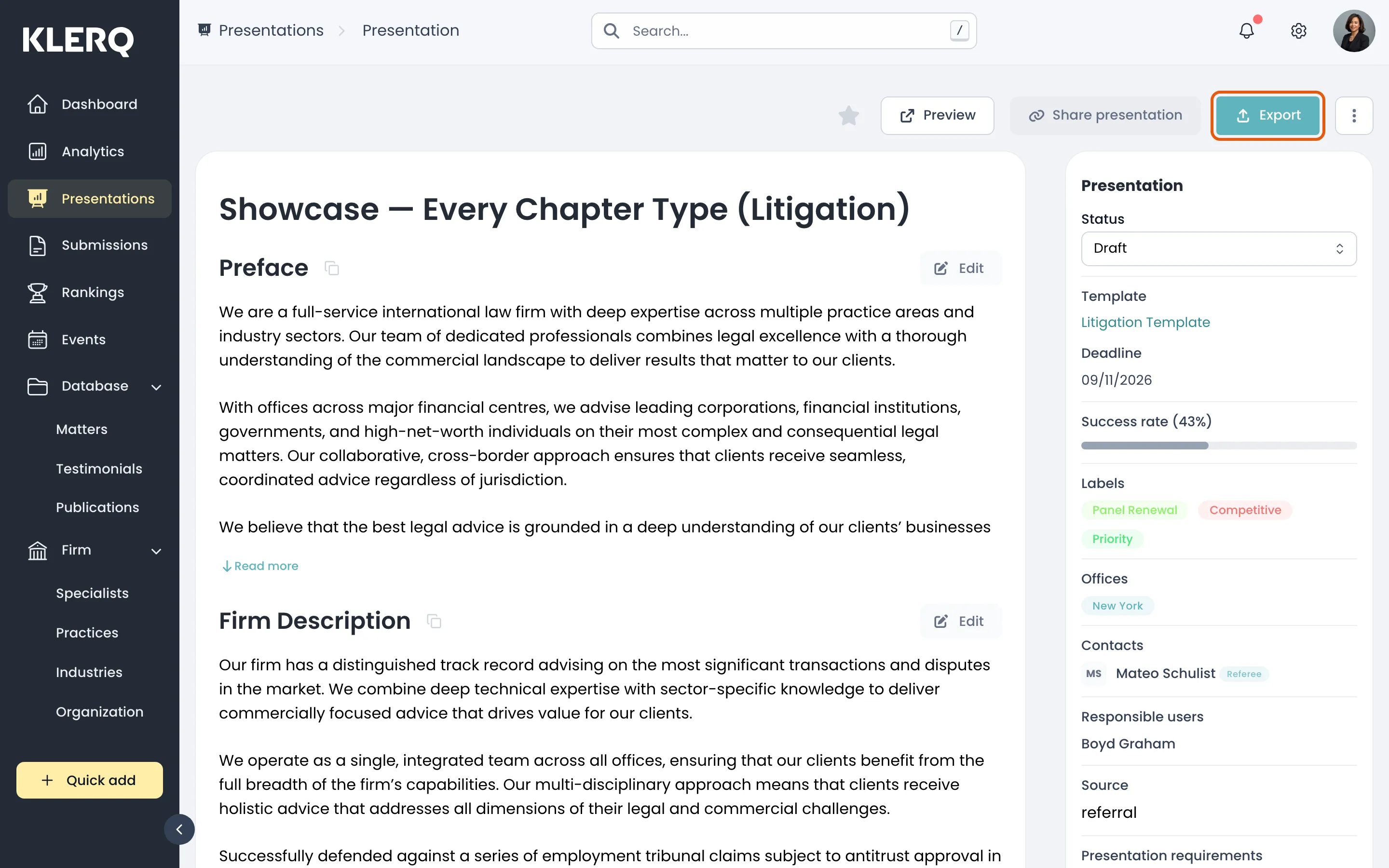
- Choose a template — Word (.docx) or PowerPoint (.pptx) — and the file downloads.