Add a sub-practice
When to nest
Section titled “When to nest”A sub-practice is an ordinary practice with a parent practice set. There is no separate creation flow — the only difference is filling in one field.
Nesting goes one level deep. Use it for genuine sub-specialisms your firm sells and submits separately, such as Corporate → Mergers & Acquisitions.
When not to
Section titled “When not to”Do not nest to represent teams or internal reporting lines. Practices are what clients and directories see, and a structure that mirrors your org chart rather than your offering makes submissions harder to assemble.
If you would not submit for it separately, it probably does not need to be its own practice at all.
- In the left menu bar, click practices under the Firm heading.

- Click new practice in the top-right corner of the practices page.

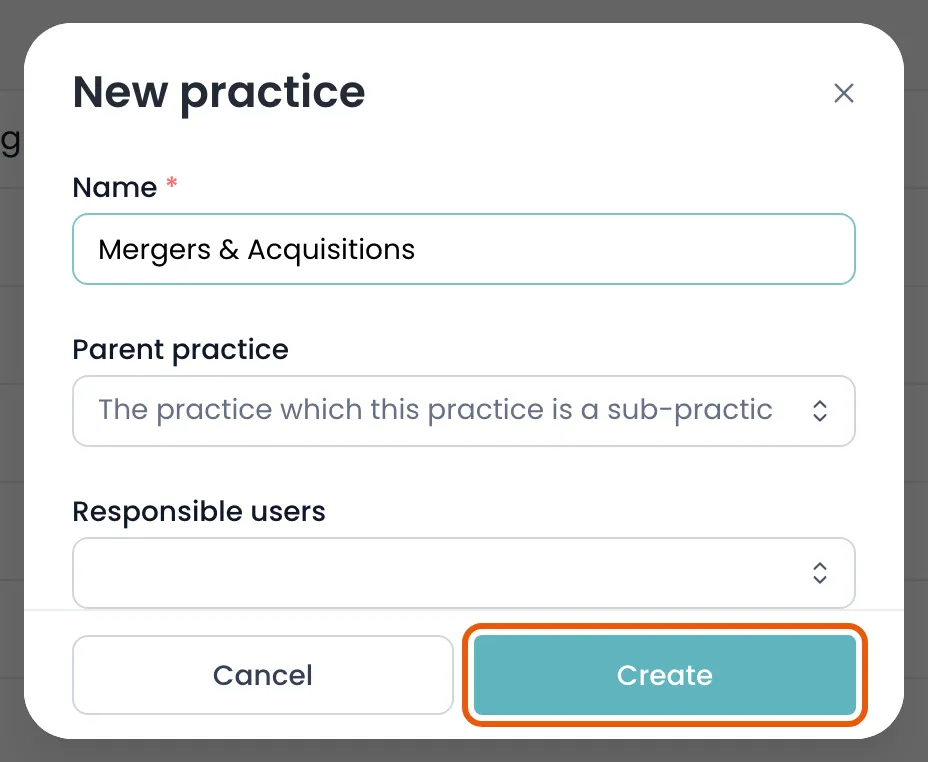
- Enter the Name, then choose the Parent practice it belongs under. That one field is what makes it a sub-practice.
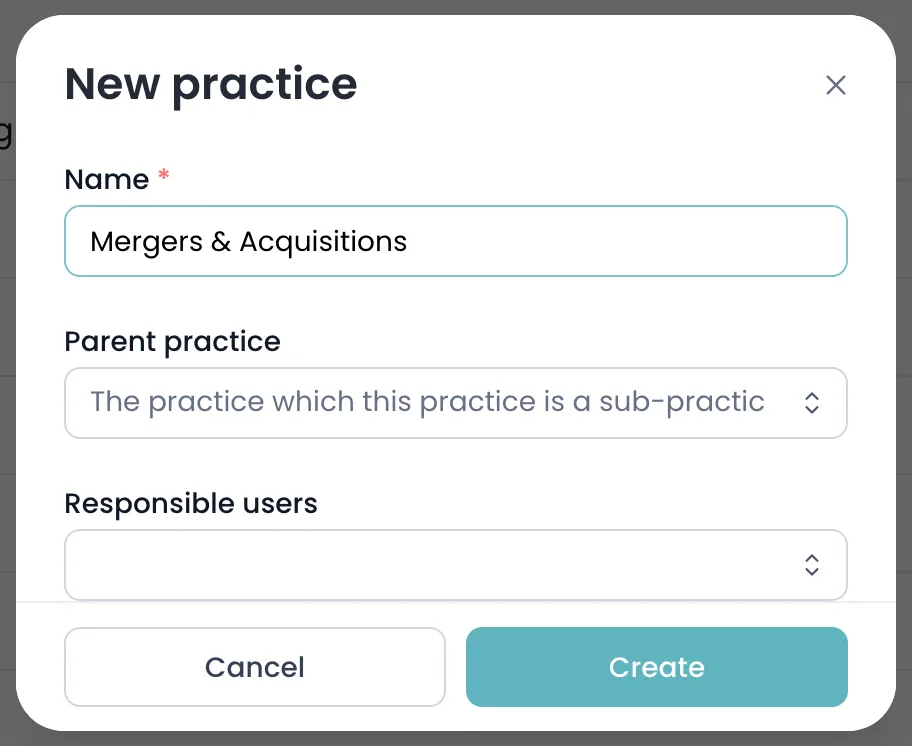
- Click create to save.