Approve a description
Why approval matters
Section titled “Why approval matters”A description in draft does not appear on presentations or submissions. When someone reports that a practice’s text is missing from a pitch, an unapproved description is the first thing to check.
Approval is per description and per language, so a practice can have an approved English text and a draft translation.
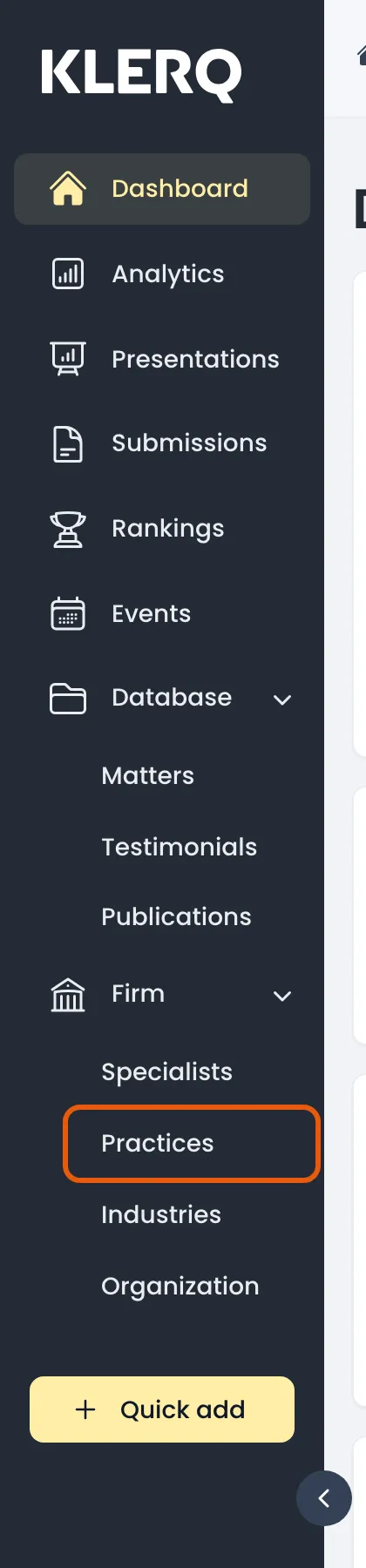
- In the left menu bar, click practices under the Firm heading.
- Open the record you want to work with.

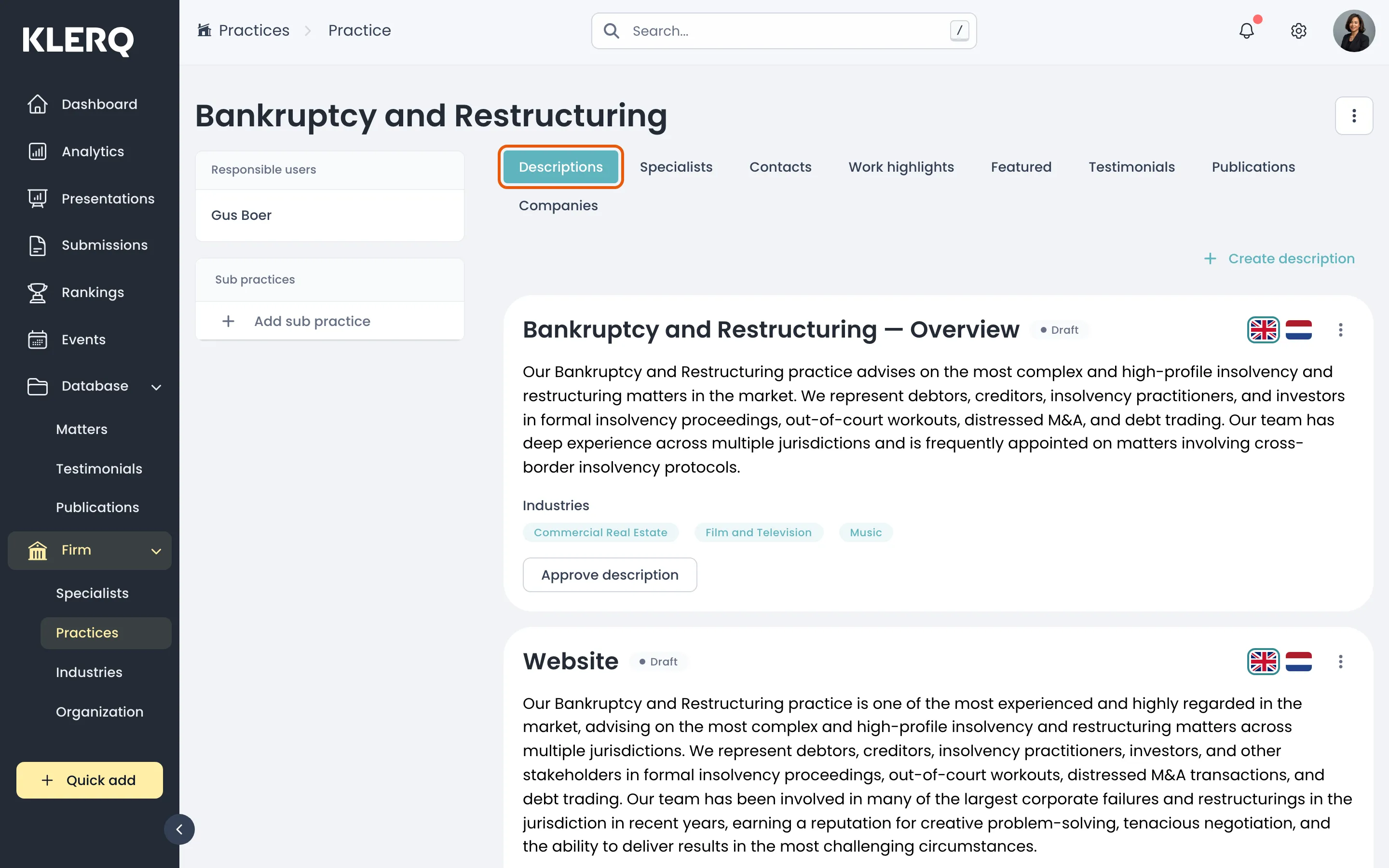
- On the practice, open the Descriptions tab.
- Click Approve description.
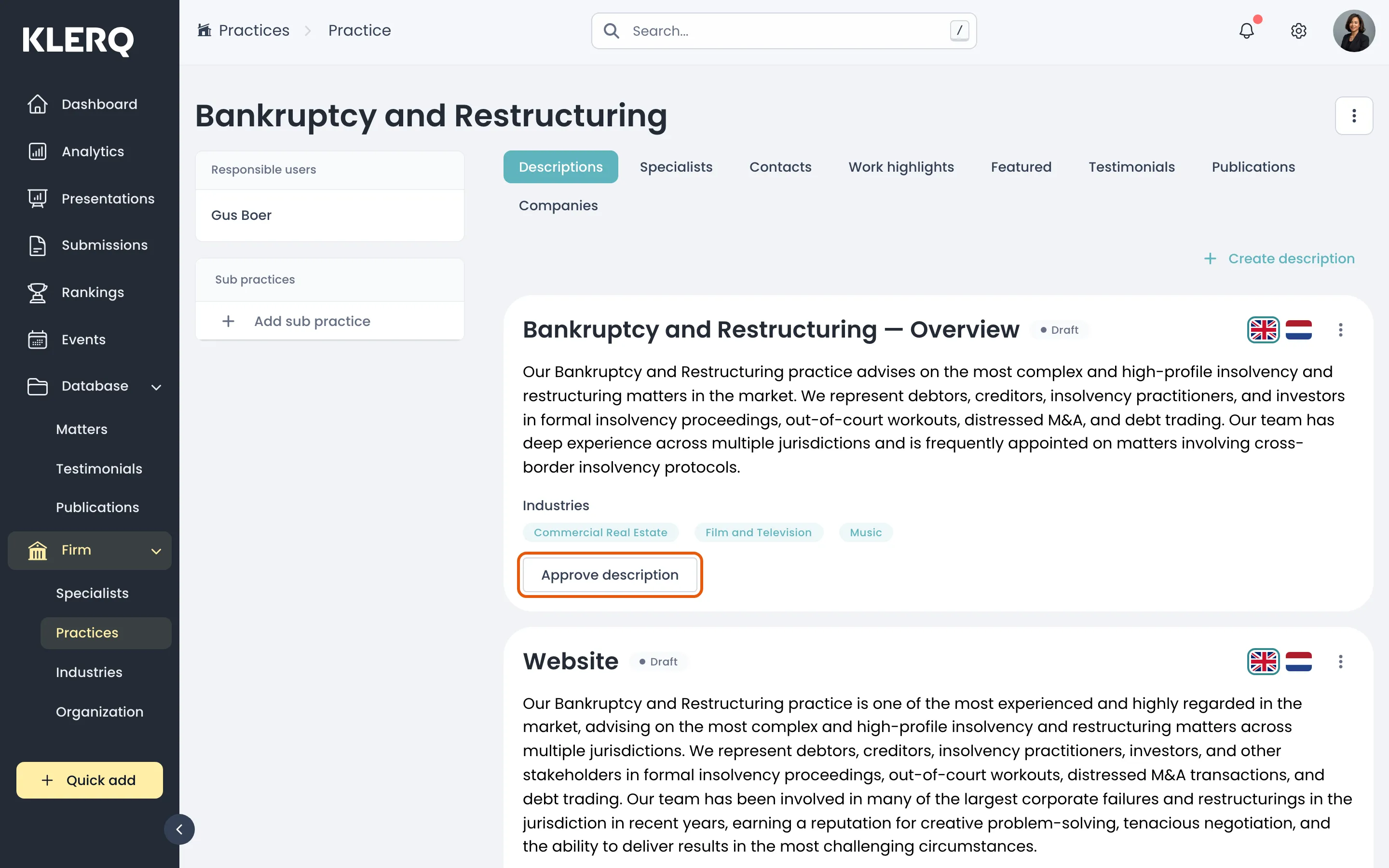
- The description is now used on presentations and submissions in that language.