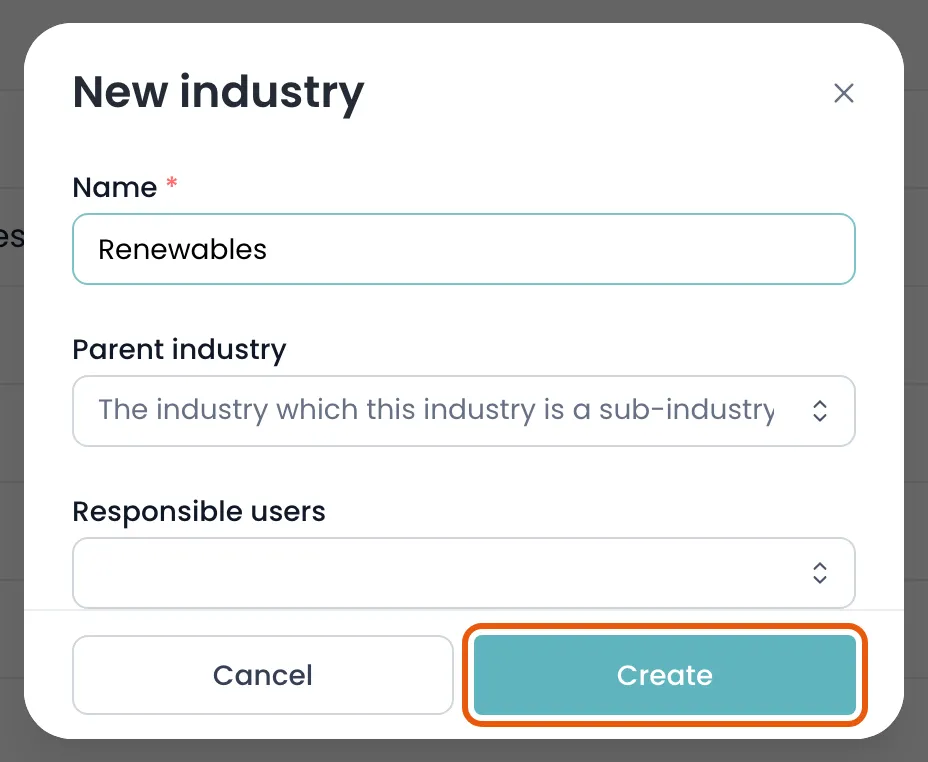
Add a sub-industry
When to nest
Section titled “When to nest”A sub-industry is an ordinary industry with a parent industry set. There is no separate creation flow — you fill in one extra field.
Nesting goes one level deep. Use it where a sub-sector genuinely behaves differently from its parent, such as Energy → Renewables.
When not to
Section titled “When not to”Industries are only useful if applied consistently. Every extra level makes it less likely two people tag the same client the same way, which is what makes sector reporting unreliable.
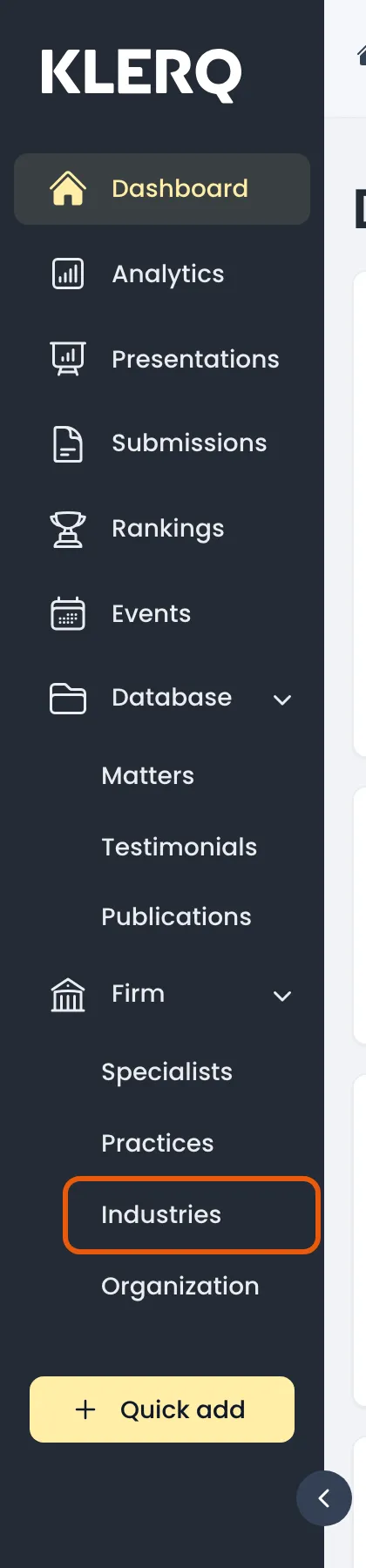
- In the left menu bar, click industries under the Firm heading.
- Click new industry in the top-right corner of the industries page.

- Enter the Name, then choose the Parent industry it belongs under. That one field is what makes it a sub-industry.
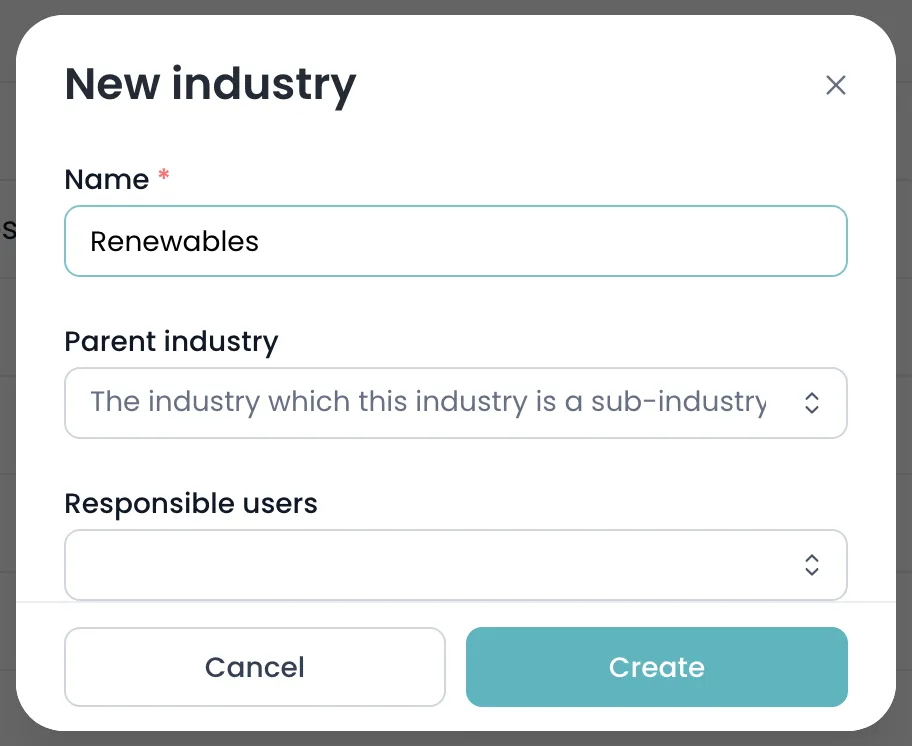
- Click create to save.