Add an industry
Before you start
Section titled “Before you start”Read about industries for what this is, how it connects to the rest of KLERQ, and the conventions worth following.
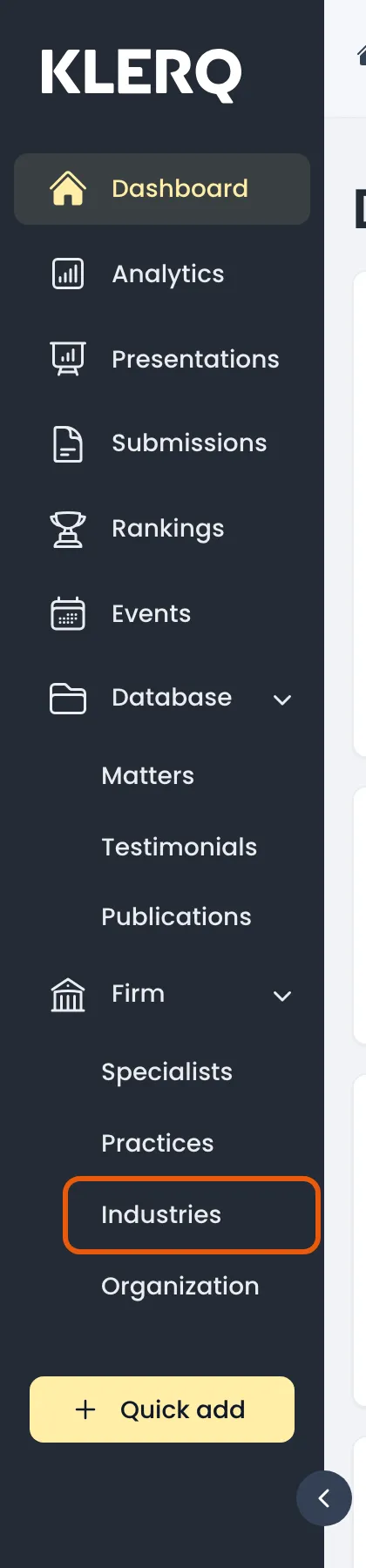
- In the left menu bar, click Industries under the Firm heading.
- Click New industry in the top-right corner of the Industries page.

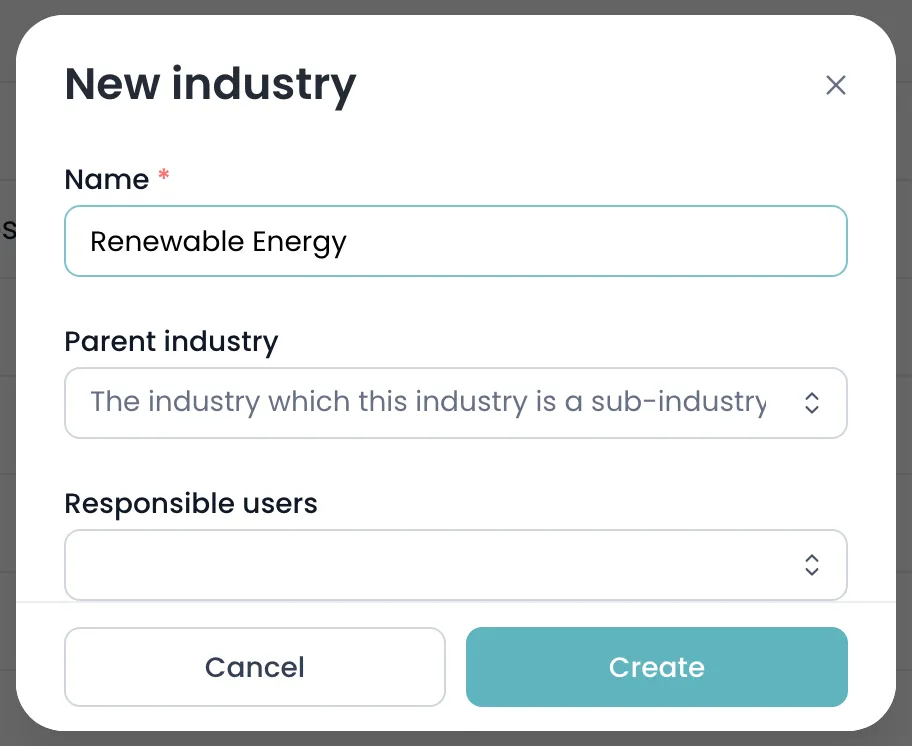
- Enter the industry Name. To nest it under an existing industry, pick a Parent industry — leave it empty to create a top-level industry.
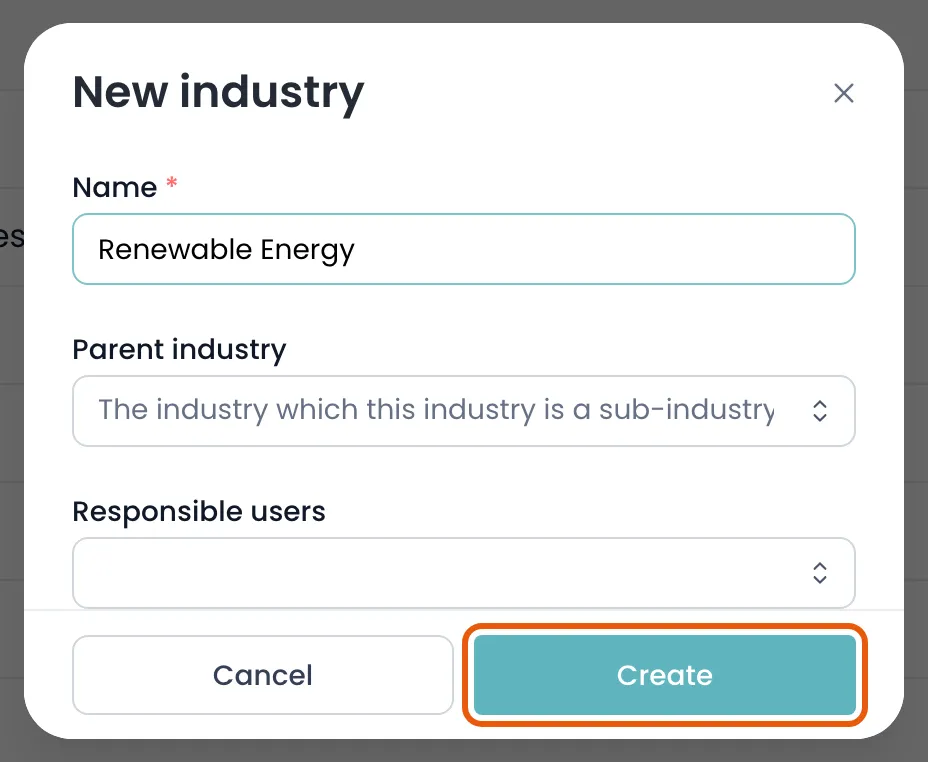
- Click Create to save the industry.
Field reference
Section titled “Field reference”| Field | Type | Required | Description |
|---|---|---|---|
| Name | Text | Yes | The industry as it should appear throughout KLERQ and in directory submissions. Must start with a capital letter. |
| Parent industry | Text | No | An existing industry to nest this one under. Leave empty for a top-level industry. |
| Responsible users | List | No | Colleagues who own this industry and are notified about matters and submissions linked to it. |
| Descriptions | Group | No | Long-form text about your firm’s experience in this sector, per language. Added from the industry’s own page. |