Share a presentation
Overview
Section titled “Overview”Presentations are shared as a link rather than a file. The client opens it in a browser, always sees the current version, and you can see that they opened it.
Sharing is what turns a draft into something a client can see, so it is worth checking the presentation reads correctly before you generate the link.
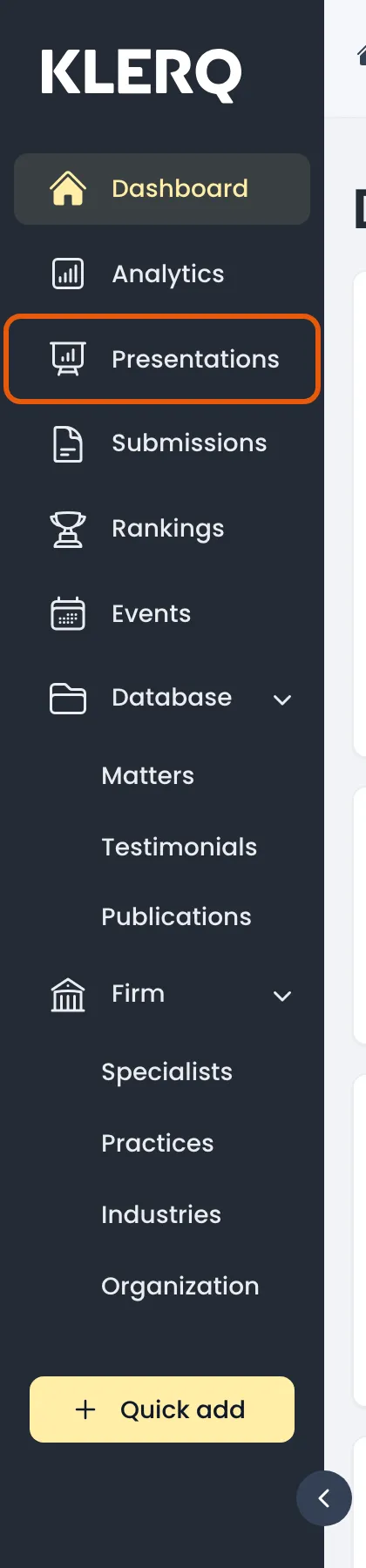
- In the left menu bar, click presentations.
- Open the record you want to work with.

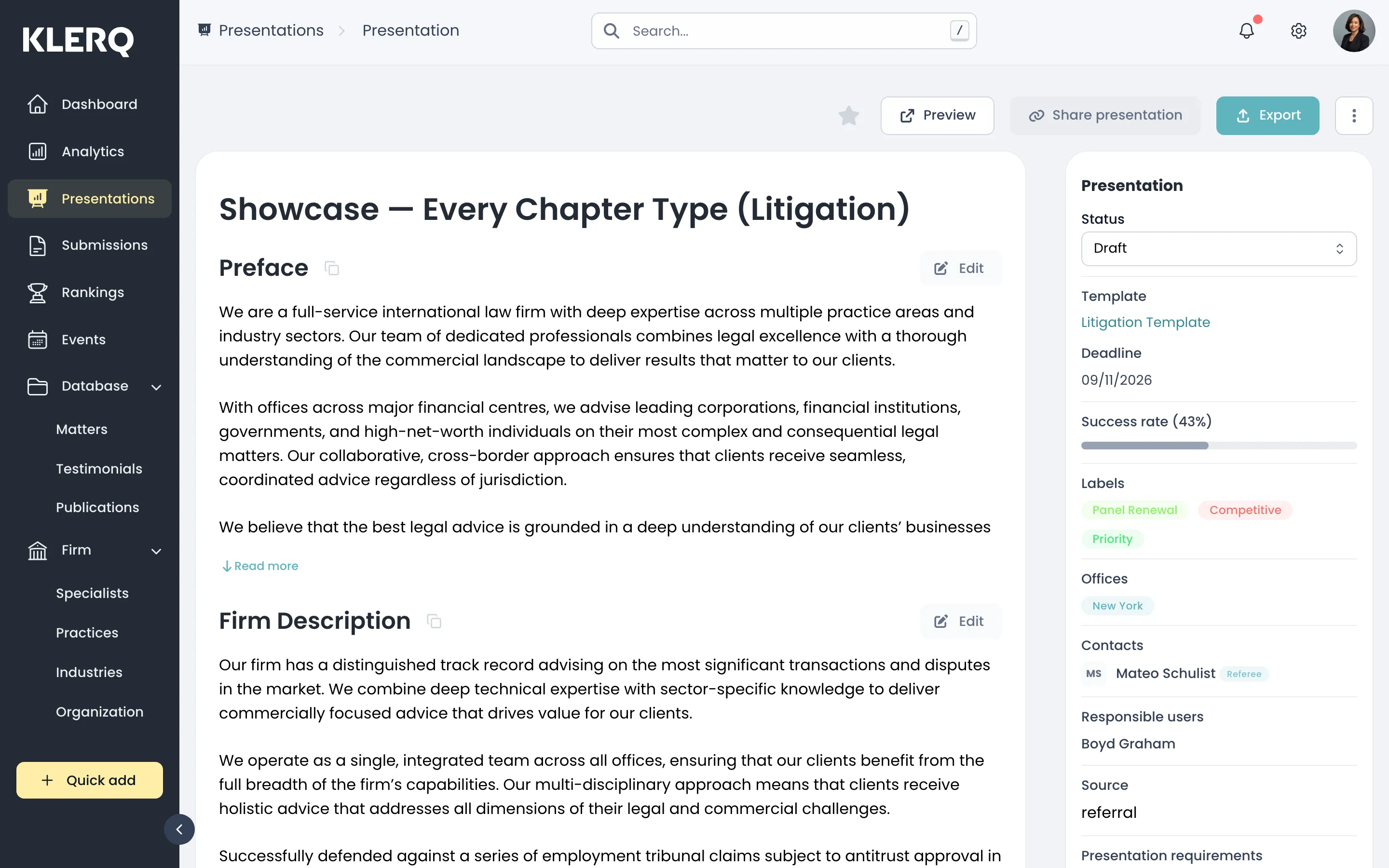
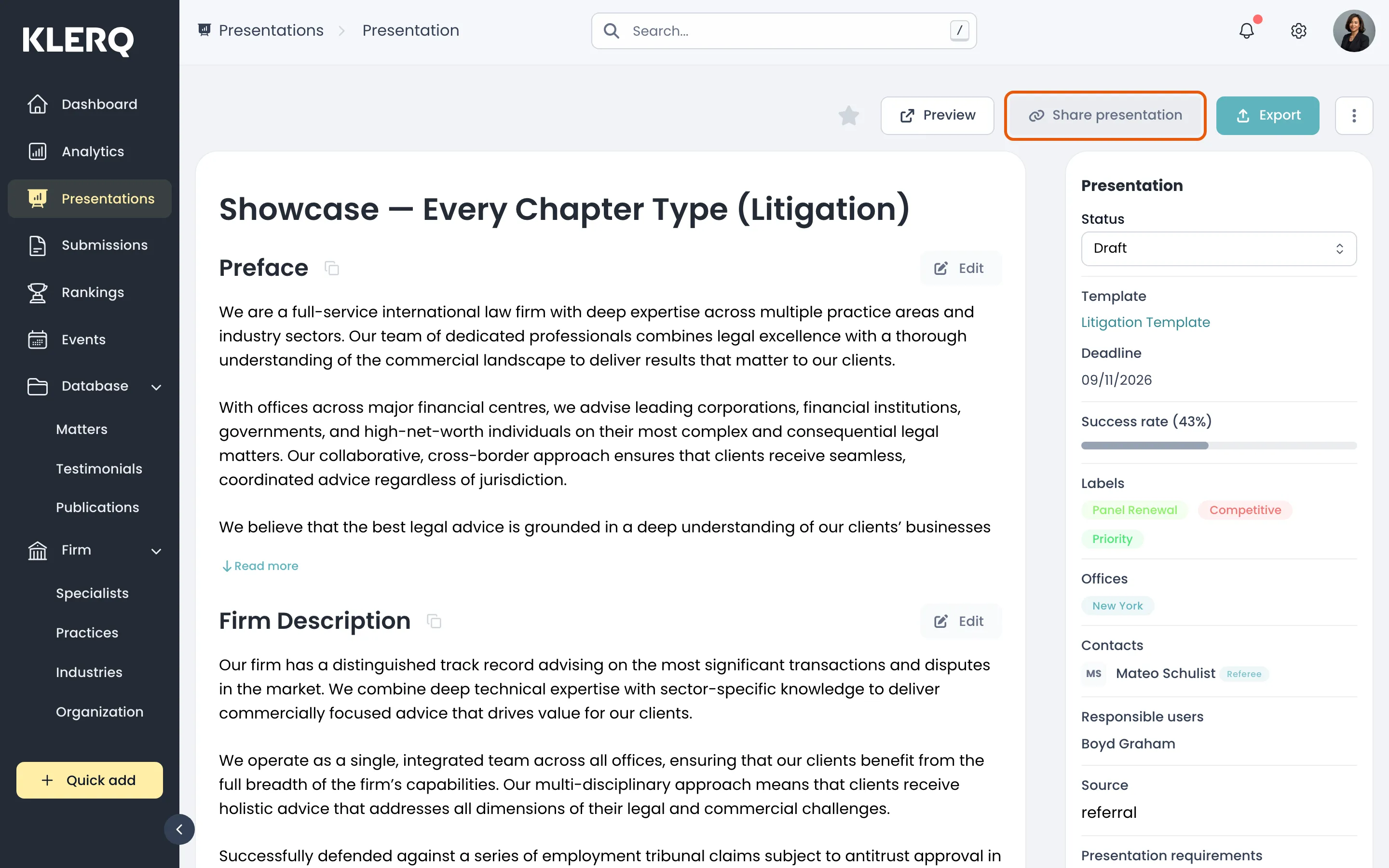
- On the presentation, click Share presentation.
- Copy the generated link and send it to your client.