Archive an industry
Overview
Section titled “Overview”Archiving an industry hides it from pickers so it stops being selectable on new records. Companies and matters already tagged with it keep that tag.
Archived industries are on the Archived tab of the Industries page.
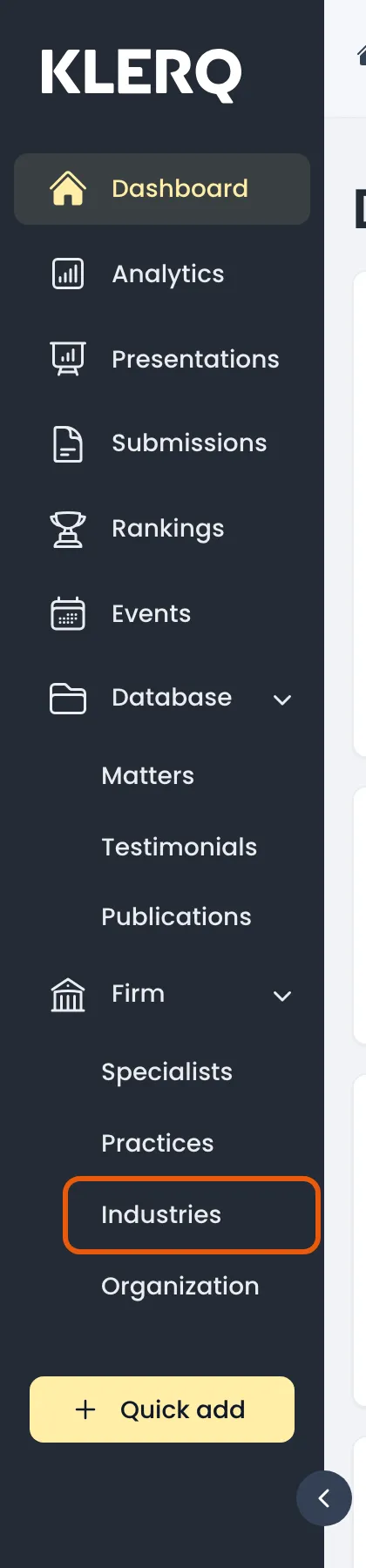
- In the left menu bar, click industries under the Firm heading.
- Click the record you want to work with to open its panel.

- Click the ⋮ menu and choose Archive, under Danger zone.


- Confirm. The industry disappears from the default list and can be found again on the Archived tab.