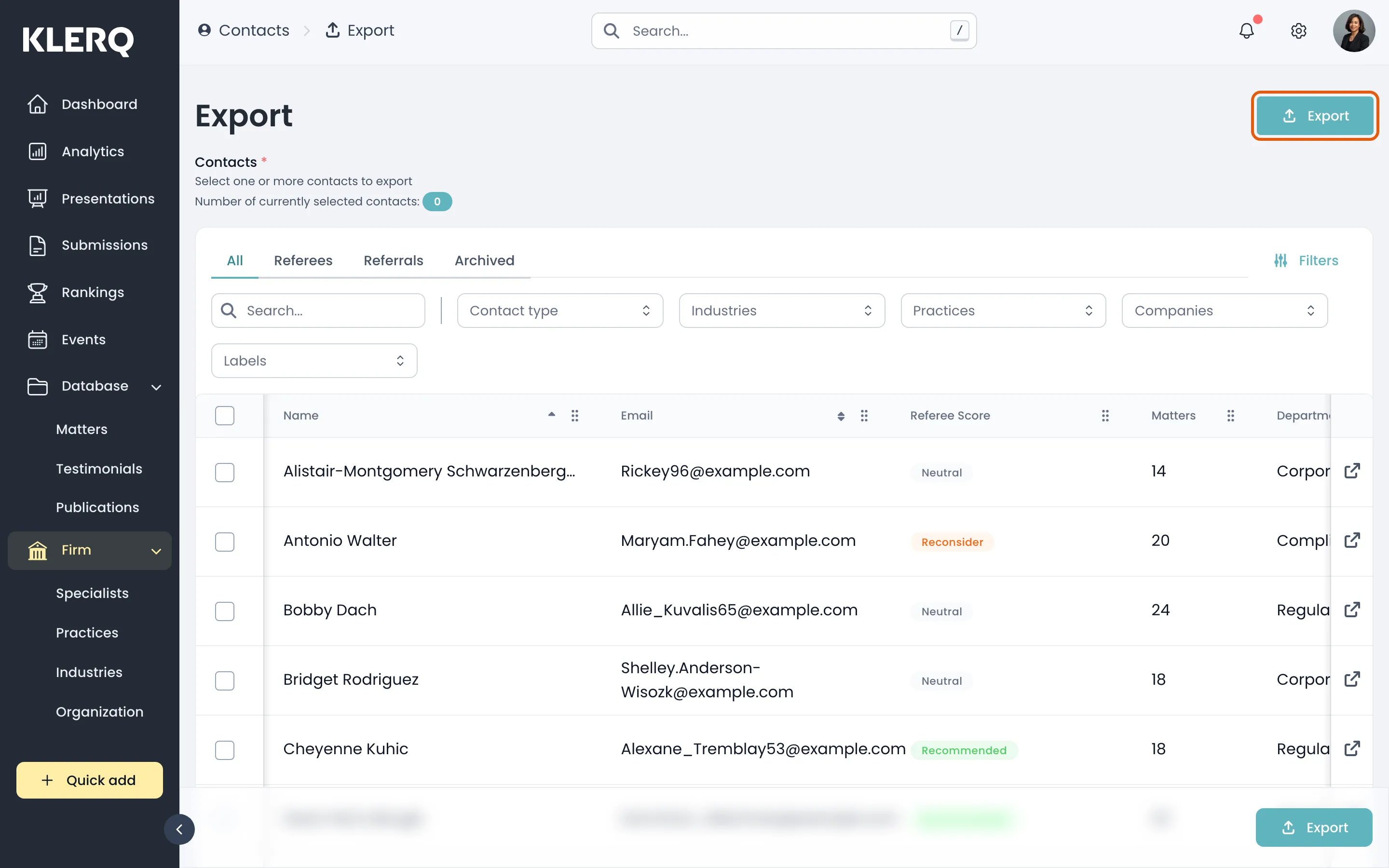
Export contacts
Overview
Section titled “Overview”Exporting contacts gives you a spreadsheet of the people recorded against your clients — most usefully, the referees available for directory submissions.
It is the quickest way to review referee coverage before submission season: who you have, which companies they sit at, and where the gaps are.
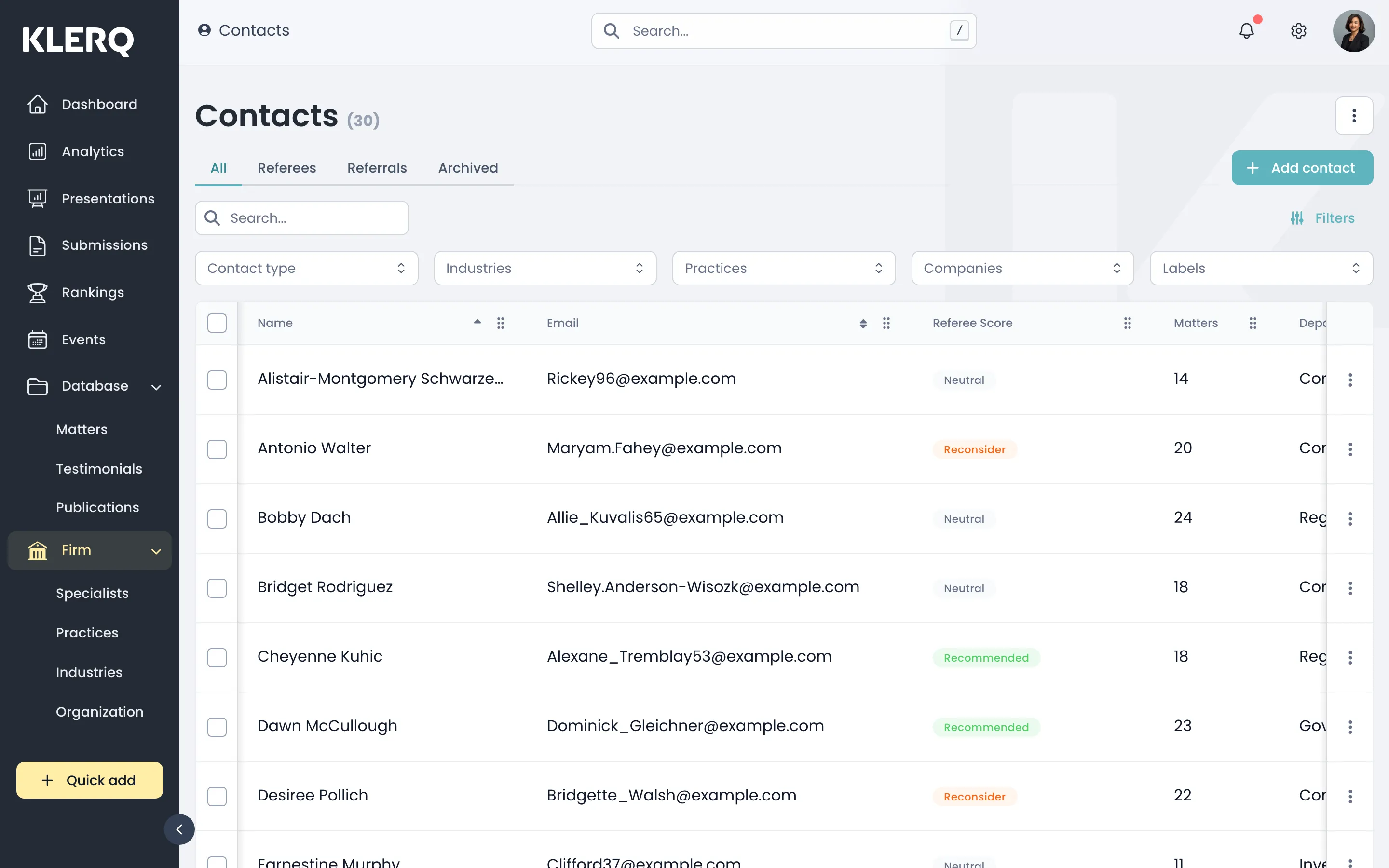
- In the left menu bar, click Contacts under the Firm heading.

- Apply any filters you want the export to respect, then open the export page.
- Click Export to download the spreadsheet.