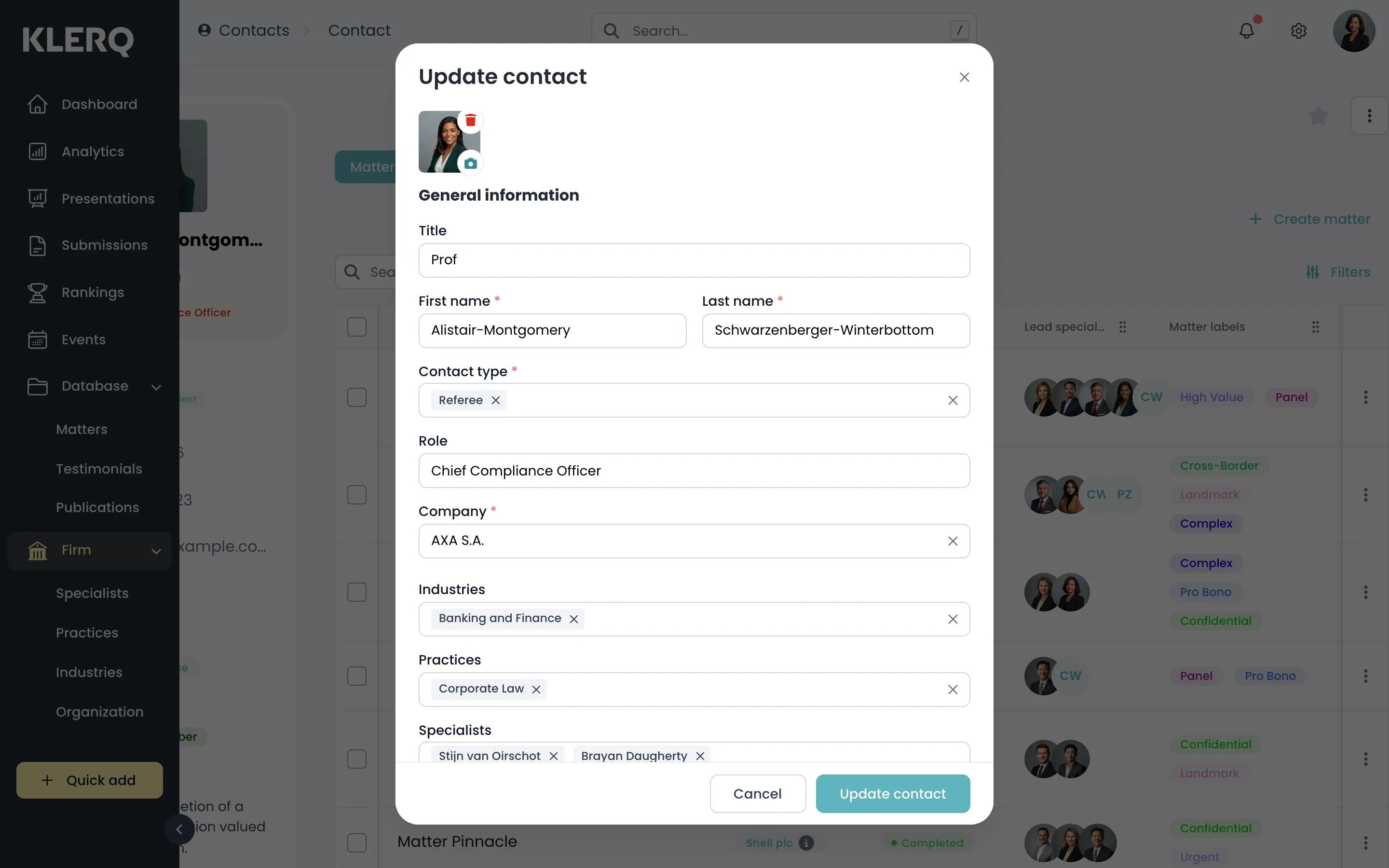
Edit a contact
Overview
Section titled “Overview”Keeping referee details current is the single highest-value bit of housekeeping before submission season. A directory that cannot reach a referee simply drops the reference.
- In the left menu bar, click contacts under the Firm heading.

- Click the record you want to work with to open its panel.

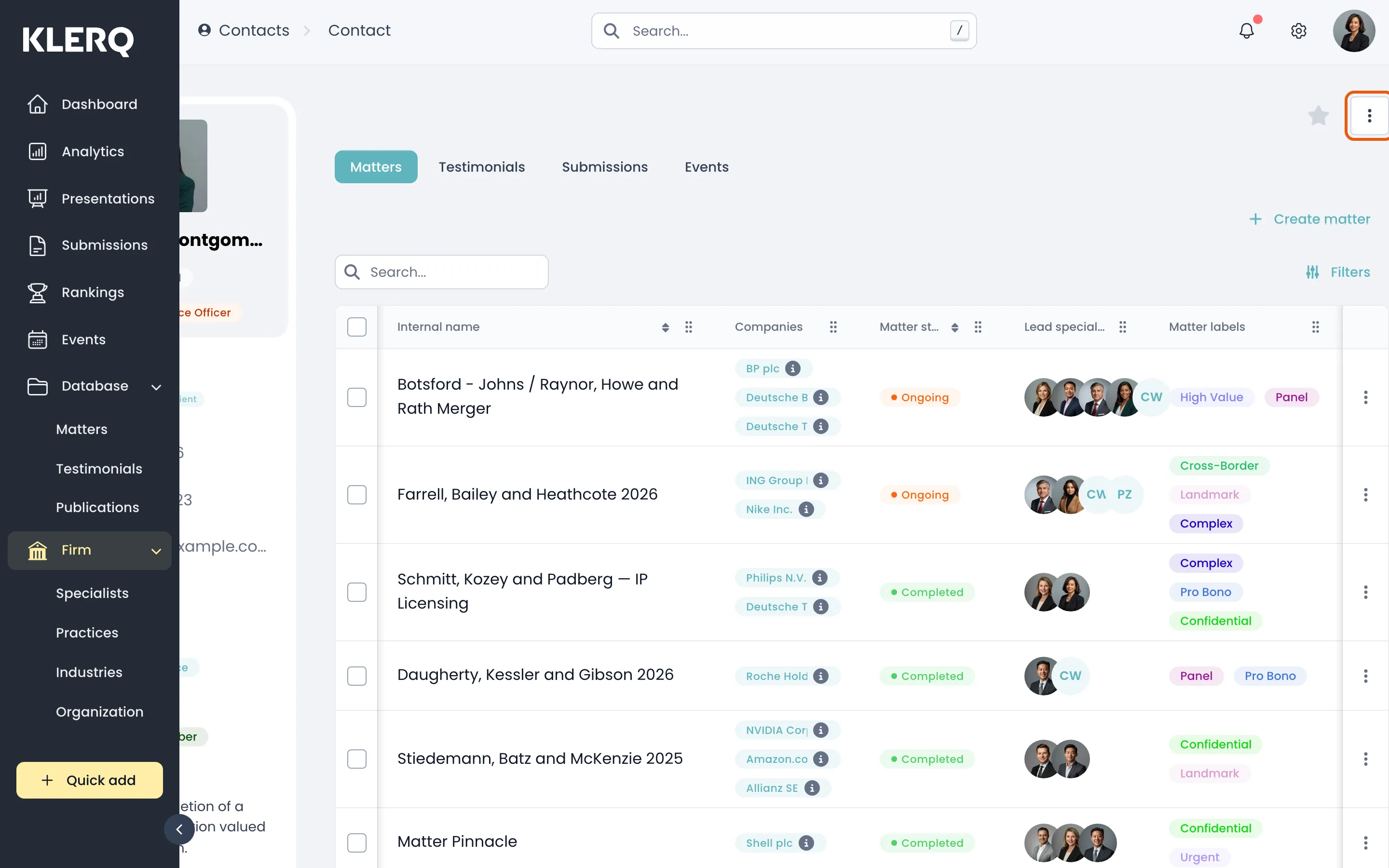
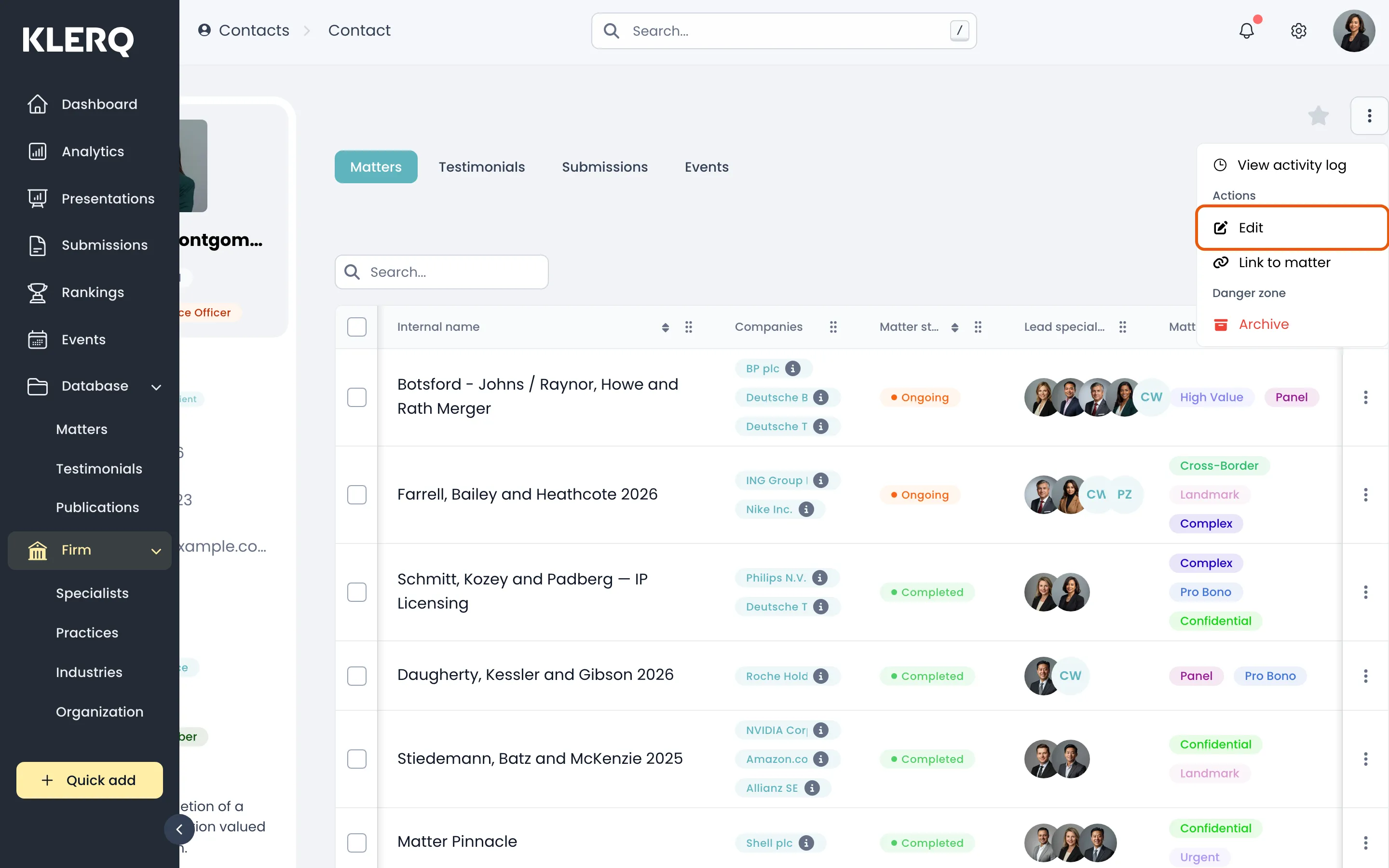
- Click the ⋮ menu in the top-right corner of the panel, then choose Edit.
- Change whatever you need and save. Updates apply everywhere the contact appears.