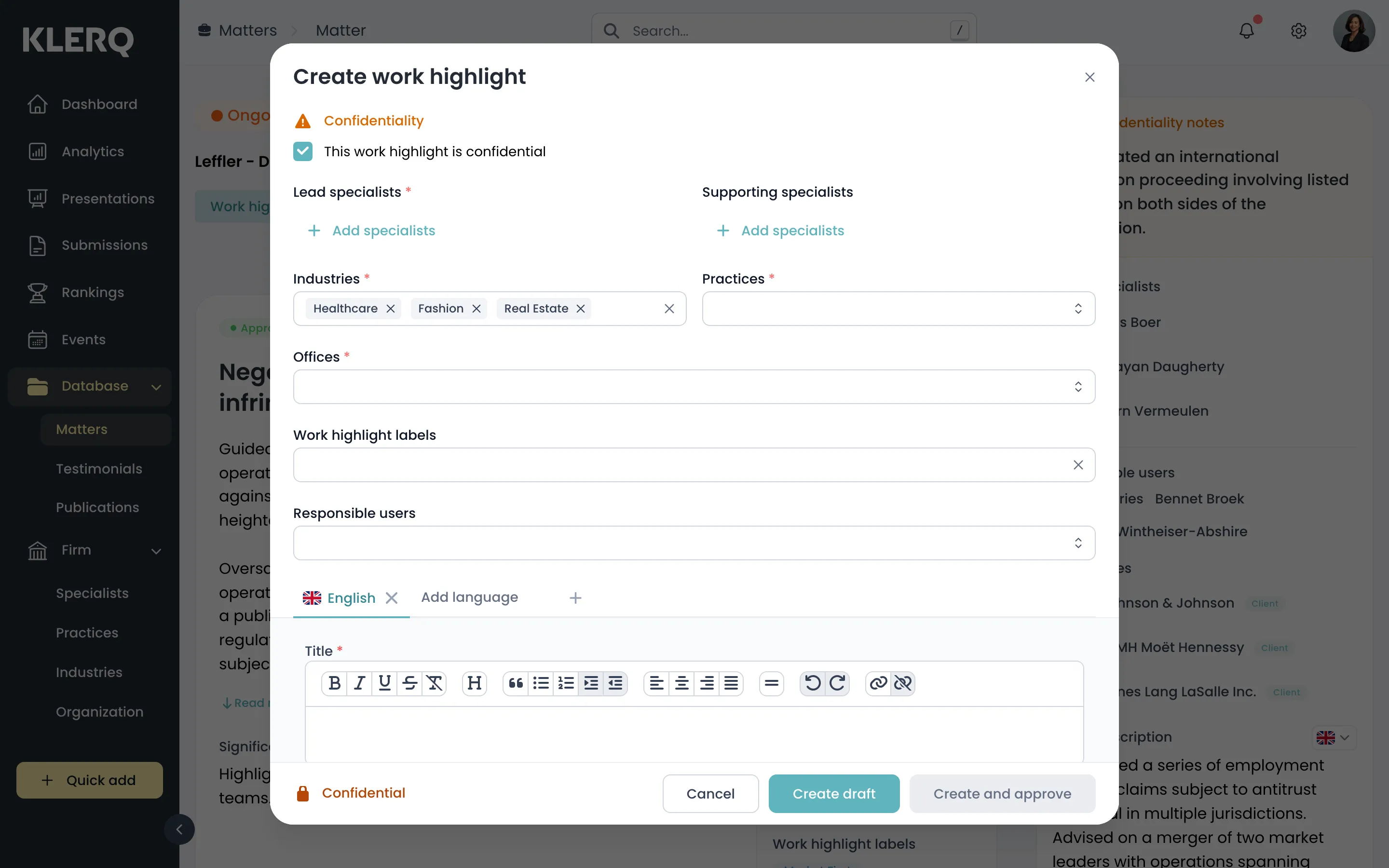
Add a work highlight
What a work highlight is
Section titled “What a work highlight is”A matter is the container; a work highlight is the individually describable piece of work inside it. Highlights are what a directory submission actually quotes — the matter provides the client, value and dates, the highlight provides the copy.
One matter can carry several highlights. A long-running relationship might yield one per transaction, each submittable to a different directory or year.
Why they are written separately
Section titled “Why they are written separately”Directories do not want your matter list. They want a few hundred words on why a specific piece of work was difficult, novel or significant, and who did it. That is a different kind of writing from a matter record, and it is far better done while the work is fresh.
Highlights also carry their own approval, because what goes to a directory usually needs a partner’s sign-off — which is a slower process than writing.
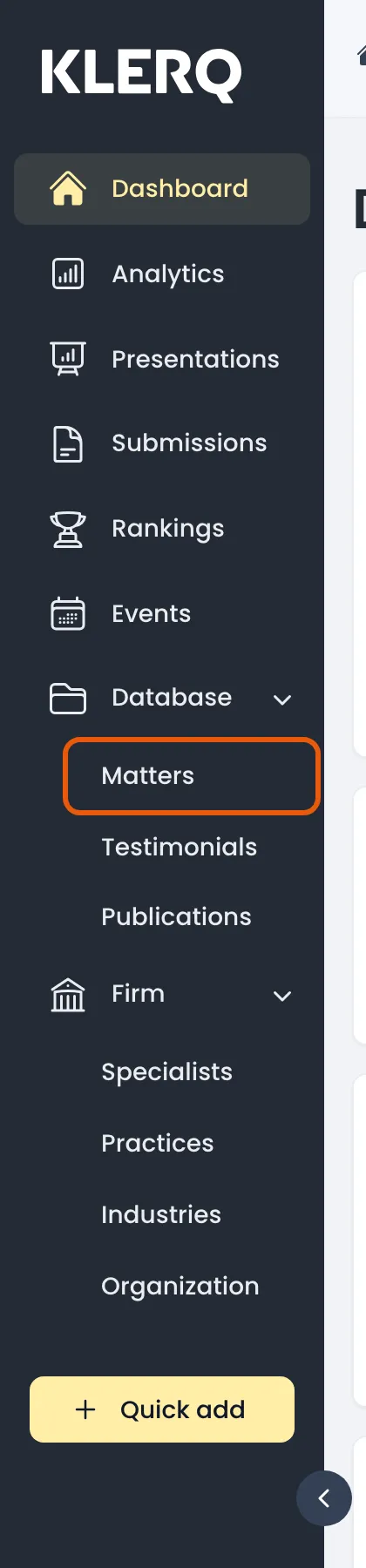
- In the left menu bar, click matters under the Database heading.
- Open the record you want to work with.

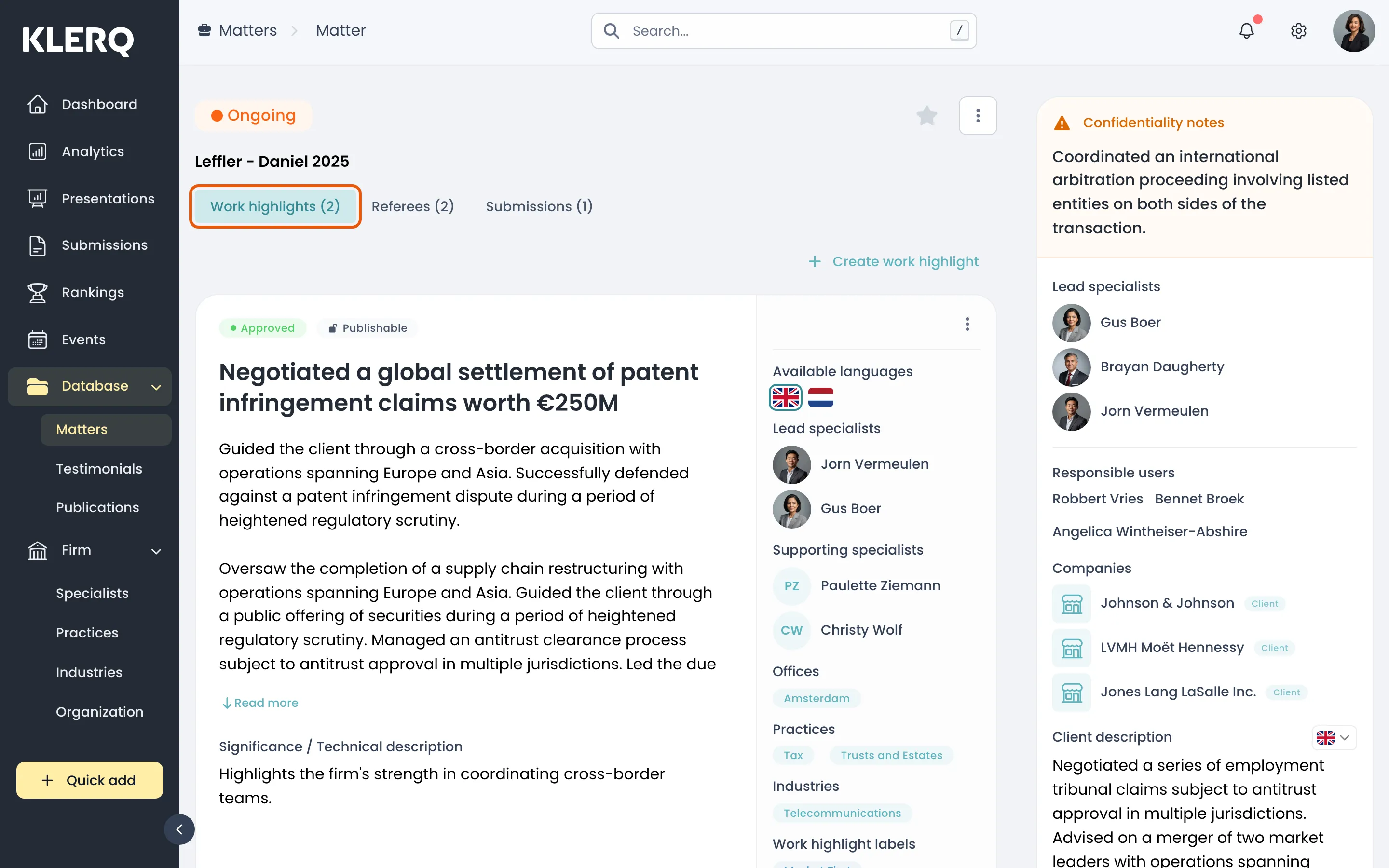
- On the matter, open the Work highlights tab.
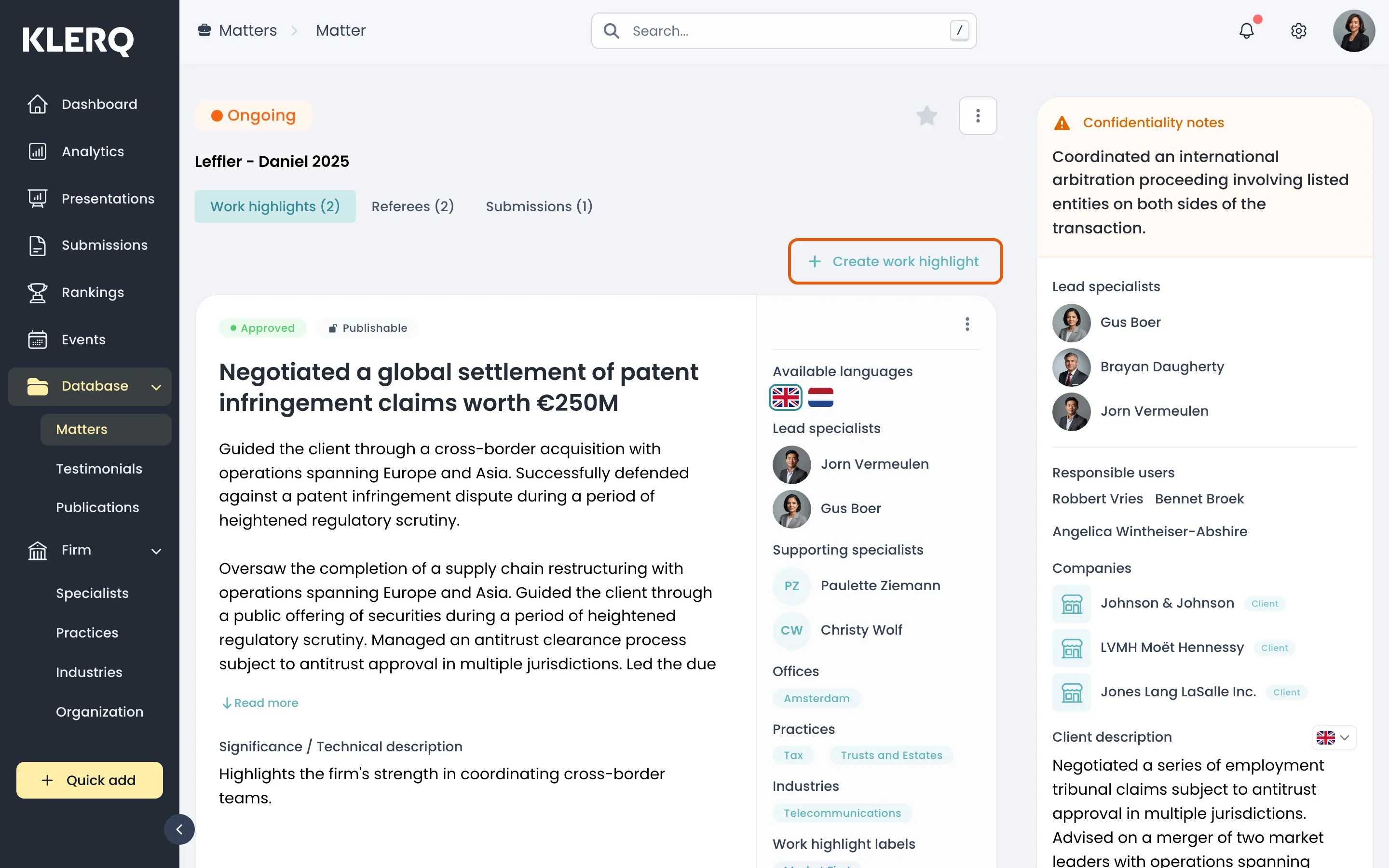
- Click Create work highlight.
- Describe the work — what was at stake, what made it difficult, and who did it — then save.