Archive a publication
Overview
Section titled “Overview”Archiving hides a publication from the default list and from pickers, so it stops appearing when people create new records. Nothing is deleted — existing work that references it keeps working exactly as before.
It is reversible: archived records are on the Archived tab of the Publications page.
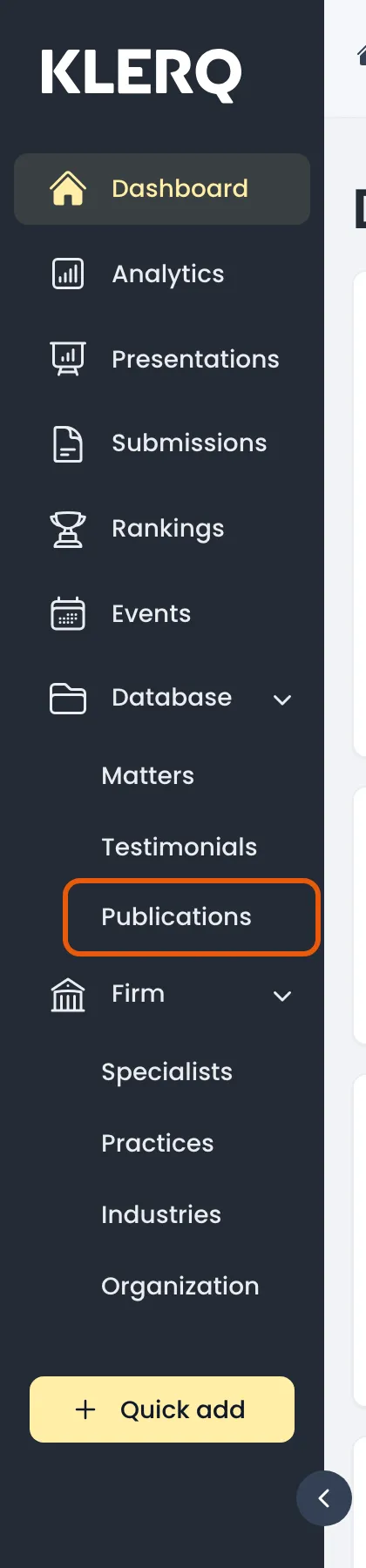
- In the left menu bar, click publications under the Database heading.
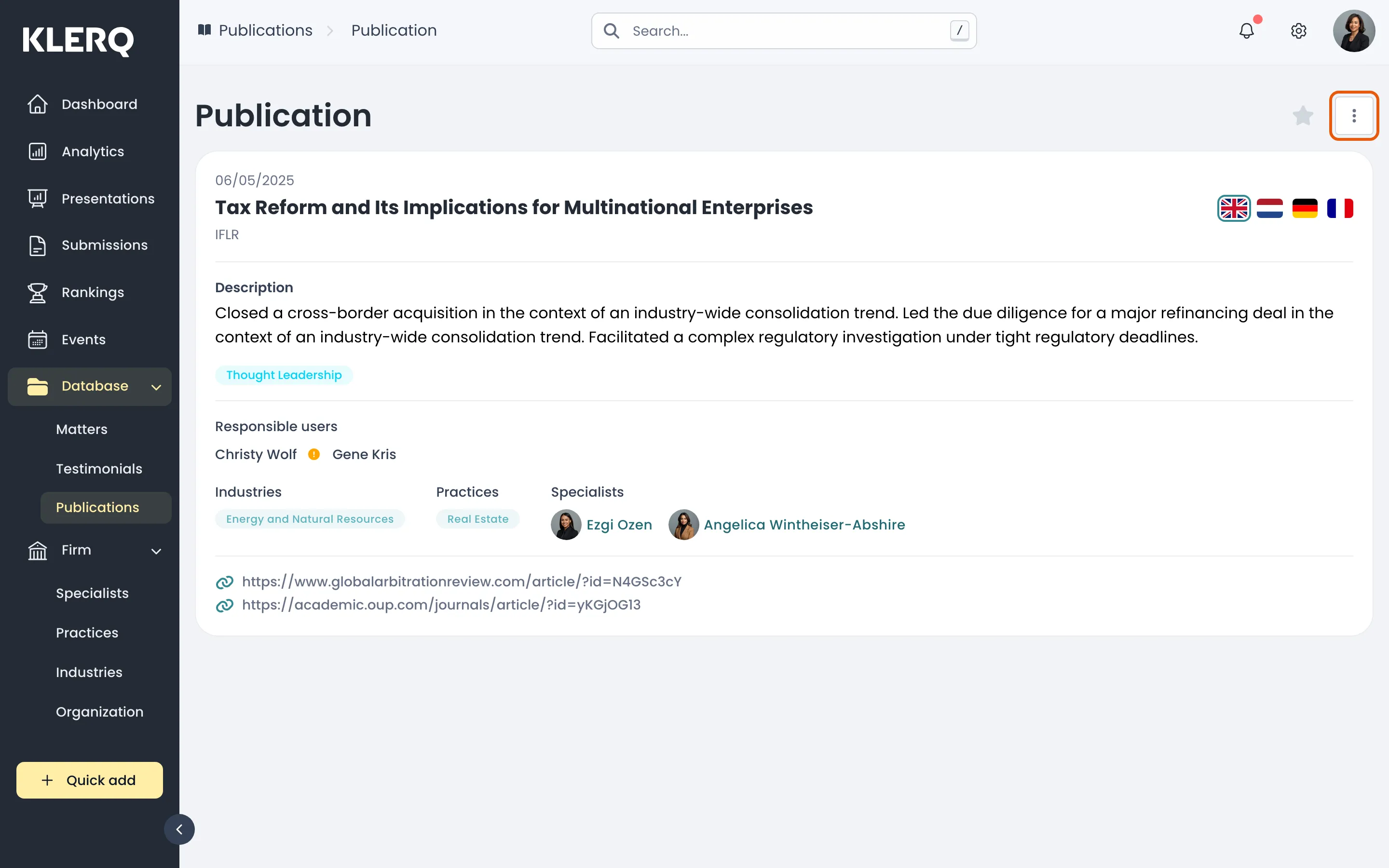
- Click the record you want to work with to open its panel.

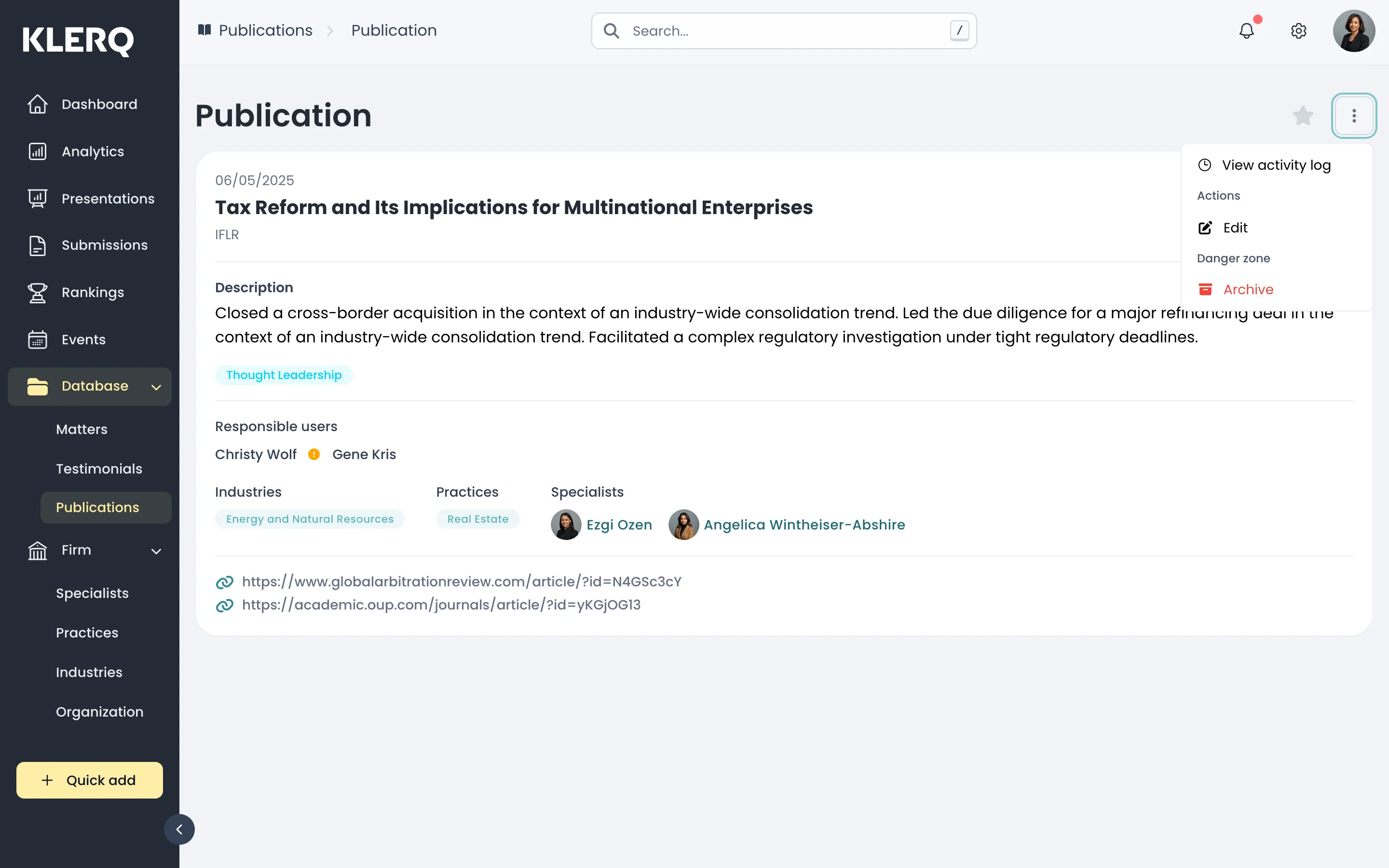
- Click the ⋮ menu and choose Archive, under Danger zone.
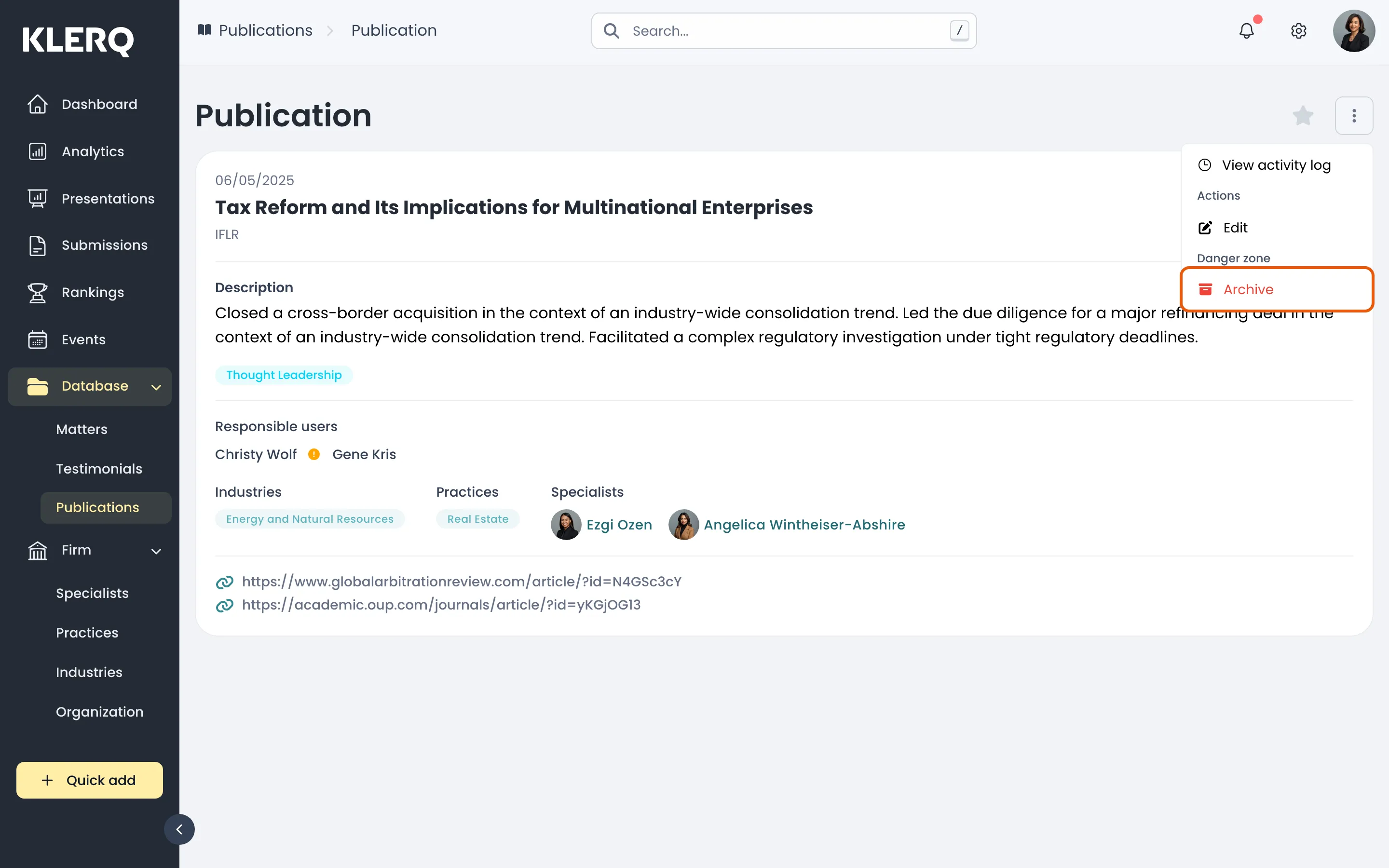
- Confirm. The publication disappears from the default list and can be found again on the Archived tab.