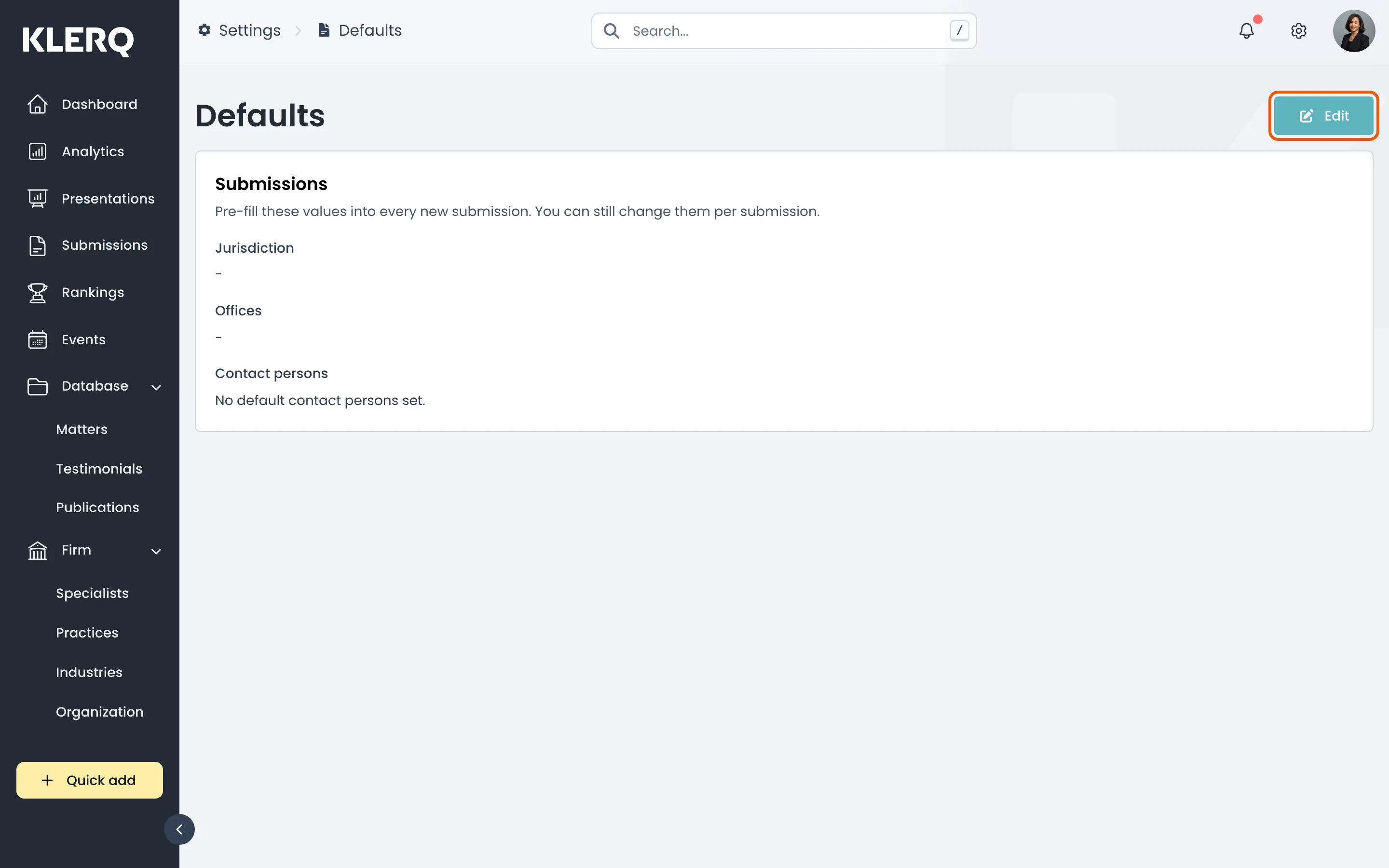
Default values
Overview
Section titled “Overview”Defaults are what KLERQ pre-fills when someone creates a new record. Setting them well removes a handful of decisions from every matter and submission, which adds up quickly across a firm.
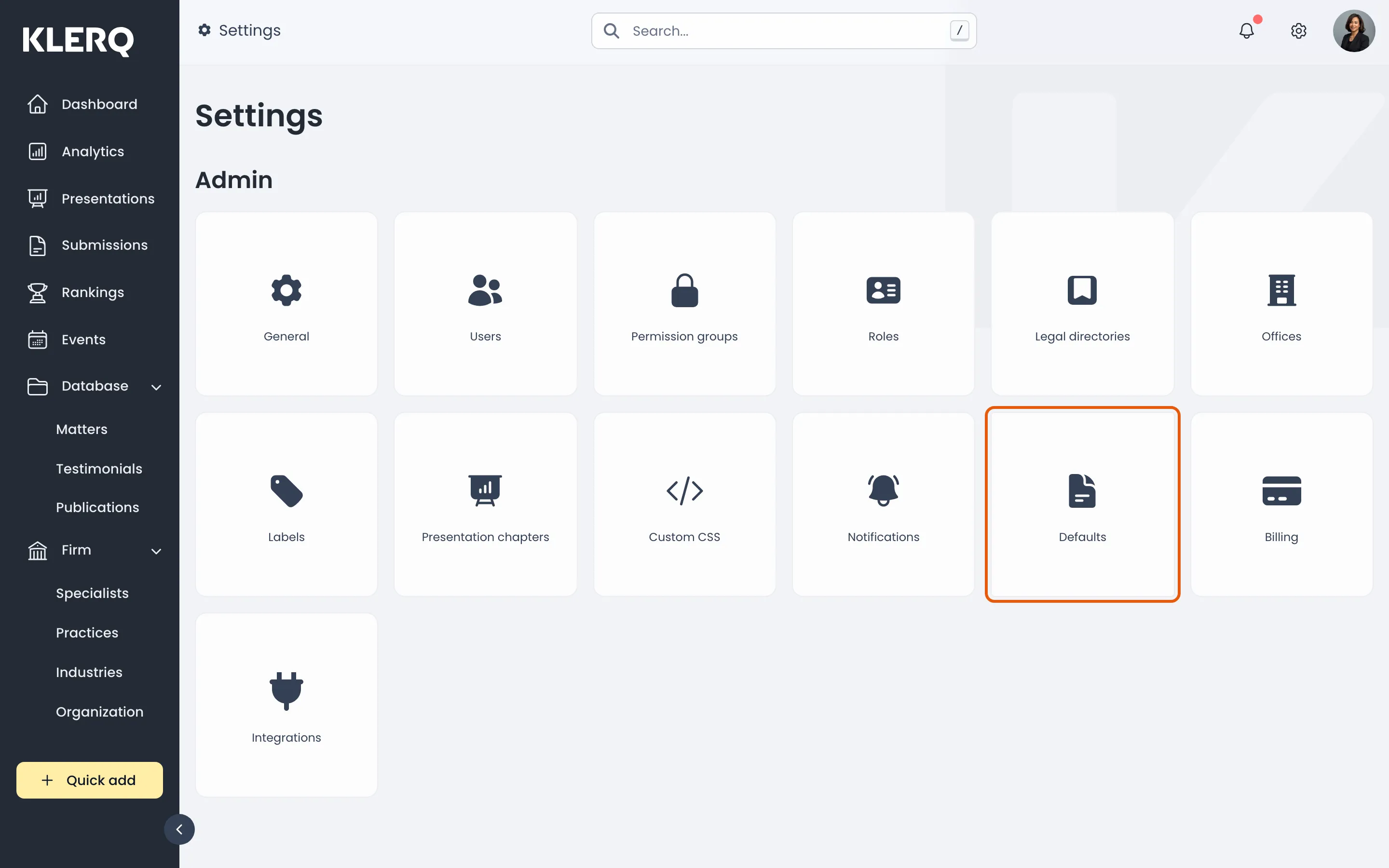
- Click the gear icon in the top bar to open Settings.

- On the Settings page, choose Defaults.
- The Default values page.
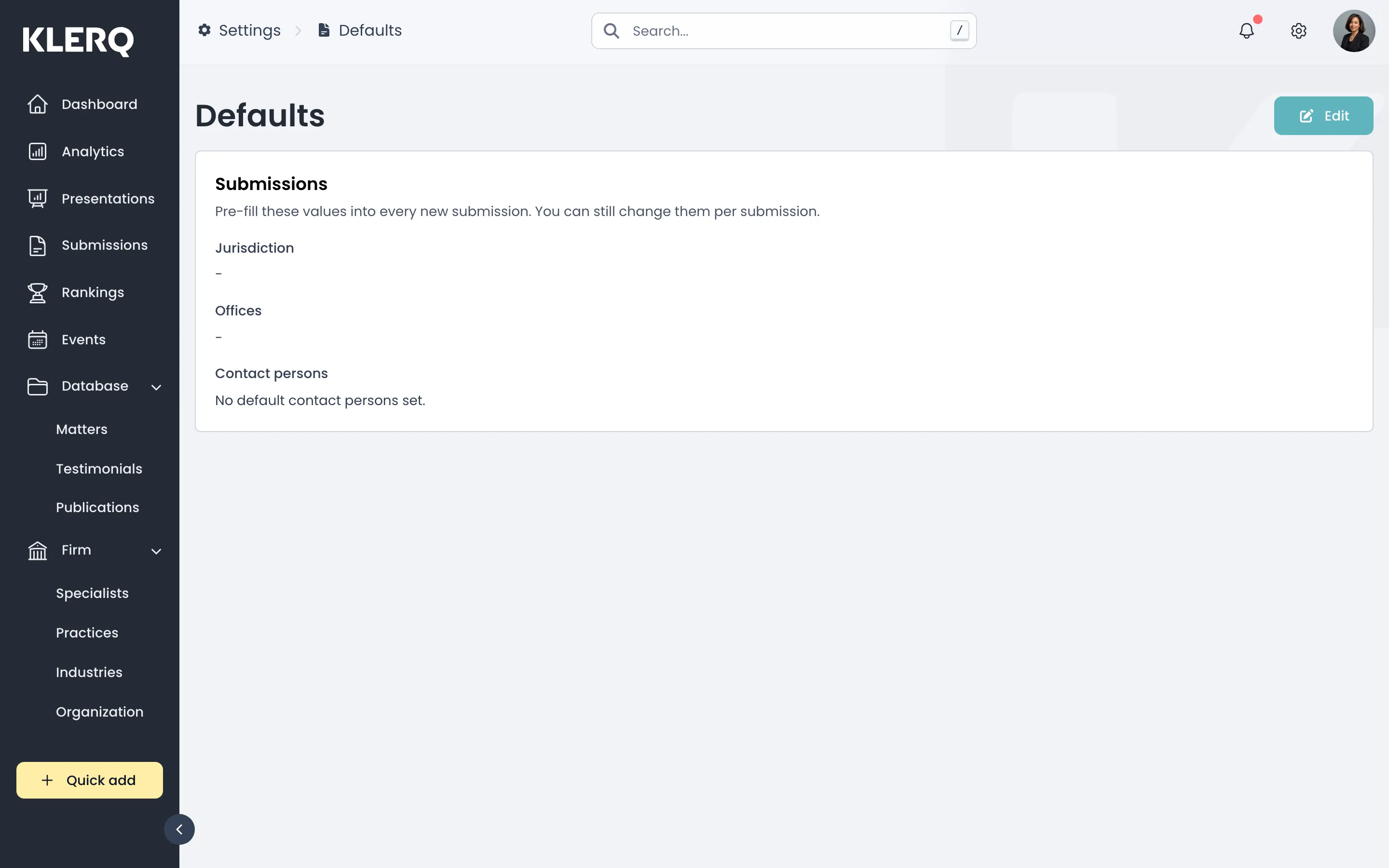
- Click Edit to change the defaults.