Add a description
What a description is
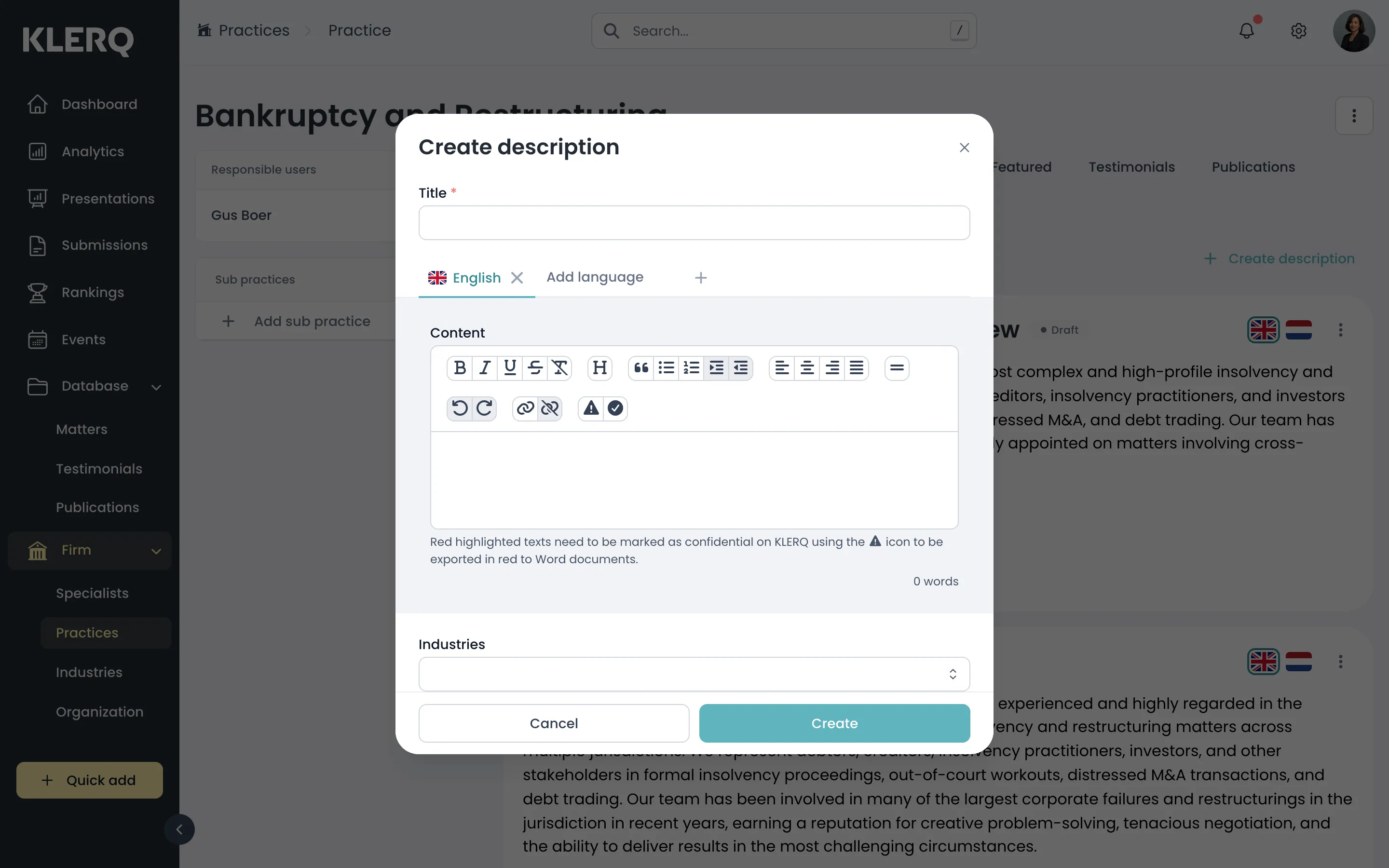
Section titled “What a description is”A practice description is the long-form text that explains what your firm does in that area. It appears on presentations and is used in directory submissions, so it is client-facing writing rather than an internal note.
Descriptions are written per language. Which one appears depends on the language of the presentation or submission using it, so a firm working in two languages needs both.
Why they are approved separately
Section titled “Why they are approved separately”A description goes to clients and directories under your firm’s name, so it carries the same approval step as bios and work highlights. Until approved it stays in draft and will not appear on client-facing material.
- In the left menu bar, click practices under the Firm heading.

- Open the record you want to work with.

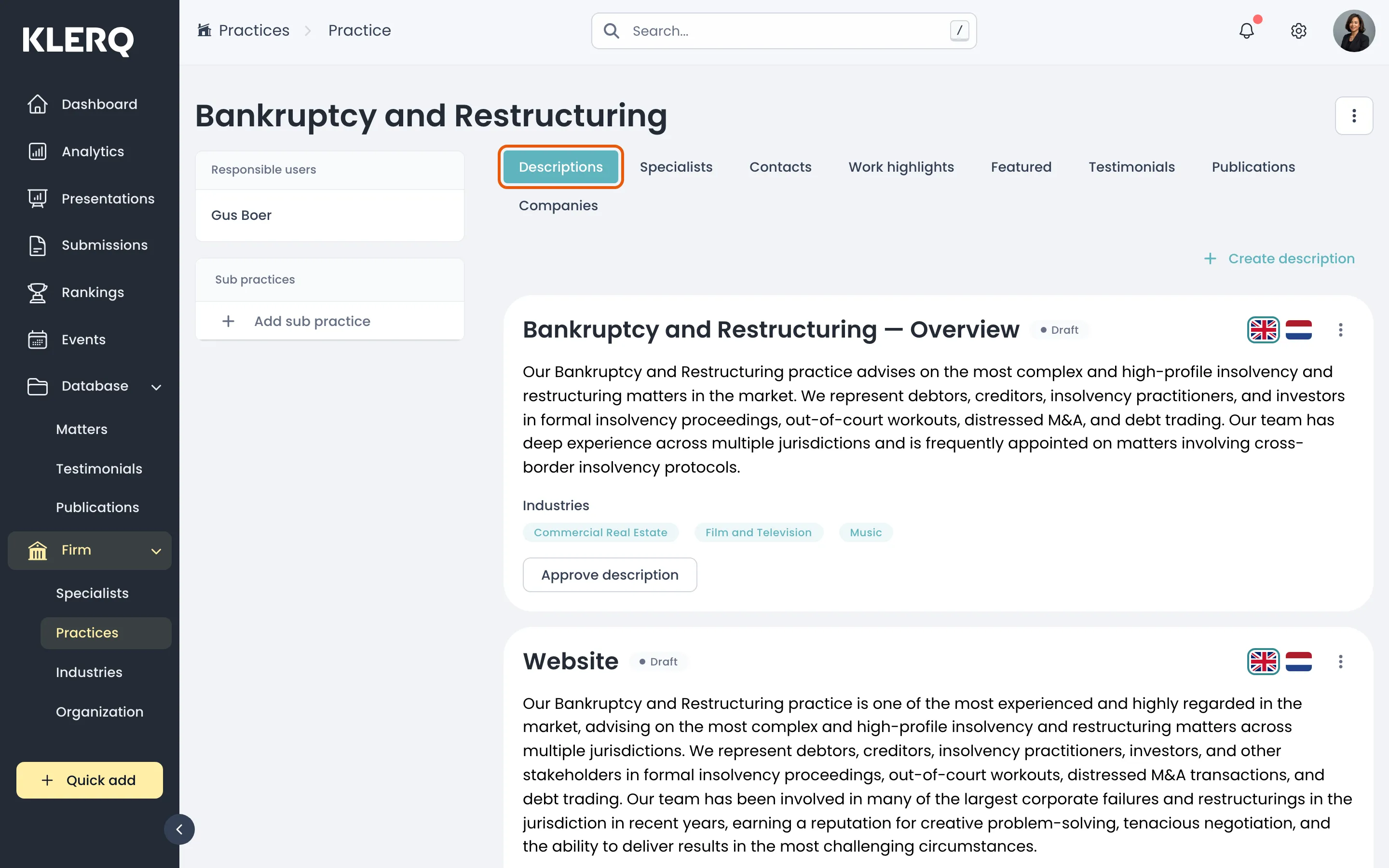
- On the practice, open the Descriptions tab.
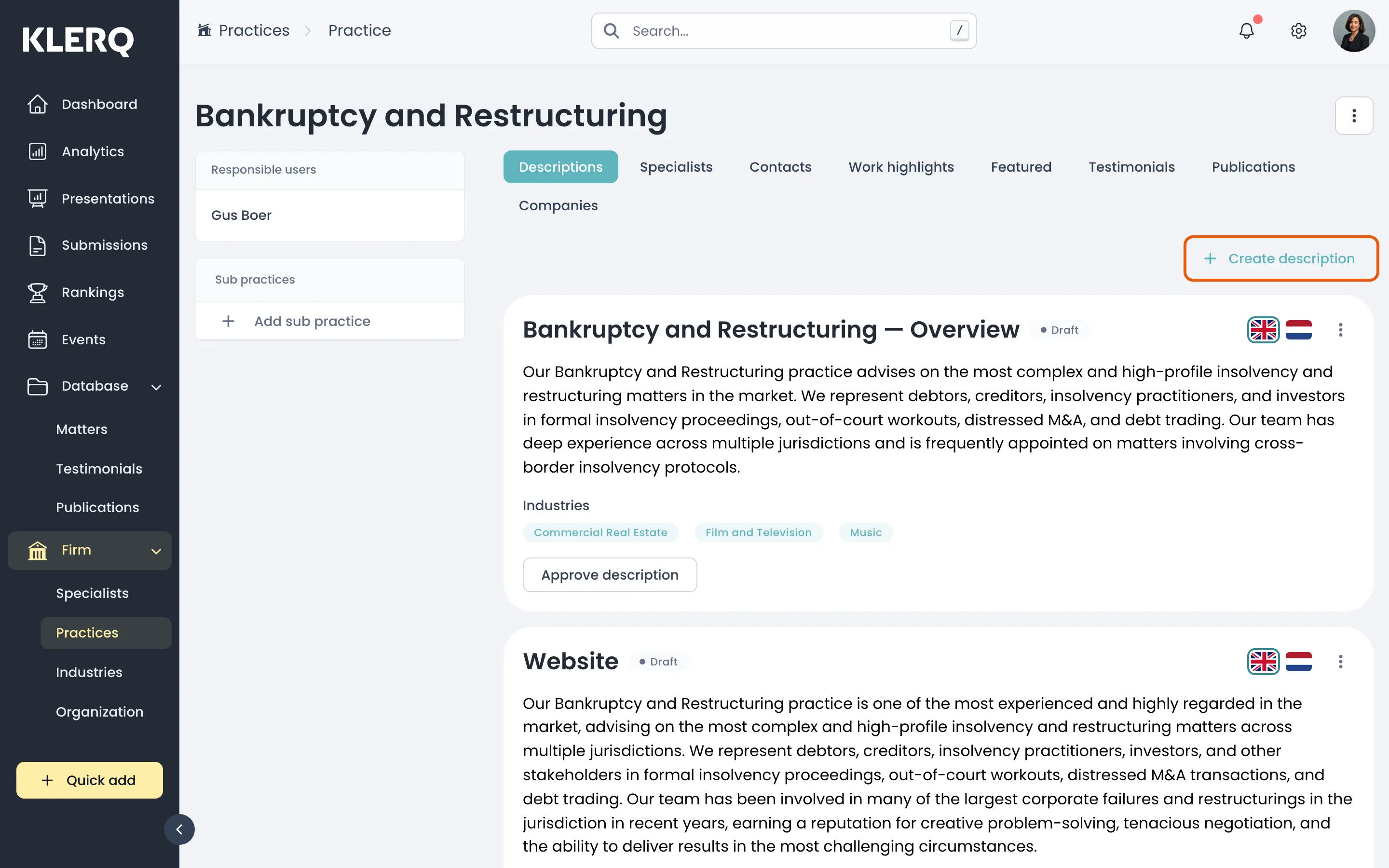
- Click Create description.
- Choose the language, write the text, and save. It stays in draft until approved.