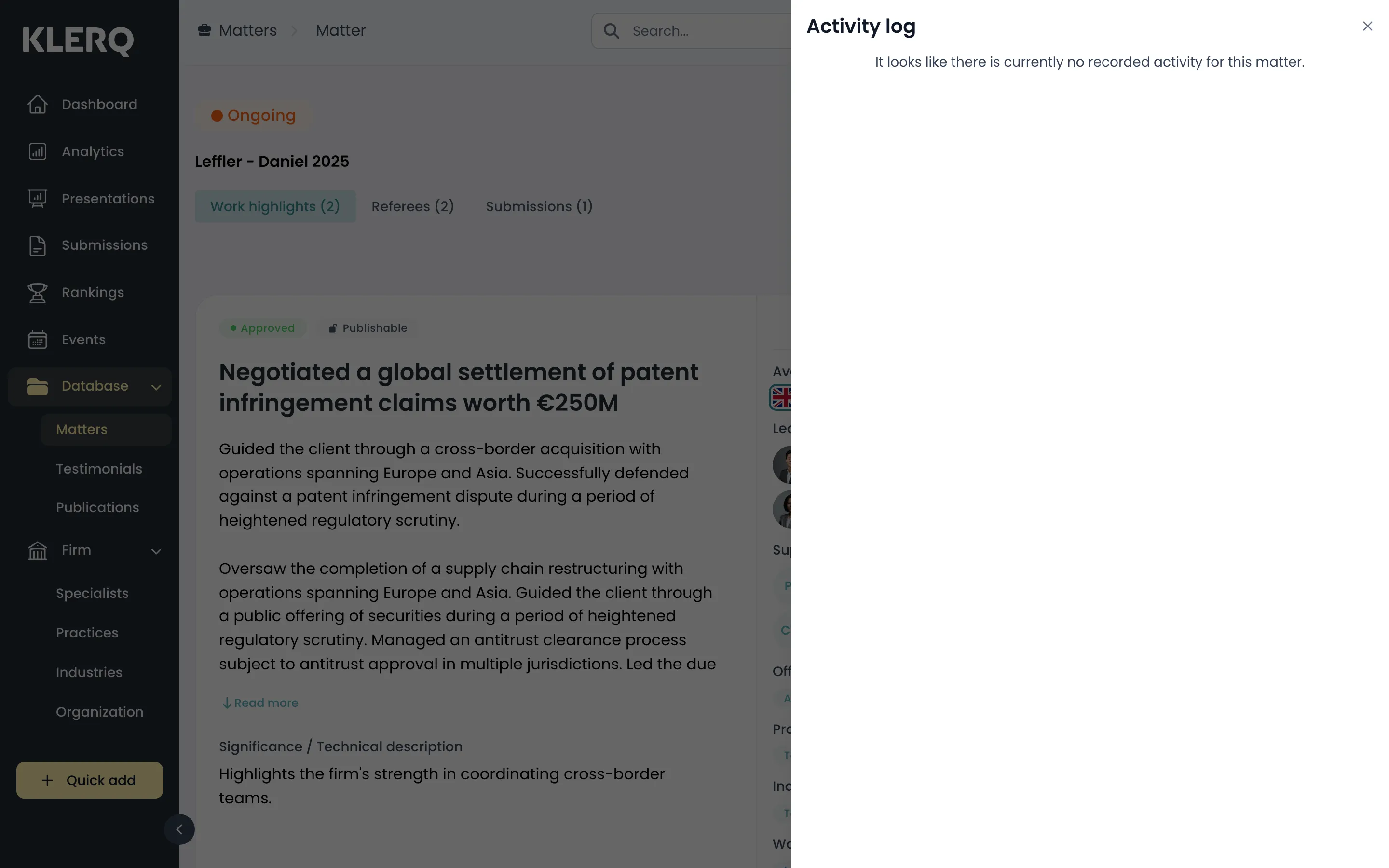
View a matter's history
Overview
Section titled “Overview”Every change to a matter is recorded — who made it, what changed and when. The activity log is the quickest way to answer “who updated this, and why does it look different from last week?”
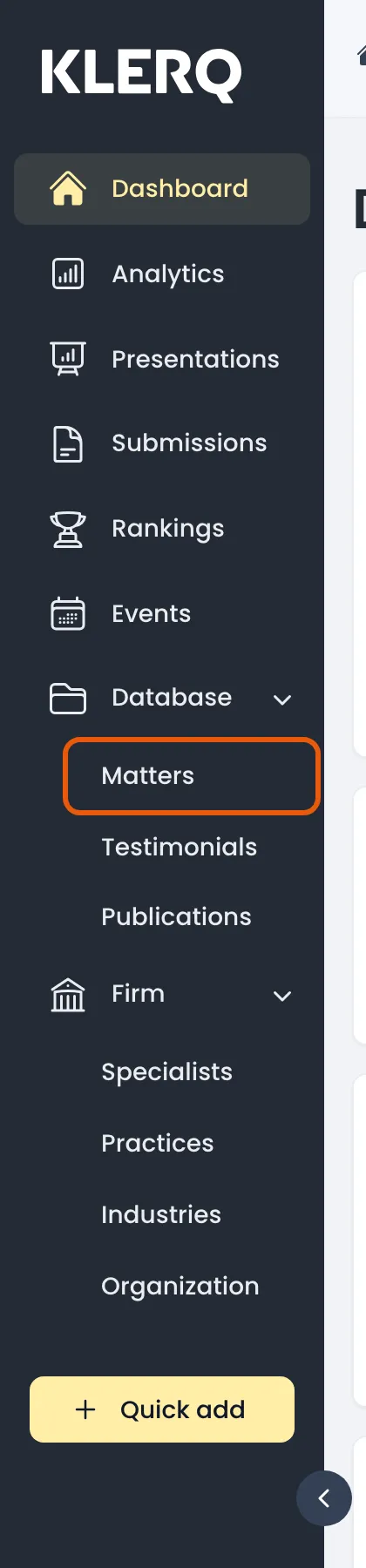
- In the left menu bar, click matters under the Database heading.
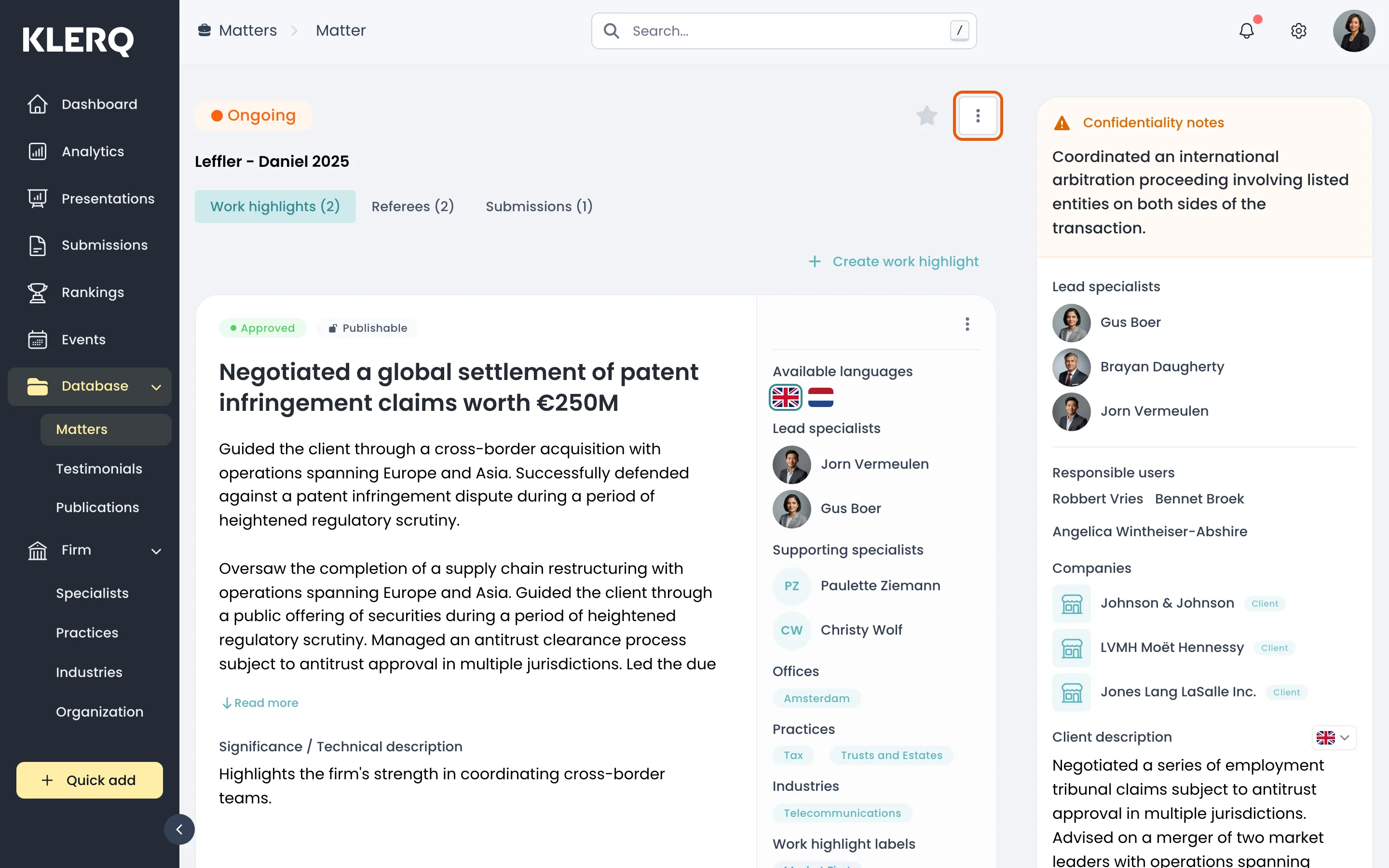
- Click the record you want to work with to open its panel.

- Click the ⋮ menu and choose View activity log.
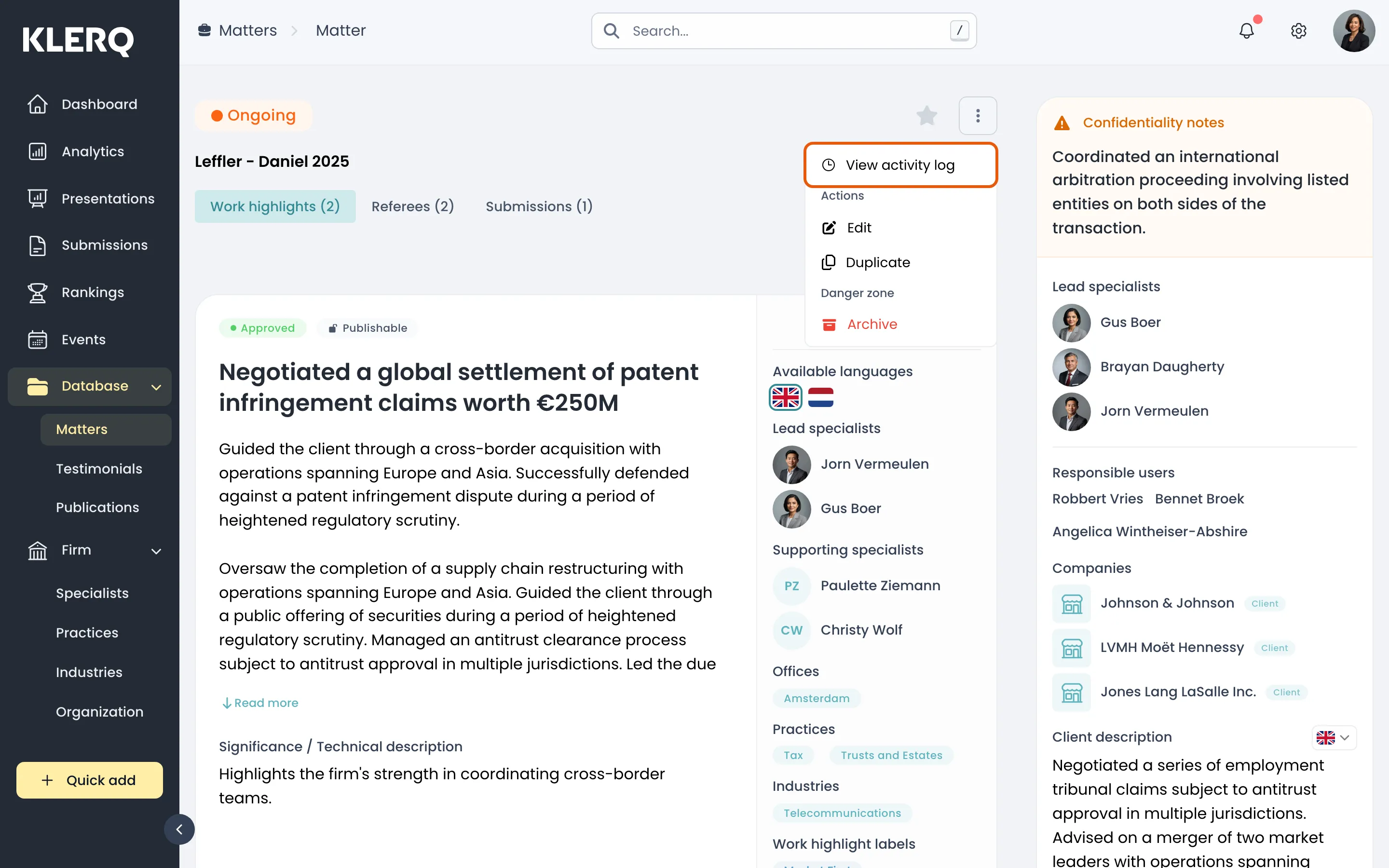
- The log lists each change, newest first, with the person who made it.