Add a bio
What a bio is
Section titled “What a bio is”A bio is a specialist’s written profile — the paragraphs a client reads on a pitch and a directory reads on a submission. It is held separately from the specialist’s other details because it is translated, versioned and approved.
A specialist can have more than one bio, in more than one language. Which one appears depends on the language of the presentation or submission using it.
Why bios are approved
Section titled “Why bios are approved”A bio goes out under the firm’s name and makes claims about an individual’s expertise. Like work highlights, it carries an approval step so that what reaches a client has been read by someone other than its author.
An unapproved bio stays in draft and will not appear on client-facing material — which is the usual explanation when a colleague’s bio is “missing” from a pitch.
- In the left menu bar, click specialists under the Firm heading.

- Open the record you want to work with.

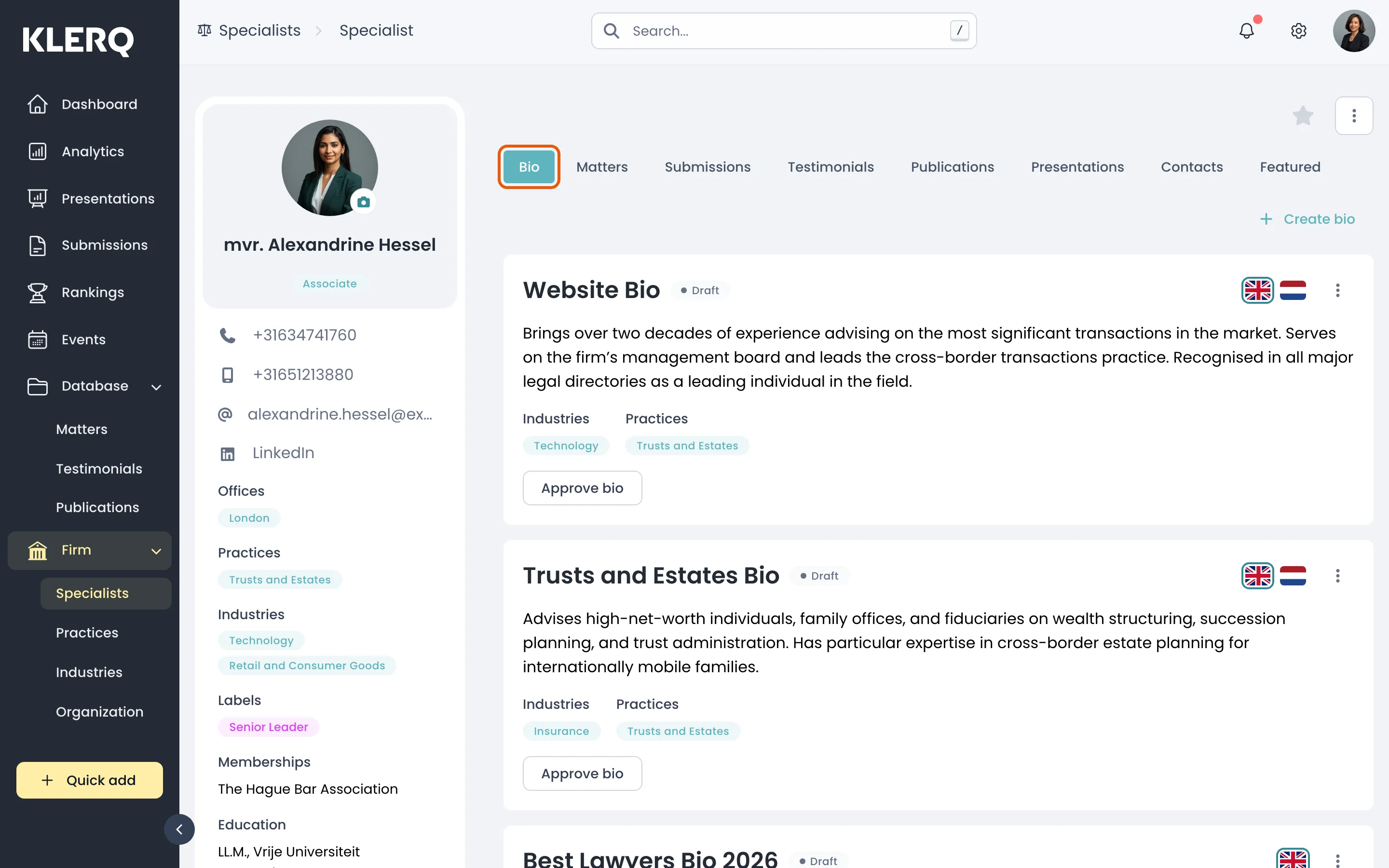
- On the specialist, open the Bio tab.
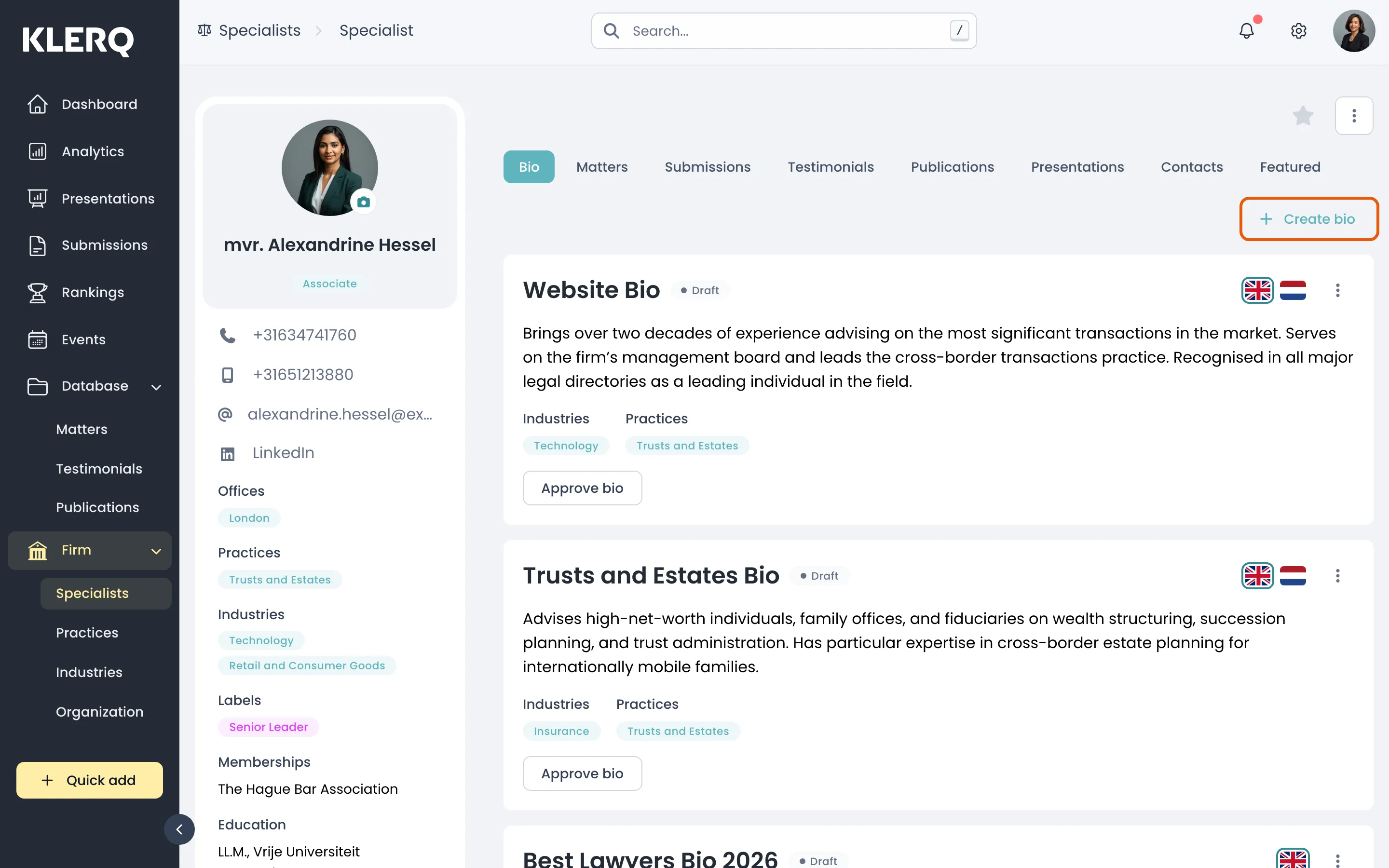
- Click Create bio.
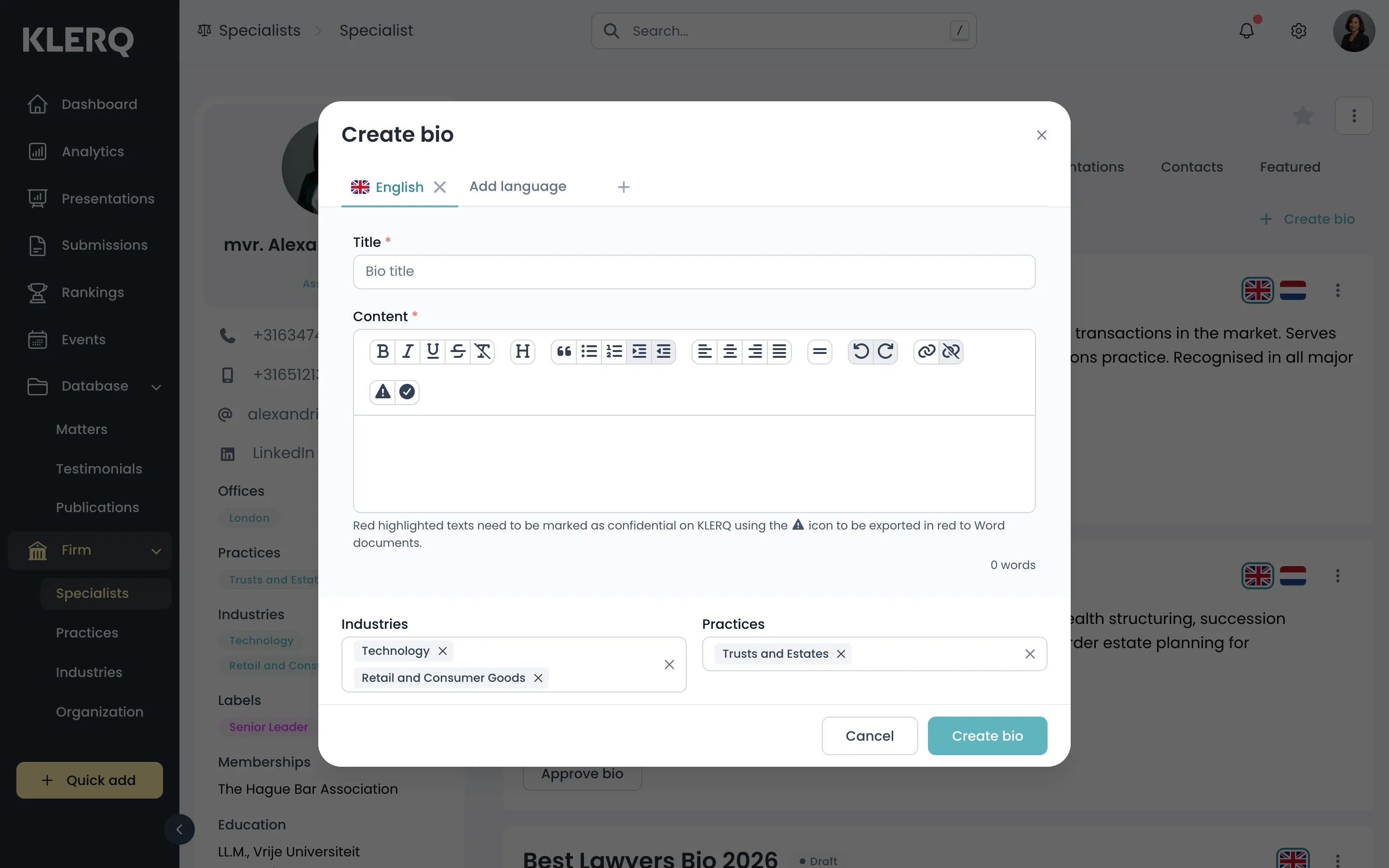
- Write the biography, choose its language, and save. It stays in draft until approved.