Add a role
Before you start
Section titled “Before you start”Read about roles for what this is, how it connects to the rest of KLERQ, and the conventions worth following.
- Click the gear icon in the top bar to open Settings.

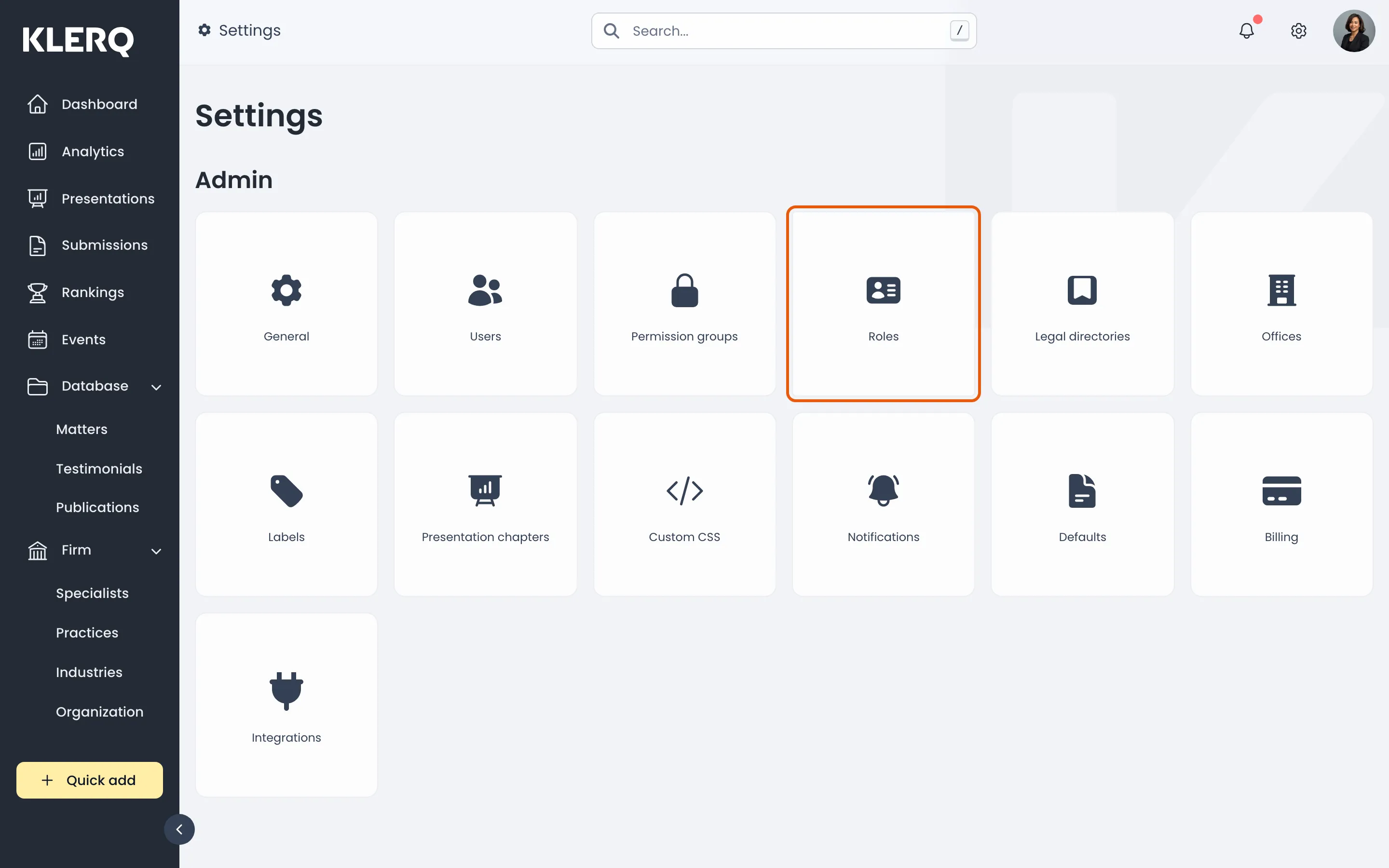
- On the Settings page, choose Roles.
- Click Create role in the top-right corner of the Roles page.

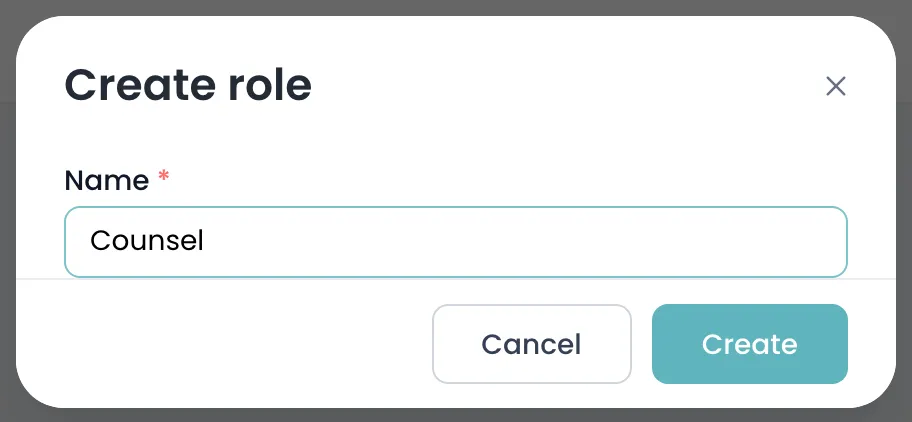
- Enter the role Name, such as Partner or Associate.
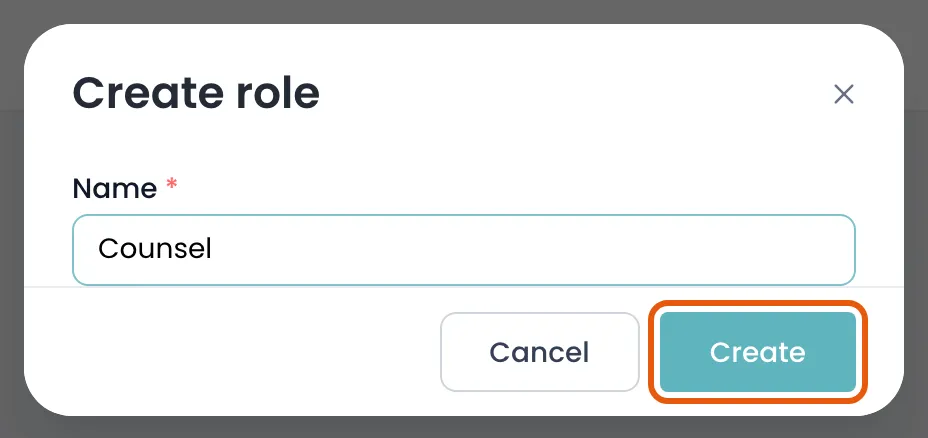
- Click Create to save the role.
Field reference
Section titled “Field reference”| Field | Type | Required | Description |
|---|---|---|---|
| Name | Text | Yes | The role as it should appear on specialist profiles and directory submissions, for example Partner or Associate. |
| Sequence | Number | No | Where the role sits in the list. Set by dragging rows; put them in seniority order. |