Edit a presentation
How editing works
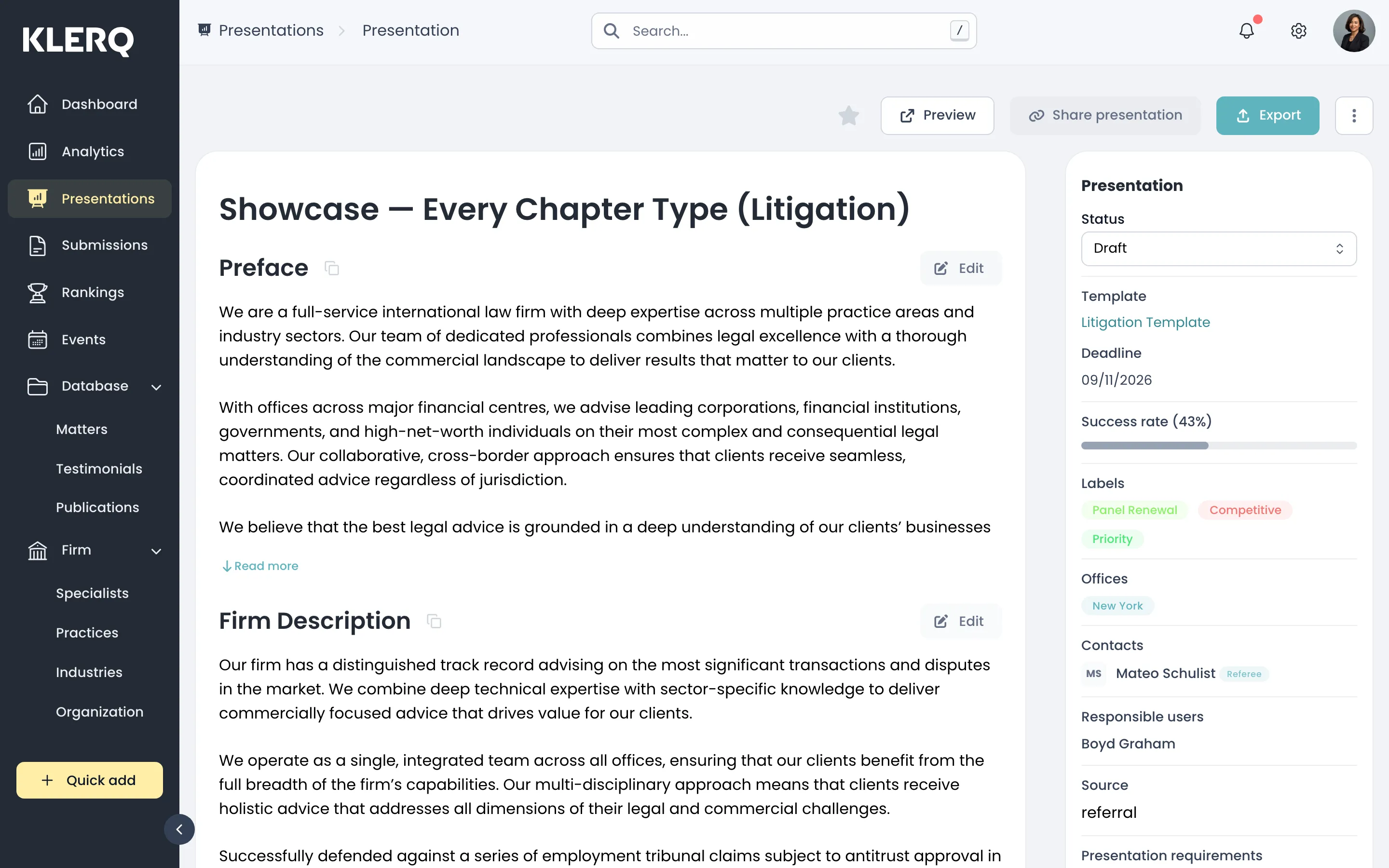
Section titled “How editing works”A presentation is edited chapter by chapter rather than as one long form. Each chapter on the presentation page links straight into the builder at that chapter, so you can change the pricing without paging through the credentials.
Edits are live. If the presentation has already been shared, the client sees the change the next time they open the link — there is no separate publish step.
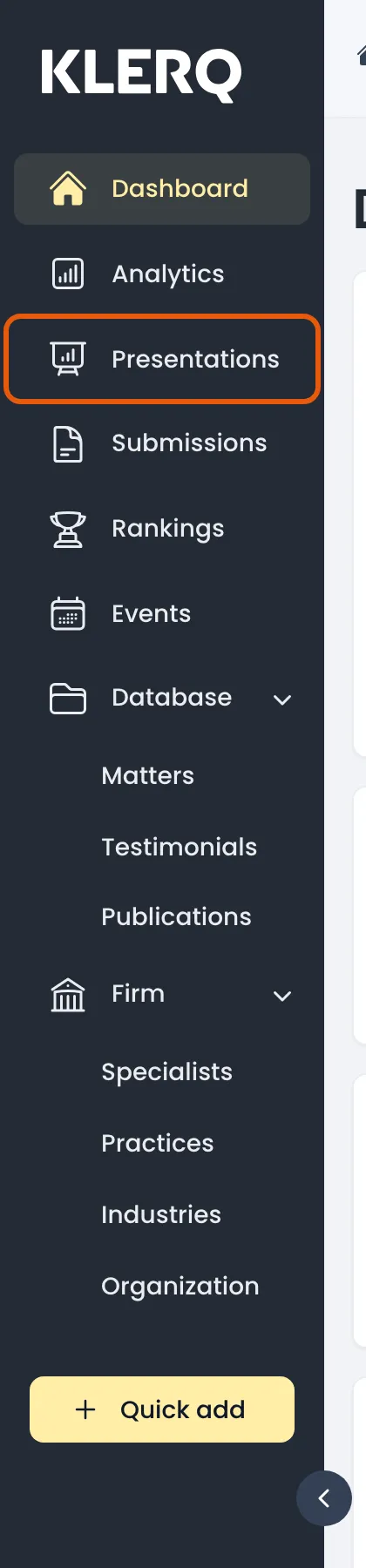
- In the left menu bar, click Presentations.
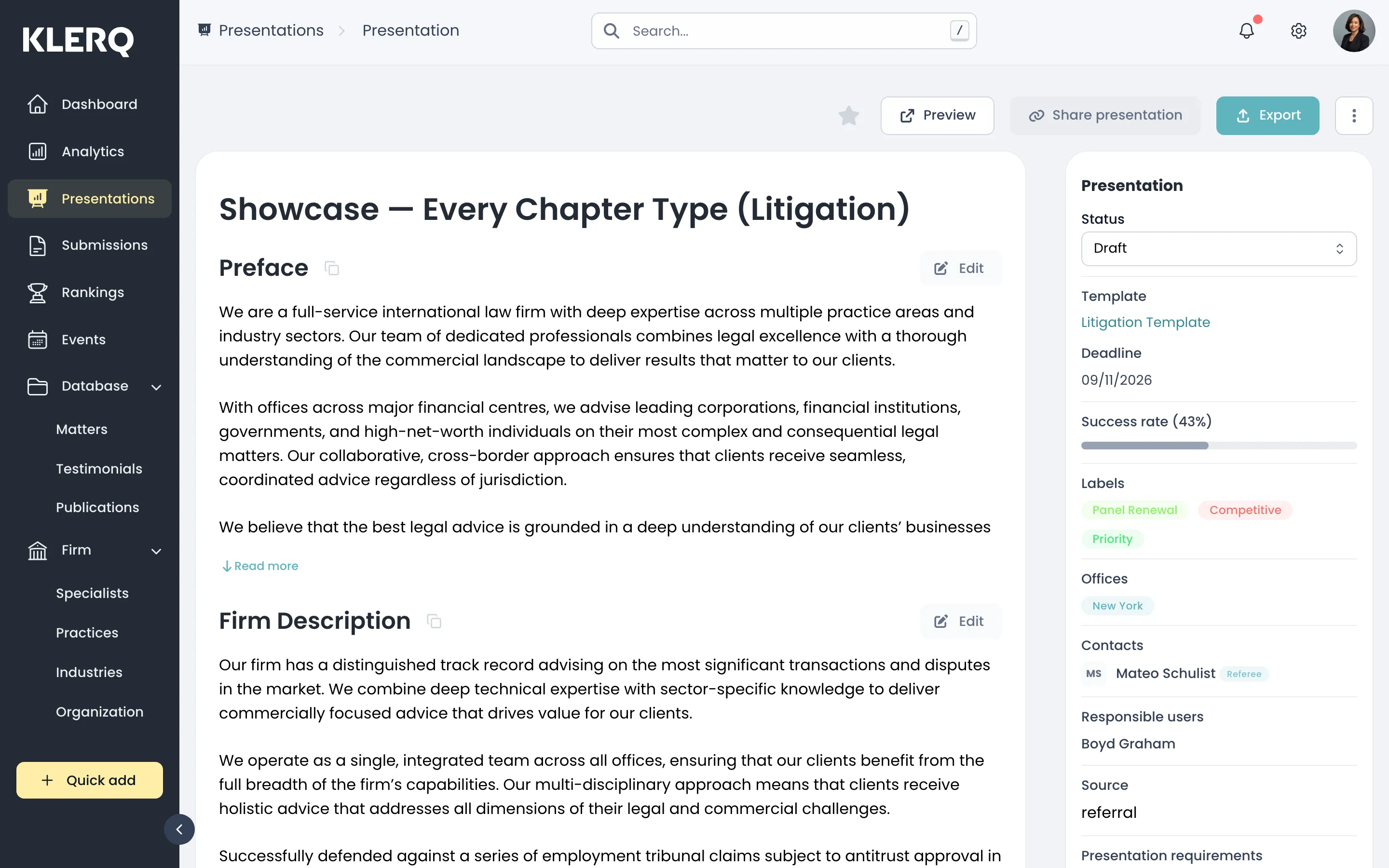
- Open the presentation you want to change.
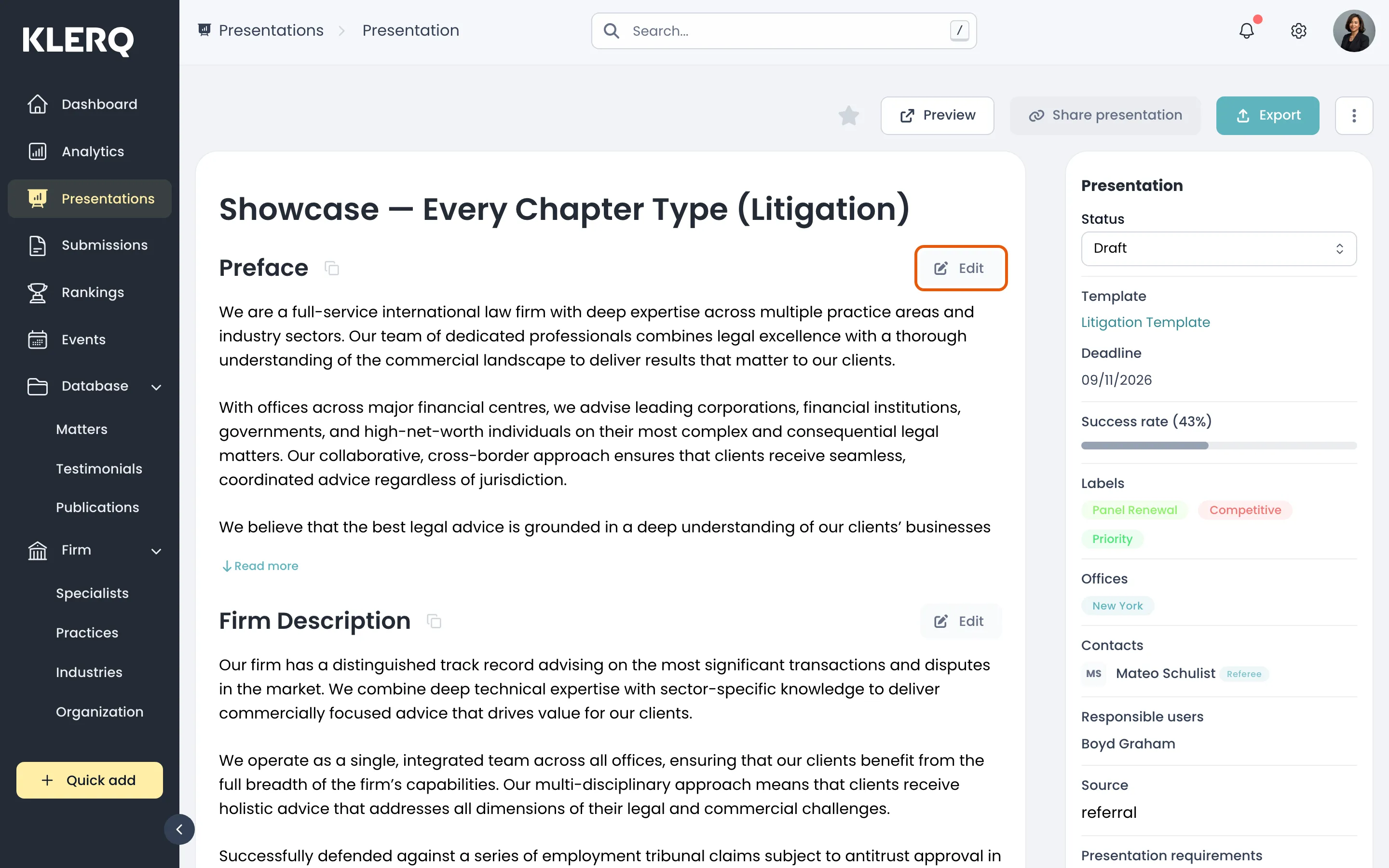
- Each chapter links into the builder at that chapter. Click the one you want to change.
- Make the change and save. The shared link updates immediately.